


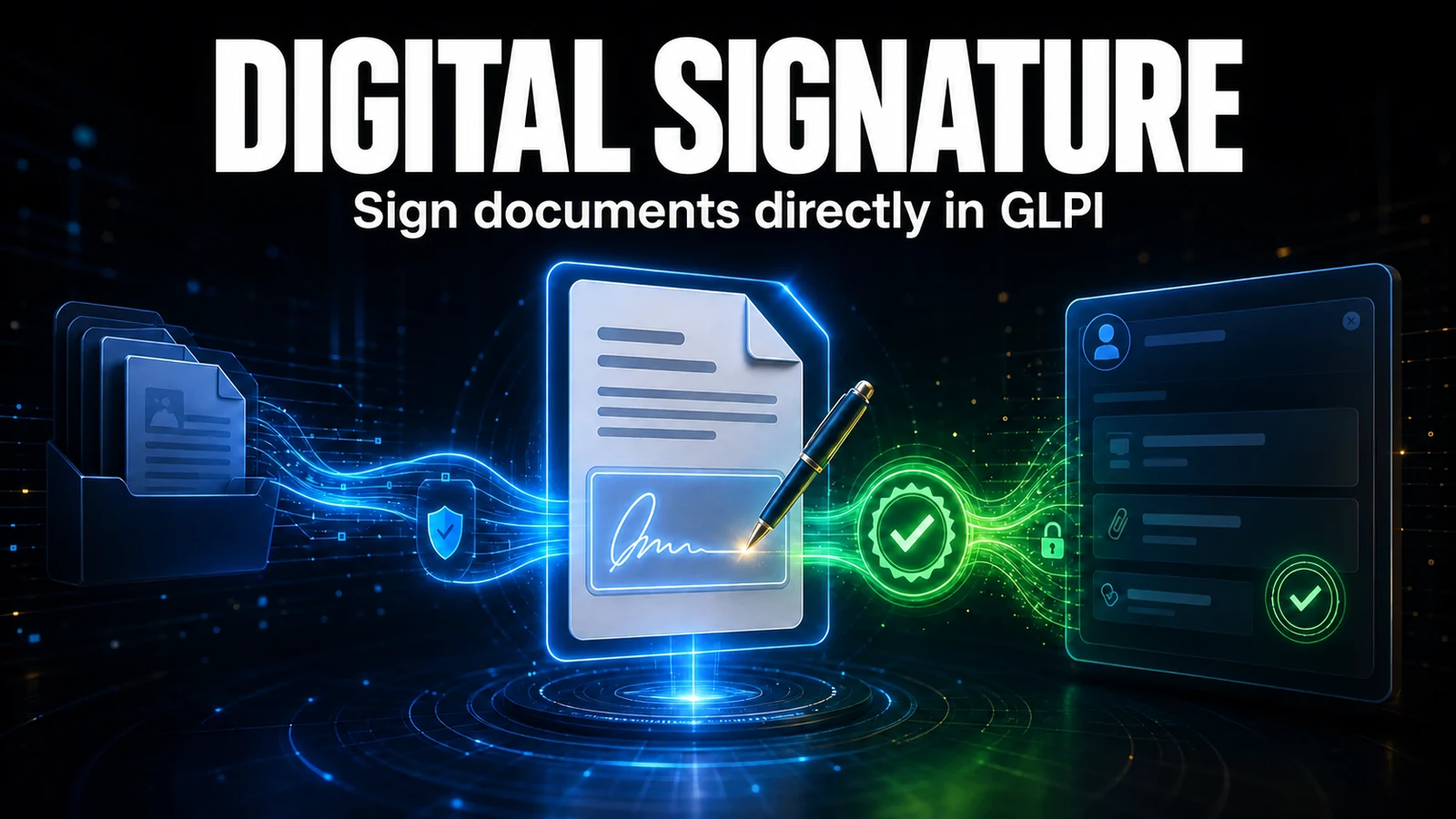
The document is born in the ticket — the signature should not leave it. Laptop handover forms, quote approvals, internal policy acknowledgements: GLPI already holds the whole context. The Digital Signature module collects the signature through the provider your company already uses: DocuSeal, Autentique, DocuSign or TOTVS Assinatura Eletrônica.
Update: this article was published in September 2026 covering DocuSeal only. In October 2026 it was rewritten for version 2.0 of the module, which is now purchased per provider and added the signing link over WhatsApp and bulk sending.
The problem
The typical cycle goes like this: the technician generates the document, downloads the file, attaches it to an e-mail, sends it to the requester, waits, follows up, receives the signed PDF back and — if they remember — attaches it to the ticket.
Every manual step is a chance to lose something. The signed document ends up in someone's inbox instead of the system; nobody knows who has signed without opening the e-mail thread; and the audit, months later, cannot find the evidence where it should be.
One module, four providers
The Digital Signature module talks to four electronic signature services. The sending screen is the same; what changes is where the document comes from, where the signed PDF is kept and what each provider requires on your side:
| Item | DocuSeal | Autentique | DocuSign | TOTVS Assinatura Eletrônica |
|---|---|---|---|---|
| Where it runs | On your own server (open source) | Cloud | Cloud | Cloud |
| Where the document comes from | DocuSeal's own templates | Company Word template, attachment, service order or PDF | Company Word template, attachment, service order or PDF | Company Word template, attachment, service order or PDF |
| Signed PDF | Kept in the DocuSeal dashboard, opened from the record in GLPI | Comes back to GLPI | Comes back to GLPI, with the certificate of completion | Comes back to GLPI |
| Link over WhatsApp | Yes | Yes | No: the invitation goes by DocuSign e-mail | Yes |
| Bulk sending | No | Yes | No | Yes |
| What it requires on your side | A DocuSeal instance that GLPI can reach | API token and webhook secret | An integration app in the DocuSign account | Profissional plan (API and webhook) |
With all four, tracking is per signer, with the status updated by the provider's notification; DocuSign and TOTVS are also polled periodically, so nothing depends on the notification alone. The Autentique details, such as roles, signing order and the webhook pitfalls, are in the article Digital document signing in GLPI with Autentique.

Purchasing by provider
Since version 2.0 you purchase the provider, not the module: each provider is a product of its own (Digital Signature DocuSeal, Autentique, DocuSign or TOTVS TAE), and any of them already delivers the module. Prices are in the customer area of the portal.
- Only the purchased one sends. The purchased provider appears in Sign via and makes new submissions. The others appear in Integrations as Not subscribed, with the Subscribe button, and their configuration is kept.
- Nothing is lost. Documents already sent through a provider keep being tracked even without it purchased: notifications, Update status, cancel, copy the link and open the signed PDF.
- More than one provider. With two or more purchased, the choice is made on every send, with an optional default provider.
Each provider also has its own plan. For TOTVS, the API for integrations and the webhook are only in the Profissional plan, according to the feature table on the TOTVS pricing page; on the Lite and Essencial plans the integration does not work.
How it works day to day
- Documents from 19 item types — ticket, change, project, contract, supplier, user, computer and the other assets. The signed PDF comes back to the ticket and to every linked item, such as the computer in the handover form and the record of whoever signed.
- Company templates made in Word — you write the tags (
{glpi_user},{glpi_computer_serial}and others) in the document, save it as PDF and register it; when sending, the module writes the GLPI data in place of each tag. Two example templates come preinstalled: an equipment handover term and a corporate policy acceptance term. This applies to Autentique, DocuSign and TOTVS; in DocuSeal, the templates are DocuSeal's own. - Service order for signature — with the Order Service module, the ticket's service order can also go to the provider (see how to generate the service order as a PDF in the ticket).
- GLPI signers, by group or external — pick a GLPI user, a whole group or an outside e-mail address. Signers who are GLPI users see the document on their own record.
- Per-signer tracking — who has signed and who is pending, with invitation resend and submission cancellation, depending on the provider.


Signing link over WhatsApp
When the e-mail invitation gets forgotten in the inbox, WhatsApp usually solves it. Each pending signer gets a button that opens WhatsApp for whoever clicked, with the message and the signing link ready. If the signer is a GLPI user with a mobile (or phone) number on file, the chat opens already addressed to them; otherwise, you choose the contact.
The send is logged in the document history, because the link gives access to the document. The button exists for DocuSeal, Autentique and TOTVS; with DocuSign, the invitation still goes by DocuSign's own e-mail.

Bulk sending
To collect the signature of many people on the same document, such as a benefits policy for all employees, there is bulk sending: an individual document for each member of a GLPI group.
- The document is built once, from a template or a PDF, and each member receives their own, with their own name and employee ID. Whoever must sign all of them, such as HR, is added as a fixed signer.
- Before sending, a window shows the number of documents, the cost warning and who was left out (with the reason), and only releases the send after you type the number.
- The documents go out gradually through a queue, and the batch panel shows sent, signed, declined and failed ones, with Resend failures and Cancel pending.
Bulk sending is available with Autentique and TOTVS and requires the provider's webhook to be working (a notification received in the last 30 days): without it, the status of hundreds of documents would take hours to update. It comes switched off; an administrator turns it on in Settings and grants the Bulk sending right to the profiles that will use it.
How to enable it
- Purchase the provider your company uses, in the customer area of the portal. It already includes the module.
- Install or update NexTool on your GLPI 11 or 12 and enable the Digital Signature module.
- In the Integrations tab, open the provider's section, enter the credential it requires and use Test. For DocuSeal, the API URL and key; for Autentique, the API token and the webhook secret; for DocuSign, the integration app details, with the key generated in GLPI itself; for TOTVS, the service user.
- Register the webhook URL in the provider's dashboard (not needed for DocuSign: GLPI sends the address with every submission). Below the URL, the screen shows the date of the last notification received.
- In the ticket or item, choose the provider in Sign via, what to send and who signs.
Who it is for
IT teams that hand over equipment and need a signed form, one step of the asset lifecycle; operations that depend on formal acceptance before carrying out a service; HR teams that need every employee to acknowledge a policy; and companies under audit that must prove, with a trail, that the document was accepted by the right person.
When choosing the provider, weigh what your company already uses. DocuSeal is open source and can run on your own server, which matters if you cannot send documents to a third-party service. Autentique and DocuSign run in the cloud, and TOTVS Assinatura Eletrônica makes sense if you already sign through TOTVS.
If your case requires notarised legal validity or an ICP-Brasil certificate, check the specific legal requirements first: the module delivers the collection flow and traceability, and the level of validity depends on the provider, the identification method chosen and the nature of the document.
Compatibility
- GLPI: 11 and 12
- Plan: Licensed, purchased per provider
- Plugin: NexTool 6.35.0 or later
Next step
The Digital Signature module is part of NexTool, an ecosystem of modules that extends GLPI without custom code. See the module page or book a call to see it working in your environment.
Sources: DocuSeal repository on GitHub (open source), TOTVS Assinatura Eletrônica pricing page (features per plan) and DocuSign eSignature page. GLPI is a registered trademark of Teclib'. NexTool is not affiliated with Teclib'. DocuSeal, Autentique, DocuSign and TOTVS are trademarks of their respective owners.
Reviewed by the NexTool Solutions team. The screenshots are from GLPI with the NexTool plugin, using fictitious data.

Comments
Comments on this post come from GitHub (giscus). When you load them, your browser connects to GitHub, which receives your IP address and may set its own cookies.
To load them automatically, enable functional cookies