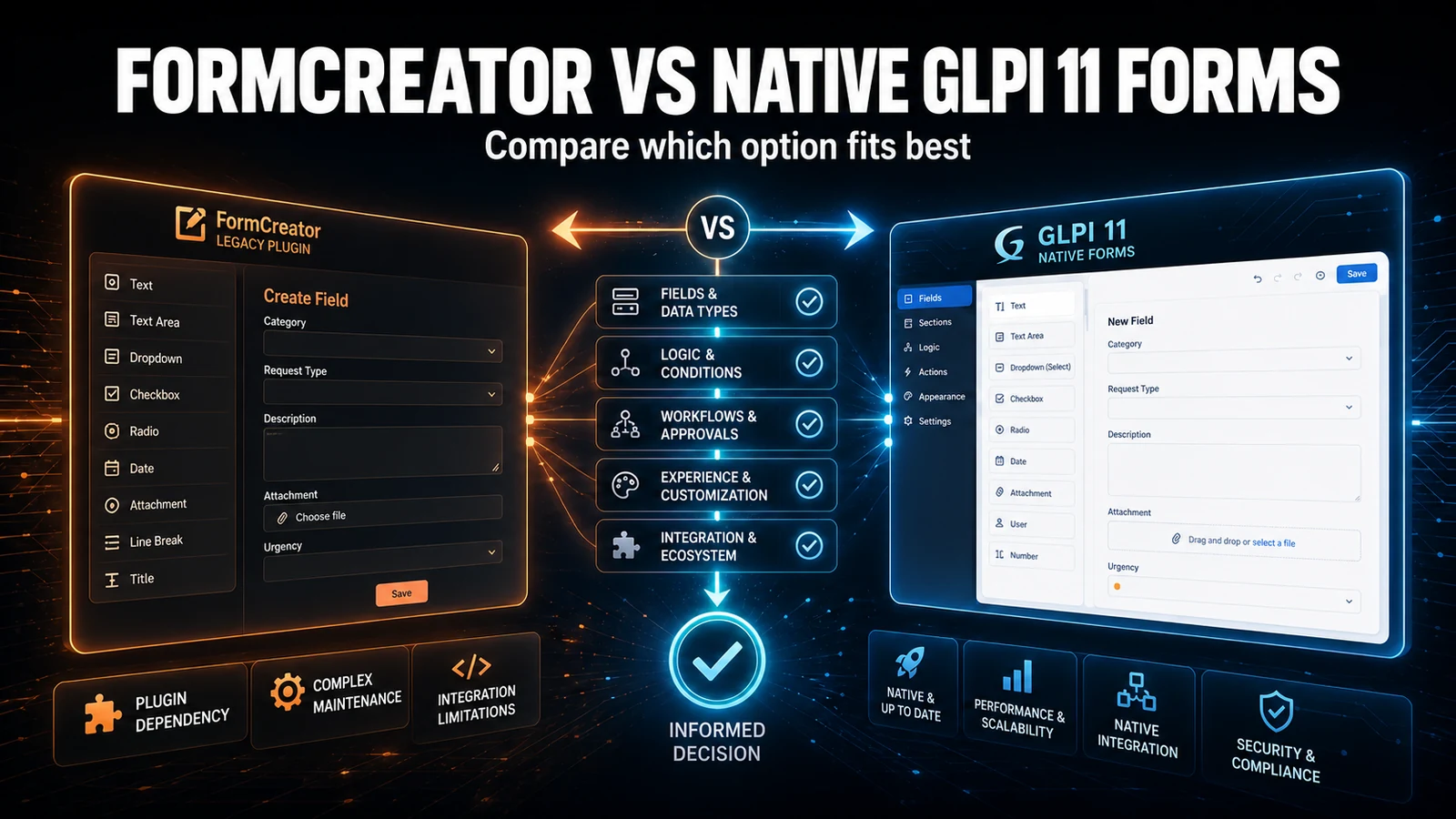
Native forms are good — until the field you need is missing. GLPI 11 finally shipped a forms system of its own, with no external plugin required. The limit shows up when the question you want to ask does not fit any of the available types.
The problem
A concrete and common case: you want the requester to pick the ticket category, but only among the categories that make sense for that type of request. The native editor offers text, number, date and simple lists — none of them knows what an ITIL category is, let alone how to filter by request, incident, problem or change.
The usual workarounds: a hand-typed list that goes stale the moment someone creates a new category, or a free-text field that throws the classification work back to the technician.
How Form Extender works
Instead of building a parallel system, the module registers itself with GLPI 11's own QuestionTypesManager. The new types appear in the native editor, in the same interface your team already uses — no third-party plugin and no core changes.
- Its own field category — in the form editor, separate from the native types.
- Category Picker with ITIL subtypes — request, incident, problem and change, each filtering the valid categories.
- CPF / CNPJ with validation — a dedicated question type formats the value while the requester types and checks its verification digits. Each question is configured for either CPF or CNPJ, including support for the alphanumeric CNPJ standard.
- Multi-select at configuration time — the admin picks which categories belong to that field, with search and removable badges.
- On-demand loading — categories are fetched by AJAX according to the type, so the list is never out of date.
- A clean dropdown for the requester — they see a few correct options instead of the whole tree.
How to enable it
- Install NexTool on your GLPI 11.
- Go to NexTool > Modules and enable Form Extender.
- Edit a native form under Assistance > Forms.
- When adding a question, pick the type from the Form Extender category and select the categories that should appear.
Who it is for
Teams moving from FormCreator to the native GLPI 11 forms who hit fields the native editor does not have yet. Also for self-service operations where the quality of categorisation at intake drives the routing — and where a full category tree only confuses the requester.
Compatibility
- GLPI: 11.0+
- Plan: Licensed
- Plugin: NexTool 6.x+
Next step
Form Extender is part of NexTool, an ecosystem of modules that extends GLPI without code customisation. Visit the module page or book a call to see it running in your environment.
Reviewed by the NexTool Solutions team.