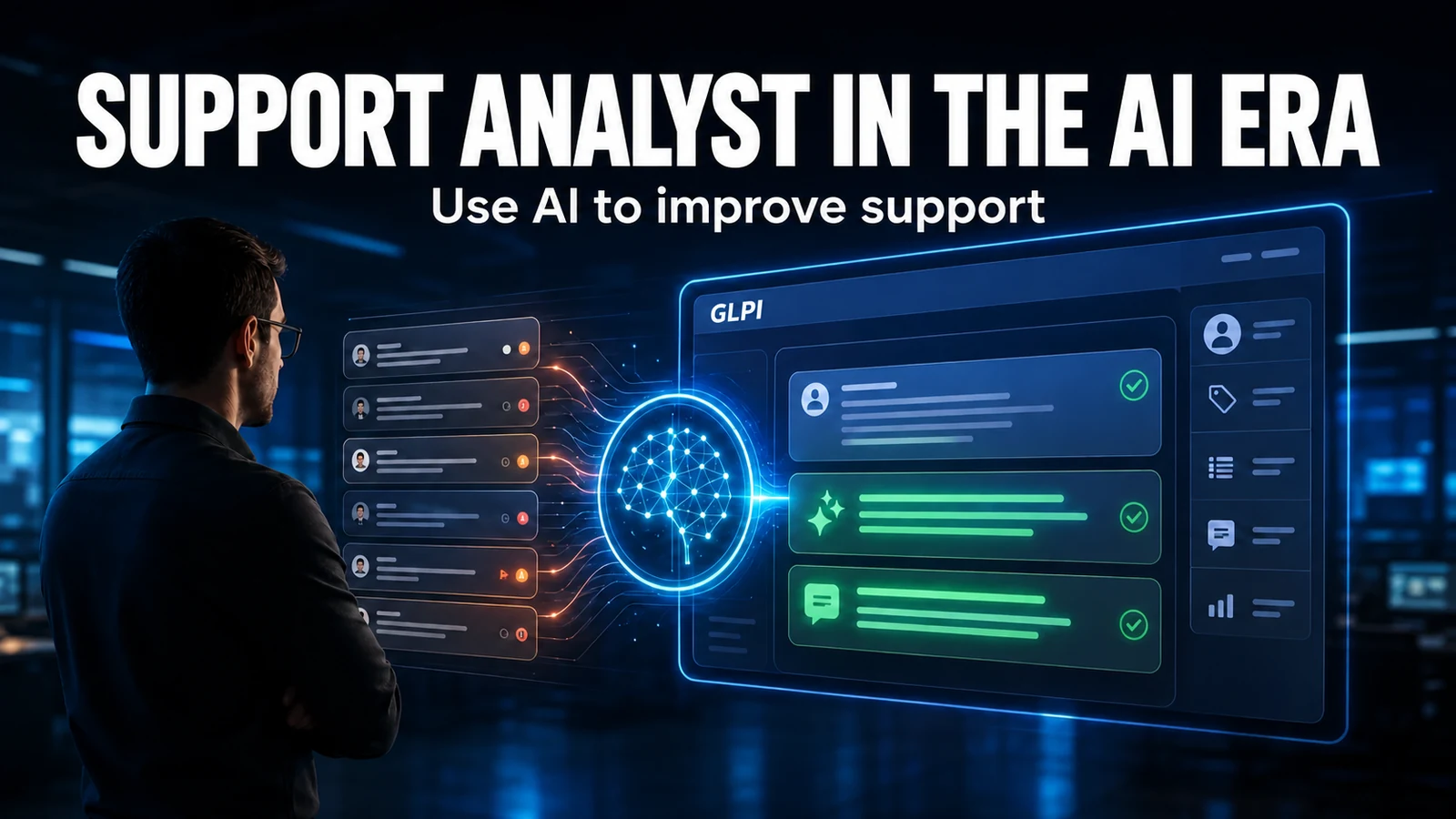
We asked Claude, in plain Portuguese, to look at the GLPI queue, open a ticket and tell us what had the wrong urgency. It read 18 tickets, opened the new ticket, suggested three urgency changes with the reason for each, and only changed what the technician approved. It took 8 model calls, for $0.10. What connected Claude to GLPI was an MCP server of about 140 lines of Python, which you can download at the end of this article.
This article continues the series on AI in the service desk, after triage with Jev and AI FinOps: how much each ticket costs.
What MCP is, in three paragraphs
MCP (Model Context Protocol) is an open standard, created by Anthropic in late 2024, for connecting AI assistants to systems. Instead of each tool inventing its own integration, the system publishes an MCP server with a list of tools ("list queue", "open ticket"), and any compatible client can start using them: Claude Desktop, Claude Code, VS Code and others.
The standard caught on fast. Market surveys indicate that the MCP software development kits passed 97 million downloads per month in March 2026.
For the service desk, the consequence is simple: AI leaves the chat box and starts to query and act in GLPI. And that requires deciding what it can do on its own and what needs approval.
The ways to connect GLPI to an AI via MCP
| Option | How it works | Who it's for |
|---|---|---|
| Teclib's GLPI AI plugin | Official plugin with an assistant inside GLPI and an MCP server for external clients. Requires GLPI 11.0.7 or later and a GLPI Network subscription | Those who already have GLPI Network |
| Third-party plugins | There are MCP server plugins for GLPI published by partners | Those who want something ready-made and will evaluate the vendor |
| Your own MCP server on top of the GLPI API | A small program that translates the tools into API calls | Those who want full control over what the AI can do |
We did not test the first two; the information comes from public documentation. In this article we show the third, because it is the one that makes every security decision explicit.
The demo
The scenario: NexTool's support GLPI, in a test entity with the fictitious company Acme and 25 fictitious tickets. The assistant is Claude Sonnet 5.5, connected to our MCP server.
The tools we gave it:
| Tool | Type | What it does |
|---|---|---|
listar_fila |
read | Open tickets, with status, urgency and date |
detalhe_chamado |
read | Description and latest follow-ups of a ticket |
abrir_chamado |
write | Opens a ticket |
definir_urgencia |
write | Changes the urgency and records the reason in a private follow-up |
adicionar_acompanhamento |
write | Adds a follow-up |
The golden rule: the write tools have a confirmado parameter. Calls without it return only a preview, and the assistant has to show it to the technician and wait for the "go ahead". That way, human approval does not depend on the model's goodwill: it is in the code.

What happened, request by request:
- "How's the queue looking? And open a ticket for the multifunction printer that's out of toner." The assistant listed the queue (18 open tickets), pointed out the ones stalled the longest and the high-urgency ones, and showed the preview of the new ticket. It did not open anything.
- "Go ahead and open it. And tell me what should be more urgent, before changing anything." It opened the ticket, read four tickets in detail and suggested raising three, with the reason for each: slow ERP when issuing invoices (the entire finance department affected and the cash closing stuck), no access to the time clock (two users with the same problem) and a failed nightly backup. It did not change anything.
- "I agree with the main one, go ahead and change just that one." It showed the preview of the change: urgency from medium to high, with the reason that would go into the follow-up.
- "Confirmed." It changed the urgency, recorded the reason in a private follow-up and noted that the other two remained as they were.
In a first run of the same script, it also noticed that a ticket marked as high urgency had already been solved by the user themselves, according to the latest follow-up, and suggested lowering the urgency and closing it. It is the kind of reading nobody does in a queue of 18 tickets at 8 in the morning.
Cost: 8 model calls, about 38 thousand input tokens and 2.7 thousand output tokens, $0.10 with Claude Sonnet 5.5 at list price. Most of it is the queue and the tickets read, which go back to the model at every step. A cheaper model would cut this amount; see the cost-per-task comparison in AI FinOps.
Security: the four locks we used
- Dedicated service user. The assistant uses an account of its own, with a remote access token, never a person's login. In GLPI, everything it did shows up in the history under that account's name.
- Minimal profile and one entity. When opening the session, the server switches to a technician profile and restricts the session to one entity. The assistant cannot see or change the rest of GLPI, even if it asks.
- Human approval in the code. Writes only with
confirmado=true, after the technician's "go ahead". In the demo, the assistant suggested before acting and showed the preview before saving; the change only happened at "Confirmed." - Logging of every action. The server writes every tool call to an audit file, and GLPI keeps the history of every ticket changed.
And what not to expose: administration tools (users, profiles, rules), ticket deletion and any personal data the assistant does not need to read. The token stays out of the code, in an environment variable or in the system's password vault.
Where it's worth it and where it isn't
Worth it: - Summarizing the day's queue and pointing out what is stalled. - Opening a ticket from a conversation, with suggested category and urgency. - Reviewing urgencies and proposing changes with the reason. - Answering "what's the status of ticket X" without opening GLPI.
Not worth it (yet): - Irreversible actions without approval: deletion, permission changes, mass closing. - Decisions that require context that is not in GLPI, such as a hallway conversation or a political priority. - Replacing high-volume triage: to classify thousands of tickets, a classifier like Jev is cheaper and faster (see the test).
Download the sample server
The sample MCP server has the five tools from the demo, approval via confirmado, the audit log and instructions for connecting it to Claude Desktop or Claude Code. It uses REST API v1, which exists in GLPI 10 (apirest.php) and in GLPI 11 (api.php/v1); we tested it on 11. Test it in an entity or a test GLPI before production.
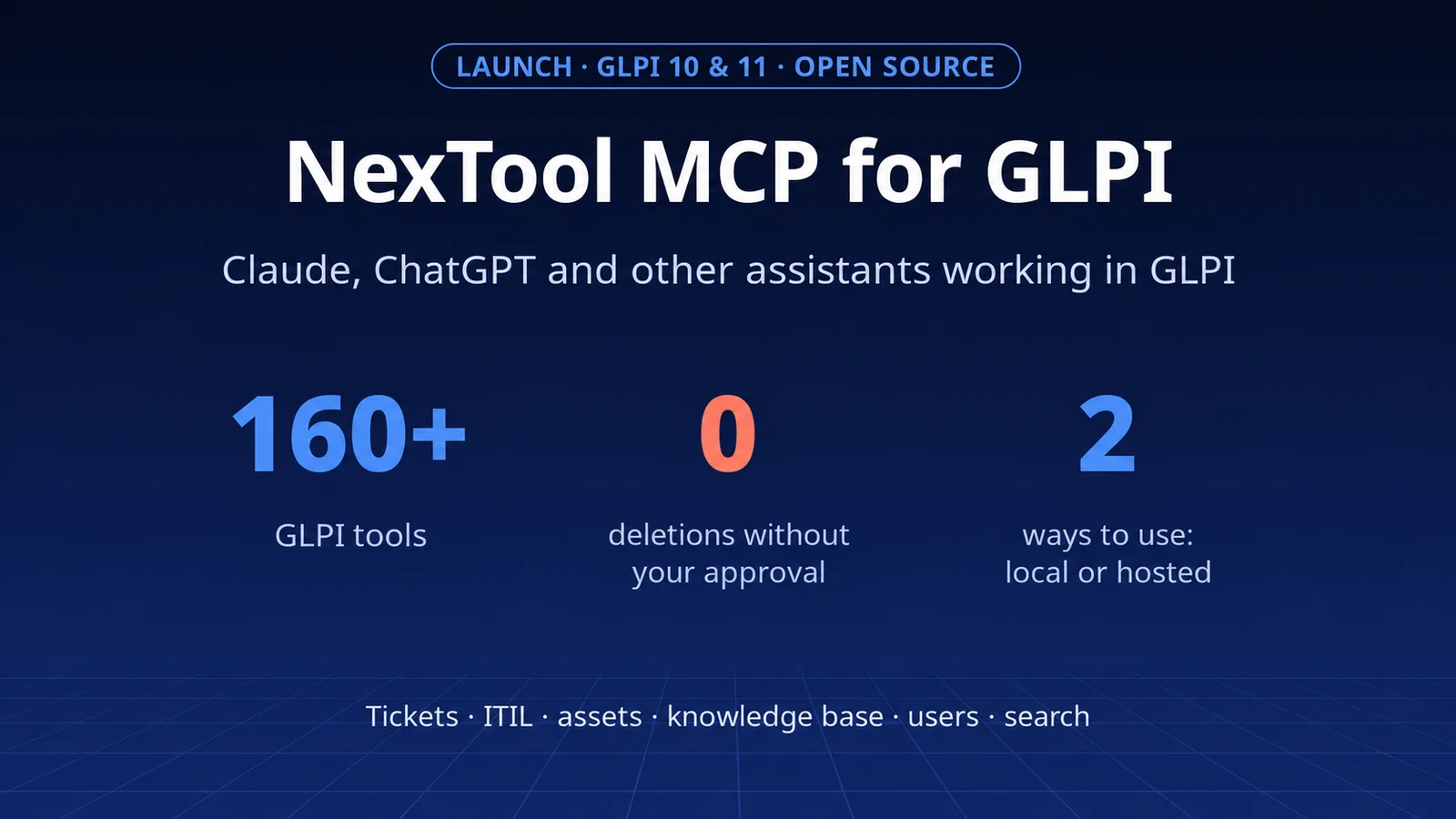
Prefer something ready-made? NexTool MCP for GLPI does this with more than 160 tools — open source to run locally, or hosted, with sign-in and a connector for Claude and ChatGPT. Discover NexTool MCP for GLPI or see the repository on GitHub.
Want help setting this up securely in your GLPI? Talk to the team.
NexTool demo on October 4, 2026, on our support's GLPI 11.0.7, with a test entity and fictitious data. The ticket created and the urgency changed were reverted at the end. The model was used through OpenRouter at list price. Regarding the GLPI AI plugin and third-party plugins, the information comes from public documentation.