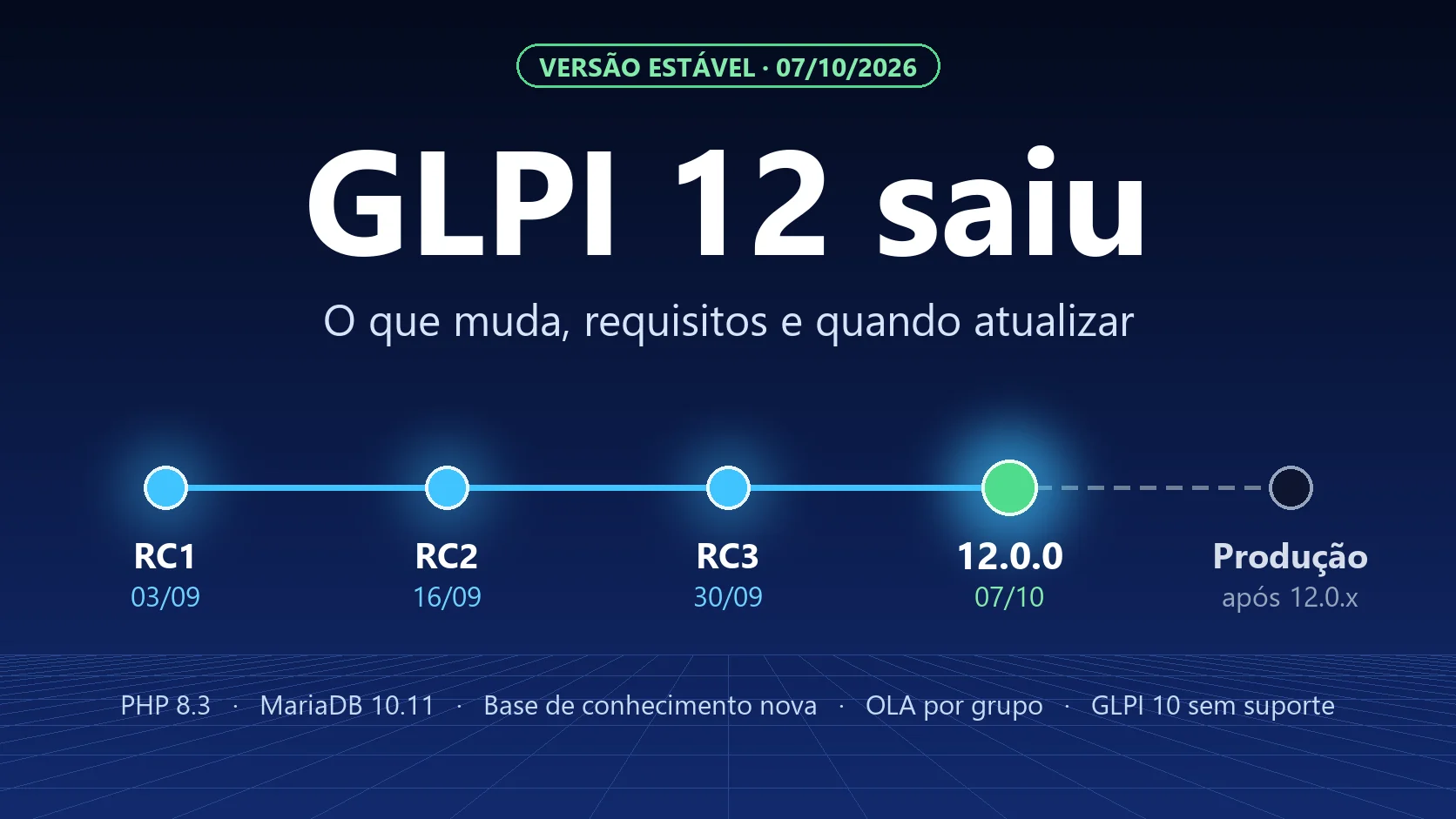
GLPI 12 is out. Today, 7 October 2026, Teclib released version 12.0.0, the first stable version of the new branch, ready for production. It is also the first release of the new annual cycle: from now on, one major version per year, always in October. And with it, GLPI 10 leaves support for good. Below: what changes, what the server needs and when it makes sense to upgrade.
We followed all three RCs. Our hands-on tests are in GLPI 12 RC: what we tested in practice and when to upgrade and the last test cycle is in GLPI 12 RC3.
The 5 highlights of the release
The official release note highlights five new features:
| Feature | What changes in practice |
|---|---|
| Rewritten knowledge base | A new interface built from scratch: reading and editing on the same screen, a modern editor with quick commands, a side tree with favorites, articles in a hierarchy (parent and child), version history with comparison and public sharing of articles |
| Session manager | GLPI records every open session. The administrator sees who is connected and can end any session with one click |
| Re-authentication for sensitive actions | Some administrative actions ask you to confirm your identity again ("sudo mode") |
| OLA per group | Each team that handles the ticket has its own deadline and its own delay, instead of a single timer |
| Accessibility | A first round of improvements following the RGAA criteria, with better keyboard navigation, contrast and focus |
On top of that, there is the API v3 (previous versions keep working), a central Security and Data Privacy menu with history retention rules, new dashboard filters and inventory improvements. The user documentation was also rewritten to match the release.
Server requirements
| Item | Minimum for GLPI 12 |
|---|---|
| PHP | 8.3 |
| Database | MariaDB 10.11 or MySQL 8.0 |
In practice: Ubuntu 24.04 and RHEL 10 meet these with their default packages. On Debian 12, Ubuntu 22.04 or RHEL 9, the default PHP is older, so you will need an extra repository or a new server. If you run on Docker, there is an official image.
What to check before upgrading
The official migration guide lists the points that cause the most trouble:
- Knowledge base permissions. During the upgrade, categories become articles and stay hidden until access is granted again. Add this to your plan and review who sees what.
- Plugins. Each plugin has to be adapted for version 12. Check the compatibility of all of them before setting a date. The GLPI Network plugins have already been ported.
- Access to internal networks. For security, GLPI 12 blocks server calls to internal networks by default. Webhooks, collectors and integrations that point to internal addresses need to be reviewed.
- Reverse proxy. Review the configuration of the web server and of the proxy in front of GLPI.
- Custom reports. Reports built on the old structure may need to be rebuilt.
The end of GLPI 10
Teclib always supports the two most recent major versions. With 12 out, that means GLPI 11 and GLPI 12. GLPI 10 no longer receives fixes, not even security fixes: 10.0.28, released on 30 September, was the last one. If you are still on 10, plan your exit now, preferably straight to 11 and then to 12. The first step is covered in how to migrate from GLPI 10 to 11.
When to upgrade
Our recommendation has not changed with the release:
- Now: install 12.0.0 in a staging environment, with a copy of your database, and test your workflows (tickets, forms, rules, integrations and plugins).
- Production: wait for the first fixes (12.0.1, 12.0.2), which usually come out in the weeks after a major version. For most environments, the right window is between the end of 2026 and early 2027.
- If you are on 10: do not wait for 12 to mature before moving. Version 10 is already out of support.
What about NexTool?
Yes. Since 14 October 2026, the NexTool plugin and all 37 modules are compatible with GLPI 12. Twelve of them still run on GLPI 10 as well. Each module's compatibility is shown on its page under GLPI plugins. If you use the modules on GLPI 11, just update them from the NexTool modules tab before or after the migration. If you want help planning or carrying out the upgrade, talk to us.
Information from the official GLPI 12.0.0 release note (GitHub, 7 October 2026) and from Teclib's page about GLPI 12. GLPI is a registered trademark of Teclib'. NexTool is not affiliated with Teclib'.