Two GLPI instances, one ticket. When headquarters and branch, provider and client, or production and staging run separate instances, the same request ends up existing twice — and someone pays the price of keeping both in sync.
The problem
GLPI does not talk to another GLPI. Each instance is a closed world, and integrating them usually turns into one of three bad options: copying and pasting by hand, writing a custom script nobody understands months later, or accepting that the two databases will drift apart.
The cost is not obvious at first. It shows up when a client asks why their ticket is "in progress" in one system and "closed" in the other, or when the solution recorded at the partner's installation never reached headquarters.
How GLPI Sync works
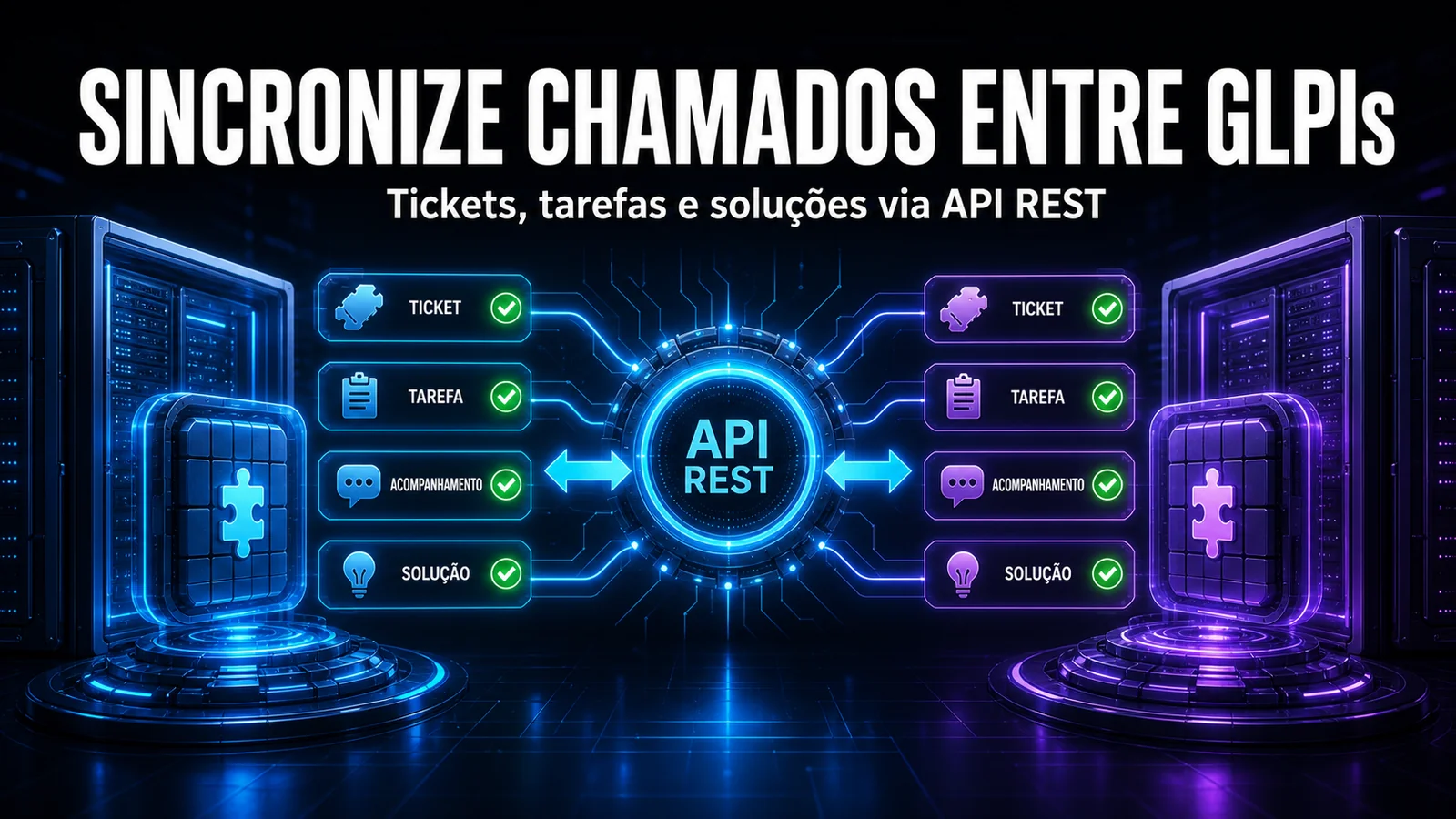
The module mirrors tickets from one instance to another using the native GLPI REST API — no middleware, no shared database and no third-party integration.
- Three directions per instance — outbound (a ticket opened here is created on the remote, in the background), inbound (every minute the module fetches new tickets from the remote and creates the mirror ticket here) or bidirectional.
- Followups, tasks, solutions and status — each type has its own toggle, so you sync only what matters.
- Multiple remote instances — one source can feed several destinations at the same time.
- Outbound and inbound filters — outbound, by category, entity, requester and group; inbound, by category, entity and assigned group of the remote ticket, with an optional cutoff date.
- Field mapping — entity, category and other source data are translated into the matching IDs on the destination, which rarely line up.
- Queue with retry — if the remote instance is down, the sync is reprocessed later instead of being lost. The Correlations and Logs tabs show every linked ticket and every run and, with the Smart Notify module, the bell warns when a remote GLPI goes down.
How to enable it
- Install NexTool on your GLPI 11, with GLPI automatic actions running through the command-line cron.
- Go to NexTool > Modules and enable GLPI Sync.
- Register the remote instance with its URL and REST API User-Token (or username and password) and, if the remote GLPI requires it, the App-Token; choose the direction and use Test Connection and Permissions.
- Set the outbound and inbound filters, the default values for each side and the field mapping between the instances.
- Choose what to sync: followups, tasks, solutions and status.
Who it is for
Service providers running both the client's GLPI and their own; organisations with headquarters and branches on separate instances for compliance or infrastructure reasons; and teams keeping a staging GLPI that needs real cases to test against.
One architectural note: each instance can operate as Outbound (local → remote), Inbound (remote → local) or Bidirectional (in both directions). Direction is defined per integration, and the module uses correlations and direction guards to prevent duplicates and writes in an unauthorised direction. In bidirectional scenarios, it is still important to define which fields and teams are responsible on each side.
Compatibility
- GLPI: 11.0+
- Plan: Licensed
- Plugin: NexTool 6.16.0 or later
Next step
GLPI Sync is part of NexTool, an ecosystem of modules that extends GLPI without code customisation. Visit the module page or book a call to see it running in your environment.
Reviewed by the NexTool Solutions team.