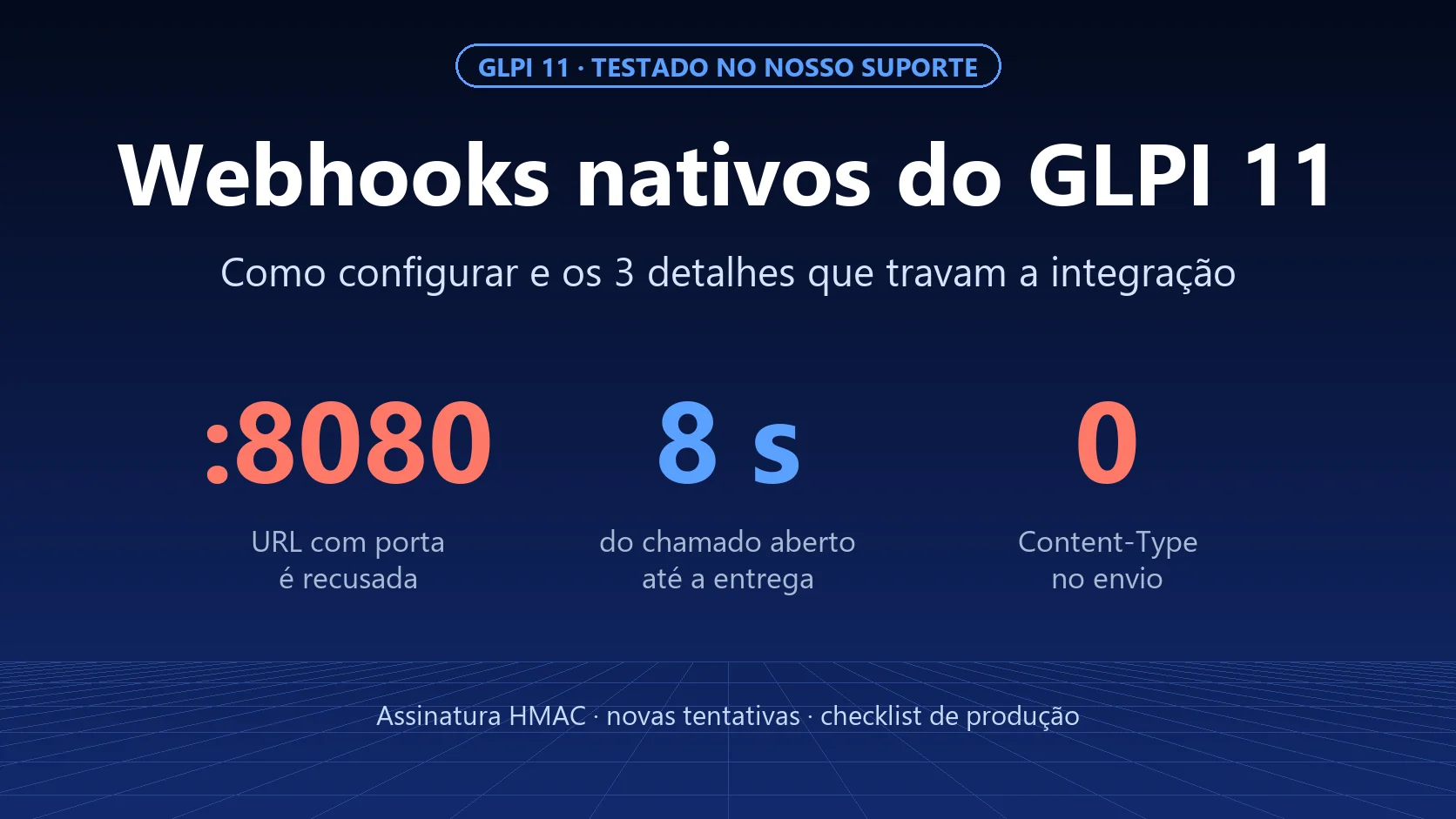
GLPI 11 has native webhooks: every time a ticket is created, updated or deleted, it notifies another system over HTTP, with a signature and retries. We tested it on our support GLPI, and the first configuration delivered nothing. The reason was not on any screen: GLPI rejects any URL with a port, such as :8080 or n8n's default :5678. This guide shows how to configure it, what the test measured and the three details that block the integration.
Need to go beyond the outgoing webhook, with conditions, multiple steps or receiving data from outside? See Automations and webhooks in GLPI with NexTool.
What the native webhook does (and does not do)
The GLPI 11 webhook is outgoing: when something happens to an item, GLPI builds a message and sends it to a URL. It is useful for notifying an ERP, opening a card in Teams, feeding a dashboard or triggering a workflow in n8n.
- Events: new, update and deletion.
- Items: the same ones as the new GLPI 11 API, such as tickets, problems, changes, assets and users.
- Message: by default, the item in the API format (status, requester, team, entity, dates), editable with variables.
It does not receive anything. For another system to create or update tickets in GLPI, the way to go is the API.
Where to configure it
In Setup > Webhooks > Add:
| Field | What it is for |
|---|---|
| Entity and recursive | Only fires for items in that entity (and its child entities, if recursive) |
| Item type and event | E.g.: Ticket + New |
| URL | Destination. Accepts variables, such as the item ID in the path |
| HTTP method | POST, PUT, PATCH or GET |
| Number of retries | How many times to resend if the destination fails |
| Log in item history | Records each delivery in the ticket history |
| Save response body | Stores what the destination replied (must be enabled in the server configuration) |
And in the tabs:
- Criteria: filters which items trigger it, using the same criteria as the search. E.g.: only tickets in the "Purchasing" category.
- Payload editor: replaces the default message with your own template, with a preview.
- Security: signature secret, URL validation challenge and OAuth authentication.
- Custom headers: such as
AuthorizationorContent-Type.
The test: what we measured
We created two webhooks in the test entity of our support GLPI (fictitious company Acme) and opened tickets. One pointed to a destination that responds 200; the other, to a destination that responds with a 500 error.

| What we checked | Result |
|---|---|
URL with a port (http://destino:8080/...) |
Rejected as "unsafe", nothing is sent |
| The same URL without a port | Accepted |
| Time between opening the ticket and delivery | 8 seconds (next cron run) |
| Destination with a 500 error and "Number of retries" = 2 | 3 deliveries, one per minute, then GLPI gives up |
X-GLPI-signature signature |
Checks out: HMAC-SHA256 of the body + X-GLPI-timestamp |
Content-Type header |
Not sent |
| Body | {"event": "new", "item": {...}} with 2.1 KB for a simple ticket |
The three details that block the integration
1. URLs with a port are rejected
GLPI 11 only calls URLs that pass an allowlist (protection against misuse of the server). The default rule accepts domain, IP and path, but does not accept a port. The error does not show on screen: it goes to webhook.log, as "Webhook target URL ... is unsafe".
We tested GLPI's own function:
| URL | Result |
|---|---|
https://n8n.empresa.com.br/webhook/abc |
accepted |
https://n8n.empresa.com.br:5678/webhook/abc |
rejected |
http://localhost:5678/webhook/abc |
rejected |
http://localhost/webhook/abc |
accepted |
Solution: publish the destination on the default port (443 or 80), usually behind a reverse proxy. This also takes care of HTTPS. You can extend the list with the GLPI_SERVERSIDE_URL_ALLOWLIST constant, but it applies to all server access to external URLs, so change it with care.
2. Without Content-Type, the destination may not understand the JSON
GLPI sends the body as JSON, but without the Content-Type header. Tools such as n8n and many frameworks only read the body as JSON when the header says so.
Solution: in Custom headers, add Content-Type: application/json.
3. No cron, nothing goes out
The webhook is not sent immediately: it goes into a queue, and the queuedwebhook automatic action sends it every minute, up to 50 at a time. If GLPI's cron is not running, the queue just keeps growing.
Solution: command-line cron every minute (see step 6 of how to install GLPI 11) and, every now and then, a look at Setup > Webhooks > Webhook queue.
How to validate the signature at the destination
Each delivery carries two headers: X-GLPI-timestamp (time of the event) and X-GLPI-signature. The signature is the HMAC-SHA256 of the body followed by the timestamp, using the webhook secret. In Python:
import hmac, hashlib

def assinatura_valida(corpo: bytes, timestamp: str, assinatura: str, segredo: str) -> bool:
    calc = hmac.new(segredo.encode(), corpo + timestamp.encode(), hashlib.sha256).hexdigest()
    return hmac.compare_digest(calc, assinatura)
Two things to watch: - The timestamp is the event's, not the delivery's. It repeats on retries. If you reject "old" messages, allow a window that covers the retries (a few minutes). - Use the raw body, exactly as it arrived. If your code decodes and re-encodes the JSON, the signature will not match.
For those who need more assurance, the Security tab has the validation challenge: before sending, GLPI calls the URL with a crc_token, and the destination must respond with the HMAC of that token. There is also OAuth (client credentials): GLPI gets a token from the authorization server and sends it as Bearer.
When the native webhook is not enough
- Receiving data from another system: you need the API.
- Logic with multiple conditions and steps, such as "if the category is X and the requester is from the executive board, notify a channel and open a task": Criteria filter, but they do not chain actions.
- Seeing on a single screen what failed and resending with one click. The queue shows the status, but the diagnostics are in
webhook.log.
In these cases, an orchestrator such as n8n or the NexTool Automations module comes in.
Checklist before going live in production
- Destination on HTTPS, on the default port, with no
:portain the URL. Content-Type: application/jsonheader.- Signature validated at the destination, with the raw body and a time window for the retries.
- Criteria so that it does not fire on everything.
- "Number of retries" according to importance (3 is a good start).
- GLPI cron running every minute.
- "Log in item history" enabled, so the technician can see what was sent.
- Test with a fictitious ticket before opening it up to everyone.
NexTool test on October 3, 2026, on our support GLPI 11.0.7, test entity with fictitious data. The test webhooks and tickets were deleted afterwards. Behaviors also checked in the GLPI 11 source code.