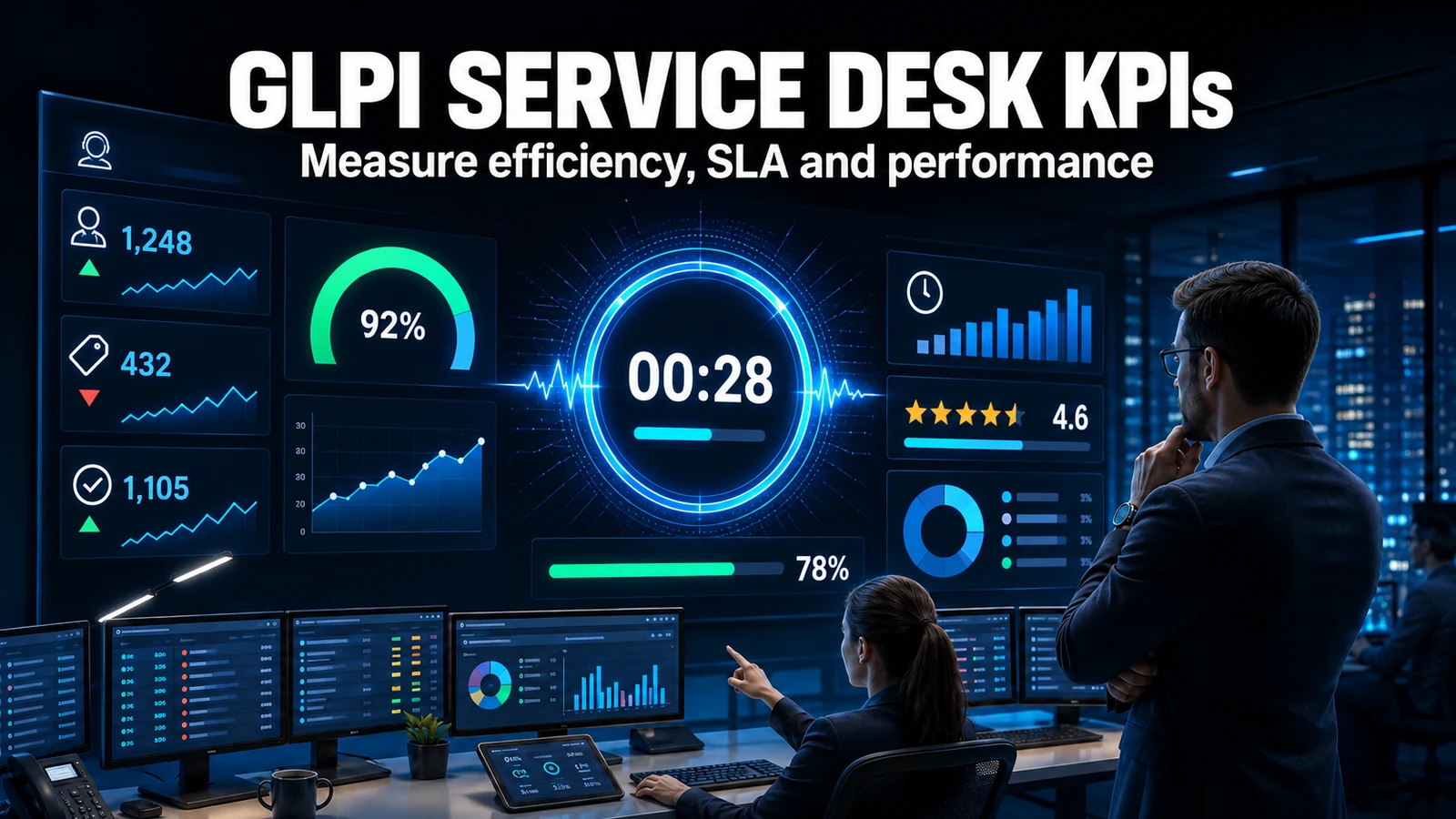
In GLPI 11, the SLA keeps running while the ticket is in Approval. We tested side by side: with 6 minutes and 20 seconds on hold in Pending, the due date was pushed back 6 minutes and 20 seconds. On hold for the same time in Approval, the due date did not move. Over 6 minutes, that is a detail. On a ticket that waits two days for the manager, it is a breached SLA that was not the technician's fault.
For the basics of due dates, levels and calendars, see SLA and OLA in GLPI: configuration guide.
Why this happens
GLPI 11 introduced the Approval status for tickets: the technician, a rule or a workflow puts the ticket in it while waiting for someone's go-ahead, such as the manager who signs off on an access request or an equipment purchase.
The problem lies in how GLPI pauses the SLA. The pause has existed for many years, but it is tied to a single status: Pending. When the ticket enters Pending, GLPI records the time; when it leaves, it adds up the time on hold and pushes the due date back. The Approval status, being new, was left out of this rule.
In practice, the team has two bad options:
- Use Approval, which shows the real situation, and watch the SLA breach while the manager does not respond.
- Use Pending for everything, which protects the SLA but mixes "waiting for the user" with "waiting for approval" and ruins the reports.
The test
We ran the same script on two GLPI 11.0.7 instances: one without any module and the other with NexTool's free Essentials module. On each, we created a 4-hour resolution SLA and two tickets. One went to Approval and the other to Pending. After 6 minutes and 20 seconds, both went back to Processing.

| Time on hold | How far the due date was pushed back | Waiting time recorded | |
|---|---|---|---|
| Native GLPI, Pending | 6 min 20 s | 6 min 20 s | 6 min 20 s |
| Native GLPI, Approval | 6 min 20 s | 0 | 0 |
| With Essentials, Pending | 6 min 20 s | 6 min 20 s | 6 min 20 s |
| With Essentials, Approval | 6 min 20 s | 6 min 20 s | 6 min 20 s |
Without the module, time in Approval simply does not exist for the SLA. With Essentials, Approval behaves like Pending.
What this costs on a real ticket
An example to gauge the impact, with round numbers:
| No pause in Approval | With pause in Approval | |
|---|---|---|
| Resolution SLA | 16 business hours | 16 business hours |
| Technician analyzes and requests approval | 2 hours | 2 hours |
| Manager takes time to approve | 2 business days (16 hours) | 2 business days (paused) |
| Technician finishes after approval | 3 hours | 3 hours |
| Result | 21 hours: SLA breached | 5 hours: within the deadline |
The technician worked 5 hours in both cases. The only difference is who was left waiting.
How Essentials solves it
Essentials is a free NexTool module for GLPI 11 that bundles small adjustments. Three of them affect the SLA:
- SLA and OLA pause in the Approval status. When the ticket enters Approval, the due date stops running and SLA escalations do not fire. When it leaves, the time on hold is added and the due date is pushed back, the same way GLPI does for Pending.
- "SLA paused" notice on the ticket. During any pause, GLPI shows the frozen due date; during a long wait, that date falls into the past and it looks as if the SLA has been breached. The notice in the service level agreements block makes clear since when the SLA has been paused and that the due date will be recalculated when the pause ends.
- Due date columns that respect the pause. The native progress bar in the ticket list stays green and keeps moving for a ticket in Approval. The module adds its own columns, such as "Time to resolve + progress (accounts for Approval pause)", where the bar turns gray and stops during the pause.
It also removes the code from category names in menus, the subject of another article. Each adjustment can be turned on and off separately.
Before turning it on, agree on the rules
Pausing the SLA during approval is fair, but it needs an agreement, otherwise it becomes a hiding place:
- Define who can put tickets in Approval. Ideally, the status should be used only when there is a real approval recorded on the ticket.
- Measure time in approval separately. If the SLA does not count this time, someone needs to keep an eye on it. A monthly report of "hours in Approval per approver" shows where the process gets stuck.
- Shorten the approval. Approving by email, without logging into GLPI, usually cuts the waiting time: see approve tickets by email without logging in.
- Review the contract. If your SLA with external customers does not provide for a pause during approval, align with them before turning it on.
How to enable it
- Install NexTool and enable the Essentials module (module page: Essentials for GLPI).
- In the module's Features tab, check that "Approval status does not count SLA" and "Paused SLA indicator on the ticket" are turned on.
- In the saved searches of the ticket list, replace the native due date columns with the Essentials ones.
- Test with a dummy ticket: put it in Approval for a few minutes and check the due date before and after.
NexTool test on October 4, 2026, on two GLPI 11.0.7 instances (one without modules and the other with Essentials 1.2.0), with a test SLA and dummy tickets deleted at the end. The 16-hour example is illustrative. Behavior also verified in the source code of GLPI and the module.