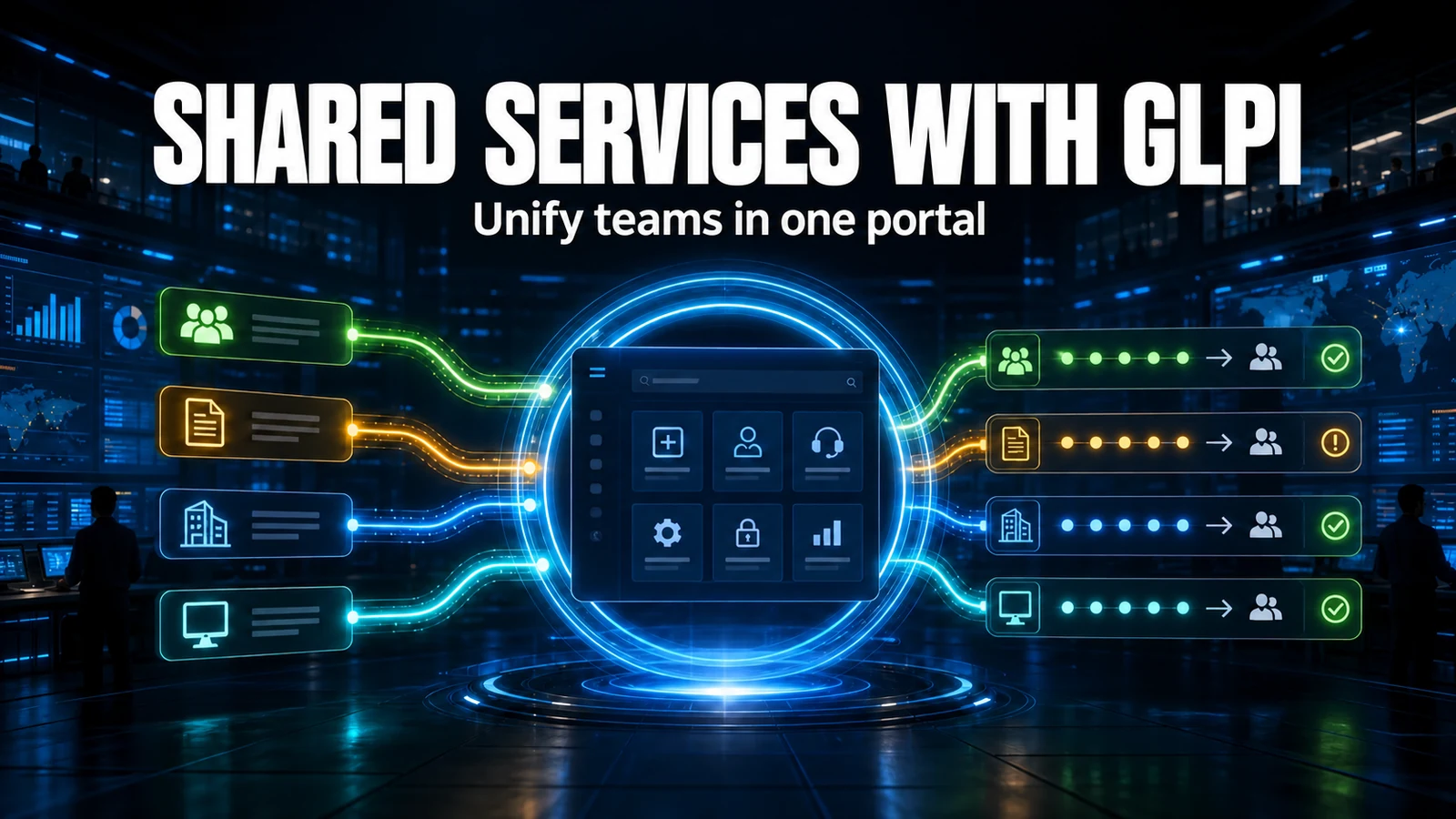
Putting HR, Legal and Facilities on the same GLPI as IT is not a switch you flip - it is an architecture decision. Enterprise Service Management (ESM) reuses the ITSM engine you already run, but what separates a project that scales from one that turns into a mess is how each area is isolated: by entity, by category, or by group. Get that choice wrong and you pay in rework - and for HR and Legal, you expose confidential data.
The first decision: entity, ITIL category, or group?
Before you build a form or an SLA, set the unit of isolation. GLPI offers three ways to model a non-IT area, and each carries a real trade-off between confidentiality and maintenance effort.
| Approach | Data isolation | Own SLA/calendar | Maintenance effort | When to use |
|---|---|---|---|---|
| Dedicated entity | Total (separate tickets, attachments and reports) | Yes, per entity | High (profiles, rules and categories per entity) | HR and Legal, where confidentiality matters |
| ITIL category + group | Partial (whoever has the entity sees all of it) | Shared; SLA can vary by category | Low | Facilities and areas without strong confidentiality |
| Sub-entity under IT | High, inheriting the parent's governance | Yes | Medium | An area reporting to the same leadership |
The rule of thumb we apply: if an area's ticket can hold data IT should not read - payroll, a contract, a labor lawsuit - the answer is a dedicated entity. For everything else, a category plus a group solves it with a fraction of the effort.
Data isolation: the blind spot of HR and Legal
Across the GLPI estates we maintain for clients, the mistake we see most in an ESM project is not about forms - it is about visibility. Someone creates the "Legal" entity, polishes the categories, but grants IT analysts the profile recursively from the root - and there it goes: IT can now see every Legal ticket, attachments included. Worse: in GLPI an attachment inherits the ticket's entity (the Document_Item link requires document and item to be in the same entity), so a contract attached to a ticket in a shared entity becomes visible to everyone with access to that entity. That is exactly why, for Legal, we isolate by entity - never by category.
Before releasing any sensitive area, we run this audit to find who has too broad an access:
-- Visibility audit: who can see tickets from ALL areas.
-- Run against the GLPI database. Recursive access from the root (entities_id = 0,
-- is_recursive = 1) lets the user see tickets from every child entity.
SELECT u.name         AS user_name,
       p.name         AS profile,
       e.completename AS base_entity,
       pu.is_recursive
FROM glpi_profiles_users pu
JOIN glpi_users    u ON u.id = pu.users_id
JOIN glpi_profiles p ON p.id = pu.profiles_id
JOIN glpi_entities e ON e.id = pu.entities_id
WHERE pu.is_recursive = 1
  AND pu.entities_id = 0
ORDER BY p.name, u.name;
Each row is a user who sees everything. For confidential areas, the profile-user link must point to the specific entity with is_recursive turned off. And watch a GLPI detail: entity id 0 is the root, a valid value - do not treat it as "empty".
SLA and calendar per area: the 8x5 mistake in Facilities
An SLA in GLPI is tied to a calendar (working hours), and the calendar is defined per entity. The common mistake is to create Facilities inheriting IT's 8x5 calendar and then promise a building-maintenance SLA that in practice does not run at night or on weekends - exactly when a datacenter air conditioner or an electrical fault needs a response. Before you publish an area's SLA, check:
- Calendar: critical Facilities usually needs 24x7; HR and Legal run fine on 8x5.
- Holidays: the GLPI calendar accepts holidays and closures - populate them, or the SLA counts time outside working hours.
- Escalation: define the area's technician group before enabling the SLA, or the ticket breaches with no recipient.
Multi-area onboarding: the flow that pays for ESM
The case that justifies the investment fastest is onboarding. A "New employee" form (native in GLPI 11, or FormCreator in GLPI 10) fires coordinated tickets: IT creates email and access, Facilities prepares the workstation, HR handles the paperwork. Each ticket is born in the right entity, with the right group, and notifies the owner. A snippet of a notification template we use for the area's opening alert:
Subject: [##ticket.entity##] Onboarding: ##ticket.title## (##ticket.id##)

A new request has been opened and is waiting for your area.

Ticket......: ##ticket.title##
Entity......: ##ticket.entity##
Category....: ##ticket.category##
Requester...: ##ticket.authors##
Group.......: ##ticket.assigntogroups##
Due (SLA)...: ##ticket.time_to_resolve##
Open........: ##ticket.url##
The ##...## are native GLPI tags, replaced at send time. The common mistake here is to create the area's categories and forget to flag them as visible in the helpdesk (the is_helpdeskvisible field): the employee opens the self-service portal and cannot find the HR category, because it was created visible only to the technician interface.
Rollout checklist
- Map the area's services (what it handles) before touching GLPI.
- Decide the unit of isolation using the table above (entity vs. category vs. group).
- Create the entity through the interface - never via SQL (GLPI builds the tree with getSonsOf, and a direct INSERT stays invisible in the hierarchy).
- Configure the area's calendar and SLA.
- Create the ITIL categories and flag helpdesk visibility.
- Create the technician group and the profiles, with the correct entity scope (run the recursion audit).
- Build the form (native on 11 or FormCreator on 10) and test with a real ticket in staging.
- Only then release to users and publish the metrics.
What to measure (honest ranges)
With the areas on the same GLPI, you compare what used to be incomparable: average response time, volume by category and reopen rate, side by side across IT, HR and Facilities. Do not promise a magic number: cutting "lost email" is usually the most visible gain in the first month, because every request becomes a traceable ticket. The onboarding time gain depends on how much of the flow you automate - the more tasks the form fires on its own, the bigger the effect.
At NexTool we deploy and maintain multi-area GLPI for clients, from entity design to SLAs and routing rules. If you want to take GLPI beyond IT without exposing HR or Legal data, our support and sustaining services cover that design end to end.
Reviewed by the NexTool Solutions team.