GLPI doesn't have to stay locked inside IT. With well-designed entities, categories and business rules, the same instance can serve HR, Legal, Facilities and Finance as a Shared Services Center (SSC). What separates a working SSC from a pile of tickets is the architecture decision you make before the first form.
Architecture decision: one entity per department or one category per department?
This is the first choice and the most expensive to reverse. In GLPI, an entity is a multi-tenant boundary: it isolates data, SLAs, profiles and the catalog. An ITIL category is just a classification label inside an entity. Using one entity per department gives strong isolation but demands administration; using categories keeps things simple but relies on groups and rules to route and protect the data.
| Criterion | One entity per department | One category per department |
|---|---|---|
| Data isolation | Strong (a non-recursive profile cannot see sibling areas) | Weak (relies on group and rule) |
| Independent SLA per area | Native | Manual, via rule + SLA per category |
| Consolidated reporting | Needs a recursive profile or the root entity | Trivial (single entity) |
| Administration effort | High (profiles, rights, cron) | Low |
| Best for | HR and Legal (confidential data) | Facilities and Finance (low sensitivity) |
Rule of thumb: use entities when there is a real confidentiality requirement (HR and Legal usually have one) or very distinct SLAs and profiles. Use categories when departments share the same pool of agents and confidentiality is low. A hybrid design is common: a separate entity for HR and Legal, with Facilities and Finance as categories inside the corporate entity.
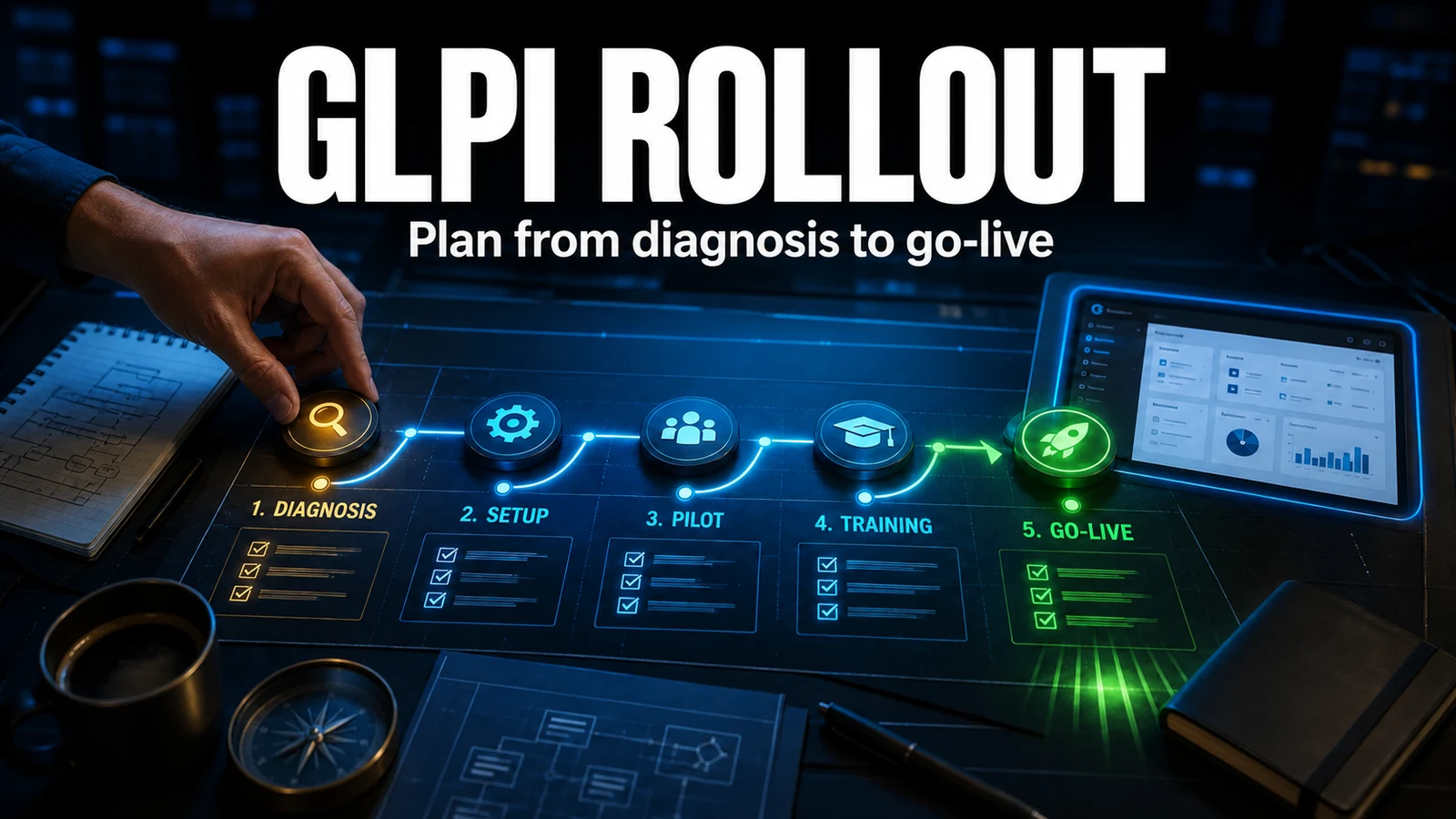
Step by step for the first non-IT department
- Model the boundary: choose entity or category using the matrix above before creating anything.
- Create the entity (Administration > Entities) or the category tree (Setup > Ticket categories), always enabling recursive visibility when the structure is shared.
- Create an agent group per area (Administration > Groups) and check "Can be assigned to tickets".
- Define the area SLA/OLA (Setup > Service levels) with realistic response and resolution times.
- Configure business rules (Rules > Business rules for tickets) to automatically assign group, category and SLA based on the ticket origin.
- Build the catalog: native forms (GLPI 11) or the Formcreator plugin (GLPI 10) with the area fields.
- Adjust profiles and rights: an HR agent must not see the IT queue, and vice versa.
- Turn on the external cron (next section) before announcing the service.
Diagnostics: who really uses the center
Measure before and after you expand. The query below reads the database directly and shows volume and time to solution per entity and category over the last 30 days. Run it on a replica or off-peak.
-- Volume and time to solution per entity/category (30 days)
SELECT e.completename                                   AS entity,
       IFNULL(c.completename, '(no category)')          AS category,
       COUNT(t.id)                                      AS tickets,
       ROUND(AVG(TIMESTAMPDIFF(HOUR, t.date, t.solvedate)), 1) AS hours_to_solve
FROM glpi_tickets t
JOIN glpi_entities e            ON e.id = t.entities_id
LEFT JOIN glpi_itilcategories c ON c.id = t.itilcategories_id
WHERE t.date >= NOW() - INTERVAL 30 DAY
  AND t.is_deleted = 0
GROUP BY e.completename, c.completename
ORDER BY tickets DESC;
If many rows show "(no category)", it signals an incomplete catalog or agents opening tickets without classifying them - the first symptom of an SSC about to lose traceability.
External cron: why the HR SLA doesn't fire on time
In the day-to-day support of multi-area environments, the pattern that fails most silently is the entity without an external cron. IT, with high traffic, triggers the internal cron on every page load and nobody notices the problem. The Legal entity, with only a few visits a day, piles up SLA escalations that only run when someone opens the interface. The ticket that reaches us is usually "the Legal deadline emails all arrive in a batch around 9 a.m." - exactly when the first user logs in and the internal cron finally processes the backed-up queue. The fix is always to move execution to the operating system cron (MODE_EXTERNAL) and reduce the dependency on the page-load trigger.
# /etc/cron.d/glpi - GLPI external cron (runs as the web server user)
# Fires notifications, SLA escalation and automatic closing.
* * * * * www-data /usr/bin/php /var/www/glpi/front/cron.php &>/dev/null
After scheduling it, go to Setup > Automatic actions and confirm that the critical tasks (sending notifications, SLA escalation and ticket closing) run in CLI mode and not "GLPI" (run on page load). In a multi-area environment, leaving them in internal mode is the number-one cause of "the deadline passed but nobody was warned".
The common mistake: non-recursive category and broken visibility
The mistake we see most in support is subtle: a category created in the root entity without enabling visibility for child entities simply does not appear in the department's form. Without the right category, the agent opens the ticket as a generic "Incident" or types the classification in the title - and the area report is born broken. The same applies to profiles: an HR agent with a non-recursive profile scope only sees the exact entity where they sit, not the sub-entities. When creating categories at the root, enable "Child entities" (visible in sub-entities), with entities_id = 0 and is_recursive = 1; when creating area profiles, decide deliberately whether the scope is recursive.
Governance: avoid the category explosion
- Limit the tree to 2 levels per area; beyond that nobody classifies correctly.
- Name categories by the requester's action ("Request reimbursement"), not internal jargon.
- Review the "(no category)" rows from the diagnostic every quarter.
- One owner per area, responsible for the catalog and the SLAs.
- Do not replicate the same category across entities by hand; make it recursive from the root.
Start with IT, which is already used to the service desk, and expand gradually. Each new area comes in with a defined boundary, a support group, an SLA and a validated external cron - not with an improvised catalog.
Need to design the boundary between entities and categories before scaling your SSC? NexTool implements and supports multi-area GLPI for B2B clients, from entity modeling to cron and routing rules.
Reviewed by the NexTool Solutions team.