


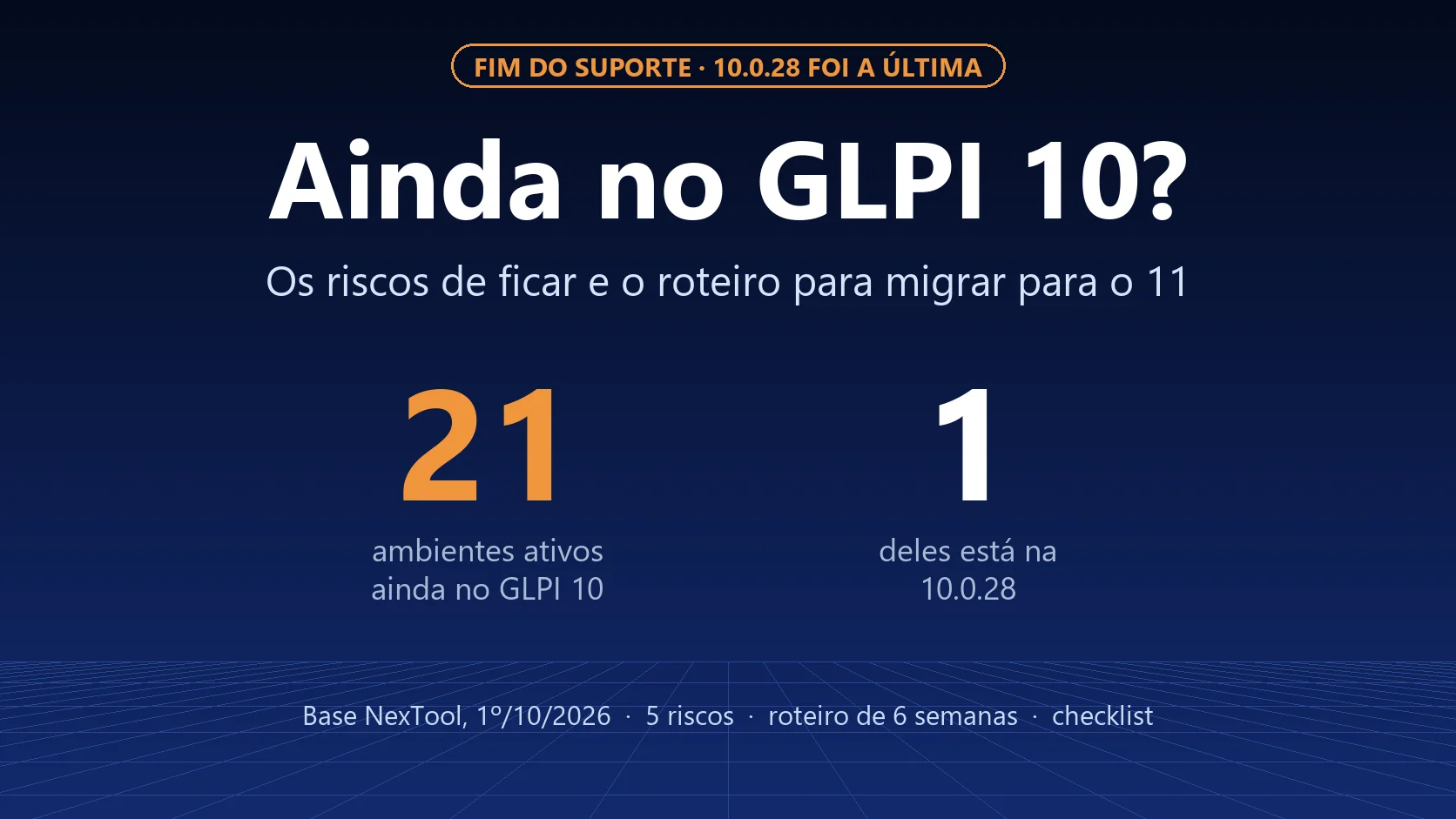
GLPI 10 received its last update on September 30, 2026. Among the environments with NexTool modules that were active in the past month, 21 still run GLPI 10, and only one of them is on that last release. The other 20 are on versions from 10.0.7 to 10.0.26, without the latest security fixes. From now on, no new GLPI 10 flaw will be fixed.
For the context of the three versions published on September 30, read GLPI 12 RC3: what changed, the end of GLPI 10 and the urgent GLPI 11 fix.
What "end of GLPI 10" means in practice
The GLPI 10.0.28 release note is clear: with the arrival of GLPI 12.0.0, 10.0.28 is the final release of the 10.0 branch, which will no longer receive fixes. That means:
- No new security fixes. Vulnerabilities discovered from now on will be fixed in 11 and 12, not in 10.
- No bug fixes. What does not work today will keep not working.
- The system does not stop. GLPI 10 will still open tickets tomorrow. The risk is not the system shutting down; it is staying exposed and increasingly isolated.
What our base shows
We looked at the GLPI environments that use NexTool modules and communicated with our portal in the last 30 days:
| GLPI version | Active environments | Share |
|---|---|---|
| GLPI 11 | 209 | 90% |
| GLPI 10 | 21 | 9% |
| No version reported | 2 | 1% |

Two things stand out:
- Those on GLPI 10 are also behind within 10. Of the 21 environments, only 1 is on 10.0.28. One is on 10.0.7, a 2023 release. In other words, the problem does not start now: these installations were already missing fixes that existed.
- In the full base, including environments that did not report in the last month, 93 of 646 are on GLPI 10. Some may have been shut down or migrated without updating the record, but the order of magnitude shows the migration is not over in the market.
The five risks of staying on GLPI 10
1. New vulnerabilities with no fix
The September 30 releases alone brought six security fixes to GLPI 10, four of them high severity: authorization bypass in massive actions, privilege escalation via user cloning, improper rights checks in user deletion and SQL injection in forms. The next time something like this is found, the fix will only ship for 11 and 12.
2. Plugins leaving 10 behind
Plugin vendors focus their effort on supported versions. With 12 arriving, testing and fixing for 10 stops being worth it. The plugin you use today may not get its next fix for your version.
3. PHP and the operating system aging along with it
GLPI 10 was built for PHP versions that are also going out of support. Upgrading the server gets harder, and keeping the old server increases the security risk of the whole machine, not just GLPI.
4. Audit and compliance
Standards such as ISO 27001 and data protection laws (GDPR, LGPD) expect you to keep systems up to date and handle known vulnerabilities. Software without vendor support is a common audit finding, and hard to justify when a supported version is available.
5. Migrating under pressure costs more
The migration from 10 to 11 is predictable when planned. When it happens after an incident, or because a critical plugin stopped working, it comes in a hurry, without testing and with a higher chance of error.
The roadmap from GLPI 10 to 11
In the upgrade projects of JMBA Soluções, NexTool's partner, this cycle takes six weeks on average:
| Week | Step |
|---|---|
| 1 | Inventory: version, plugins, integrations, rules, forms and customizations |
| 2 | Upgrade 10 to 10.0.28, check each plugin's compatibility with 11 and choose replacements |
| 3 | Build a test environment from a copy of production and migrate it |
| 4 | Test: ticket creation, forms, notifications, rules, integrations and permissions |
| 5 | Adjustments, training and communication to users |
| 6 | Production migration with a rollback plan and a decision deadline |
The full technical step by step, with commands, is in How to migrate from GLPI 10 to GLPI 11. Back up and test the restore before anything else: GLPI backup and disaster recovery.
What changes for users
For people who open tickets, the most visible change is in forms: GLPI 11 has native forms, and the FormCreator plugin does not carry over to 11. Plan the form migration ahead of time; see FormCreator vs GLPI 11 native forms and what else changed in GLPI 11: what changed and which plugins broke.
Why not go straight to 12?
Because GLPI 12 has just come out, and jumping from 10 to 12 piles two big migrations into a single project, with twice as much that can go wrong. Go to 11 now, which is stable, and move on to 12 after the 12 branch gets its first fixes.
NexTool modules on GLPI 11
NexTool modules work on GLPI 11, and GLPI 12 compatibility is already in development. If you use NexTool on GLPI 10, the migration to 11 is the moment to review which modules make sense for your operation: see the GLPI plugin catalog.
Checklist to start this week
- Find out your exact GLPI version (Setup > General > System, or the About screen).
- If you are on 10, upgrade to 10.0.28 now to close the known flaws.
- List your plugins and confirm the GLPI 11 version with each vendor.
- Make a backup and test it.
- Put the migration to 11 on this quarter's calendar.
Need help planning or running the migration? Talk to the team.
NexTool base data: environments with NexTool modules that communicated with the portal in the last 30 days, queried on October 1, 2026. Version information from the official GLPI release notes.



