Incident management is the ITSM practice most people think they have nailed and the one that breaks most in real operations. Supporting GLPI environments for clients, the problem is almost never a technician who can't close a ticket - it's the SLA that breaches with no one alerted, the priority someone edited by hand, and cron running in the wrong mode. This guide shows where the incident lives in GLPI, how to classify it without inventing fields, and the field traps that only surface after months of running the tool.
Where the incident lives in GLPI
Incident and request are not separate modules: they are the same Ticket object, in the glpi_tickets table, told apart by the type column - 1 for incident, 2 for request. What changes is the workflow, the SLA and the management reading. Per ITIL 4, an incident is an unplanned interruption or a reduction in the quality of a service, and the goal is to restore the service as fast as possible, not find the cause - that is problem management.
Every incident runs through a fixed state machine. Knowing each status code matters because reports, business rules and diagnostic SQL work with the number, not the label:
| Code | Status | What it means | Use in support |
|---|---|---|---|
| 1 | New | Logged, not assigned | Triage queue |
| 2 | Processing (assigned) | Technician designated | Marks the TTO as met |
| 3 | Processing (planned) | A task is scheduled | Planned work |
| 4 | Pending | Waiting on a third party or requester | May pause the SLA clock |
| 5 | Solved | Workaround or fix applied | Opens the auto-close window |
| 6 | Closed | Confirmed by the requester | Triggers the satisfaction survey |
The detail that wrecks a report: the Pending status (4) pauses SLA counting when you configure it that way. A technician who dumps everything into Pending to "avoid breaching" is masking the metric, not improving the service.
Classification: the Urgency × Impact matrix
GLPI does not let the technician pick priority in a vacuum. It is calculated by crossing two fields that the requester and the triager fill in: urgency (how fast the business needs it) and impact (how many are affected and how critical). The matrix lives under Setup > General > Assistance and is fully editable. A simplified slice of the logic:
| Urgency \ Impact | Low | Medium | High |
|---|---|---|---|
| High | Medium | High | Very high |
| Medium | Low | Medium | High |
| Low | Very low | Low | Medium |
GLPI supports up to five levels of urgency and impact, plus the Major (critical) priority. The default matrix is symmetric - urgency and impact carry equal weight. Tune the weights to the client's reality: in retail, a point-of-sale outage at peak hours is maximum urgency regardless of how many stores are affected.
The handling flow, step by step
- Logging: self-service portal, e-mail (collector), phone or integration. Business rules (
RuleTicket) classify category, group and priority automatically onitem_add. - Take into account (first response): GLPI stores in
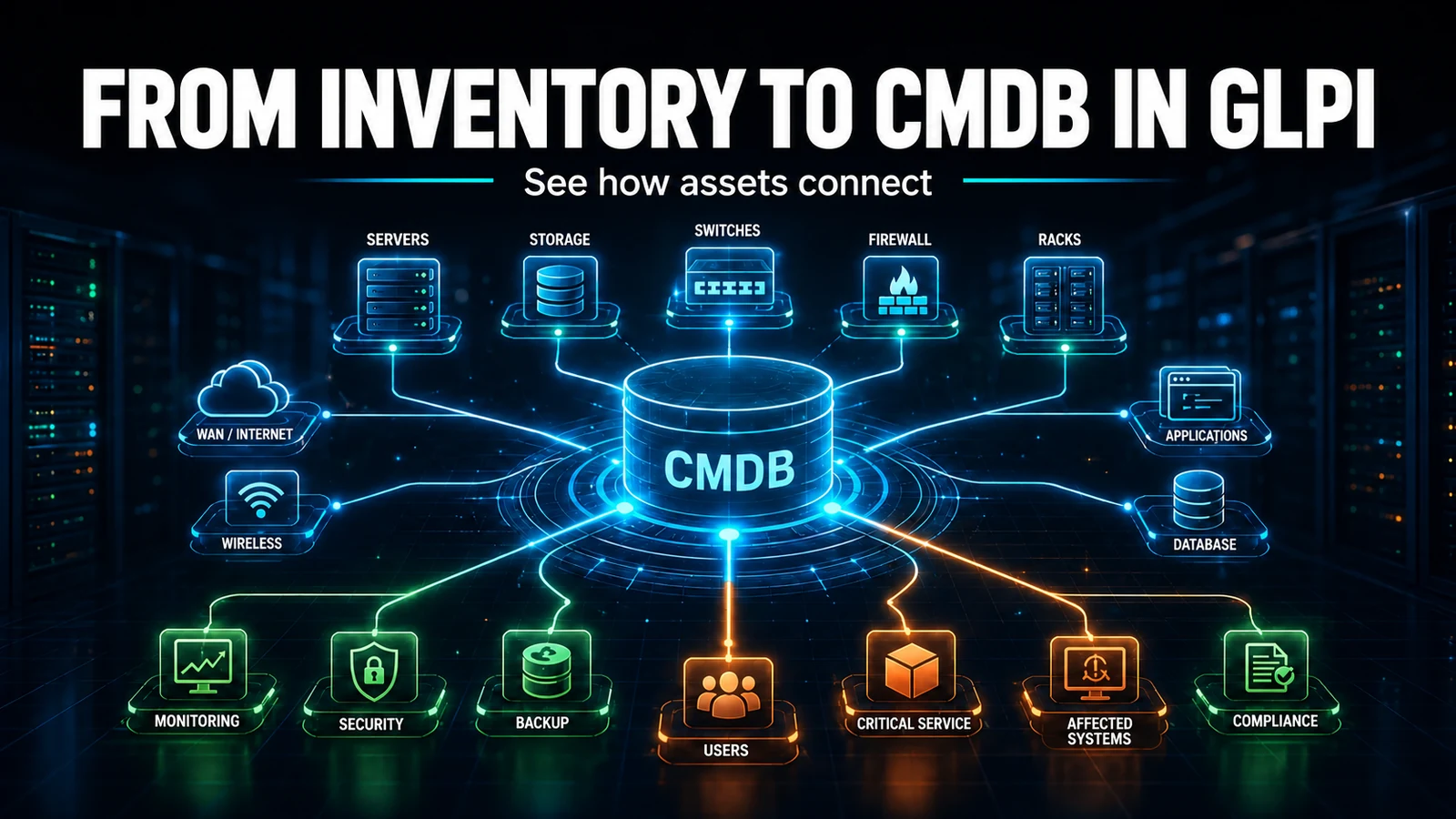
takeintoaccount_delay_statthe time until the technician's first action. That is your response SLA (TTO - time to own), different from the resolution SLA (TTR - time to resolve). - Investigation: knowledge base, history of similar tickets and CMDB. The AI Assist module summarizes long threads and suggests solutions from the base.
- Resolution: definitive (cause fixed) or workaround. If it is a recurring workaround, link it to a Problem - an incident does not "become" a problem, they are distinct objects.
- Closure: after confirmation, the ticket moves to Closed and triggers the satisfaction survey.
Field trap #1 in support: cron in the wrong mode
This is the failure we handle most often in a new client environment. The SLA is configured, the escalation levels are created, and yet no one is alerted when the deadline breaches and solved tickets never close by themselves. The cause is almost always the same: GLPI's automatic actions are in GLPI (web) mode, which only runs when someone loads a page. On a client with little off-hours traffic, SLA escalation simply does not run.
The fix is to put the scheduler in CLI mode, driven by an operating-system cron. On each automatic action (Setup > Automatic actions), set Execution mode = CLI and add the crontab entry:
# /etc/cron.d/glpi - runs the GLPI scheduler every minute
# GLPI 10 and 11: front/cron.php is the version-portable path
* * * * * www-data /usr/bin/php /var/www/glpi/front/cron.php >/dev/null 2>&1
Depending on this cron to work: closeticket (auto-closes tickets left Solved past the deadline), createinquest (generates the satisfaction survey) and SLA level escalation. A portability detail that catches many people: GLPI 11 has no glpi:cron console command that some GLPI 10 tutorials cite - the path that works in both versions is the front/cron.php above.
Diagnostics: finding incidents breaching the SLA
When the client says "the SLA isn't holding", the first step is to look at raw data, not the dashboard. This SQL lists open incidents whose resolution deadline has already passed and flags those that were never even acknowledged (takeintoaccount_delay_stat = 0):
SELECT t.id,
       t.name AS title,
       c.completename AS category,
       t.priority,
       t.time_to_resolve,
       IF(t.takeintoaccount_delay_stat = 0,
          'NO FIRST RESPONSE', 'ok') AS handling
FROM glpi_tickets t
LEFT JOIN glpi_itilcategories c ON c.id = t.itilcategories_id
WHERE t.is_deleted = 0
  AND t.type = 1                       -- 1 = incident
  AND t.status NOT IN (5, 6)           -- excludes Solved and Closed
  AND t.time_to_resolve IS NOT NULL
  AND t.time_to_resolve < NOW()        -- resolution deadline already breached
  AND t.solvedate IS NULL
ORDER BY t.time_to_resolve ASC;
Running this in support, the pattern that shows up most is not a high volume of tickets: it is a handful of high-priority incidents stuck in Pending for days, with the clock "paused", while the requester thinks they are being handled.
An escalation notification the manager actually reads
The default escalation template sends a generic block. A lean model, with the right tags, makes the supervisor act without opening GLPI. The ##ticket.*## tags are resolved by GLPI at send time:
Subject: [SLA breached] Ticket ##ticket.id## - ##ticket.title##

The ticket below has passed its resolution deadline.

Title:       ##ticket.title##
Category:    ##ticket.category##
Priority:    ##ticket.priority##
Status:      ##ticket.status##
Assigned to: ##ticket.assigntousers##
Deadline (TTR): ##ticket.time_to_resolve##

Open the ticket: ##ticket.url##
Common field mistakes
- "Everything is urgent": when every ticket comes in as high priority, you don't have prioritization, you have an expensive chronological queue. Lock urgency in the guided form and teach with the matrix.
- Priority edited by hand: a technician who overrides the calculated priority breaks the SLA reading and the matrix. If they always need to reclassify, the flaw is in the matrix, not the technician.
- Confusing TTO with TTR: "I opened the ticket to read it" already counts as take into account and meets the first-response SLA without anyone resolving anything. Track TTR (resolution), not just TTO.
- A workaround that becomes permanent: workaround applied and ticket closed, with no Problem opened - the incident is back next week. Link recurring workarounds to a Problem.
Next step
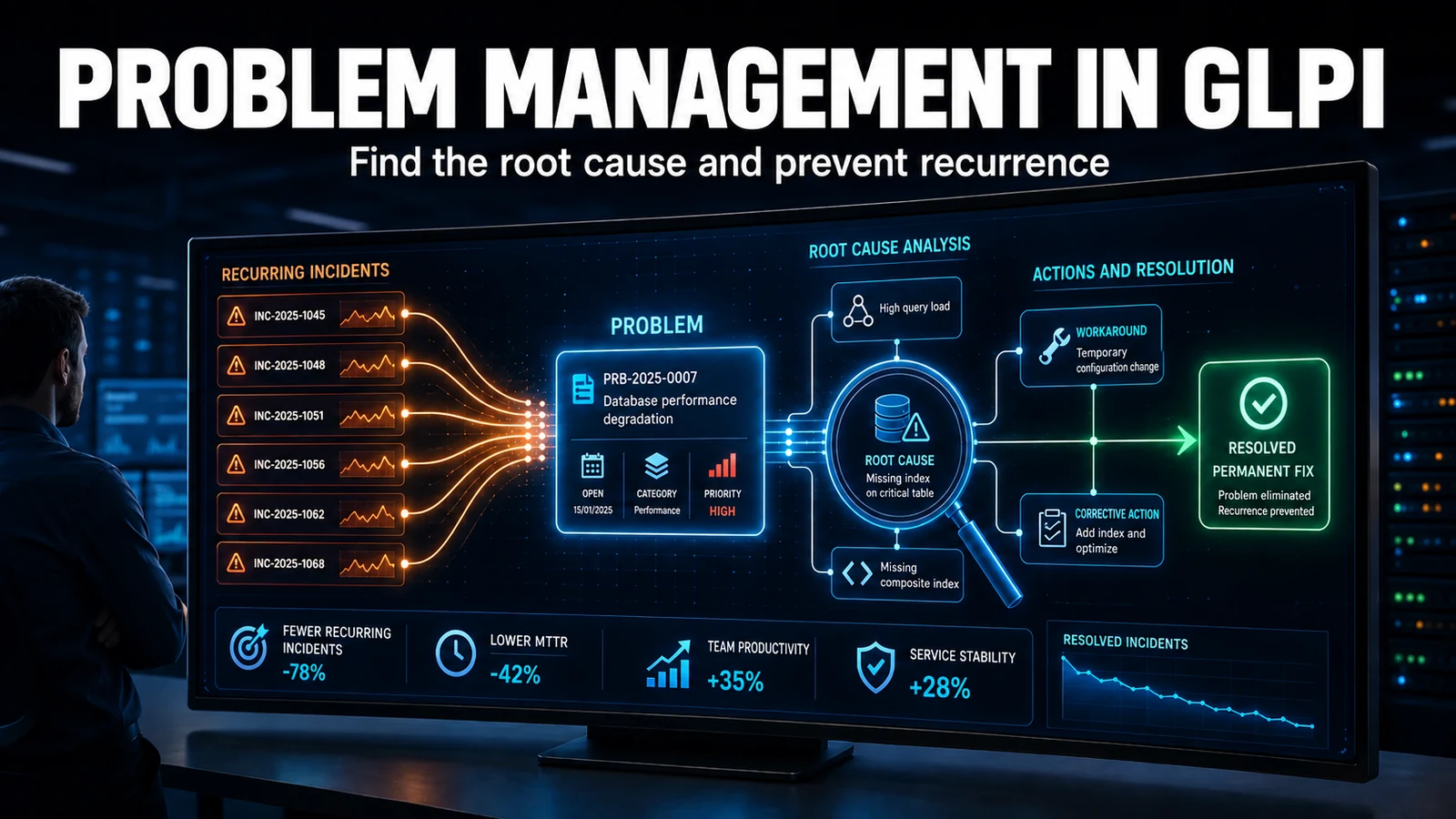
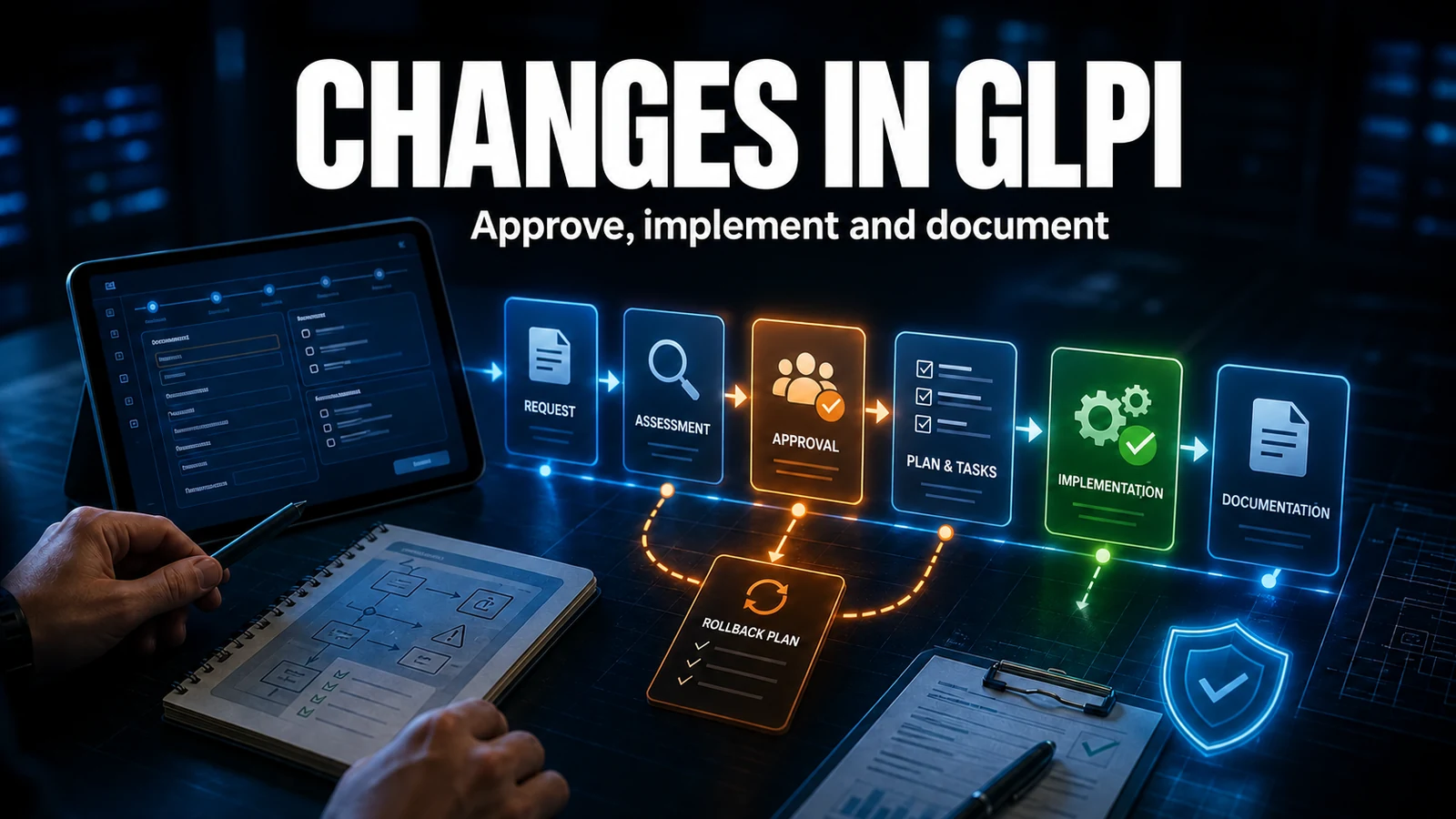
With incident management solid, move on to problem management (eliminate the root cause) and change management. To speed up triage, the Smart Assign module distributes incidents among technicians by load and skill rules, and the SLA and OLA guide covers deadline setup.
Need a GLPI that actually holds the SLA? NexTool supports GLPI environments end to end - from the priority matrix to the escalation cron. Learn about our support and sustainment service.
Reviewed by the NexTool Solutions team.