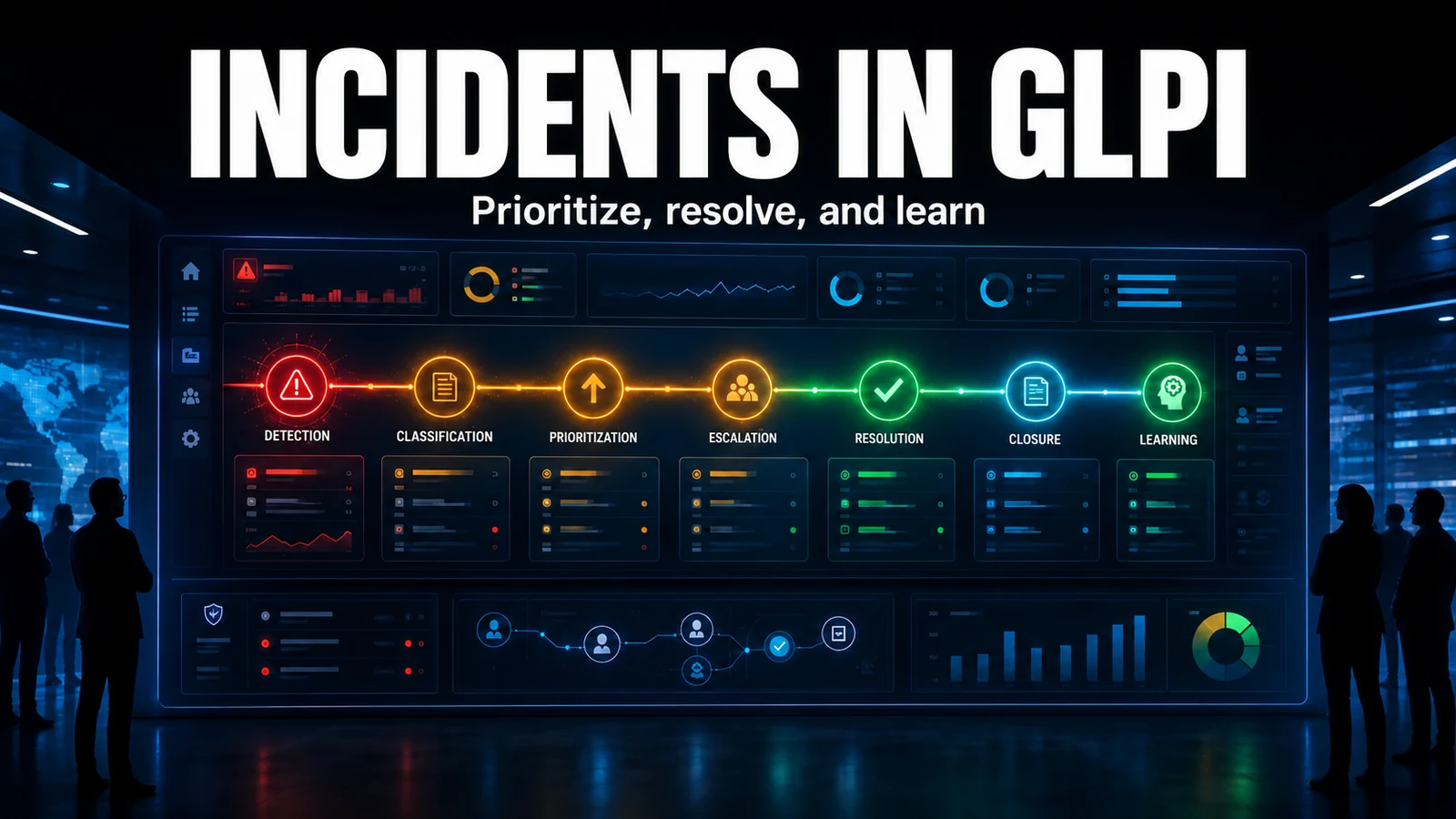
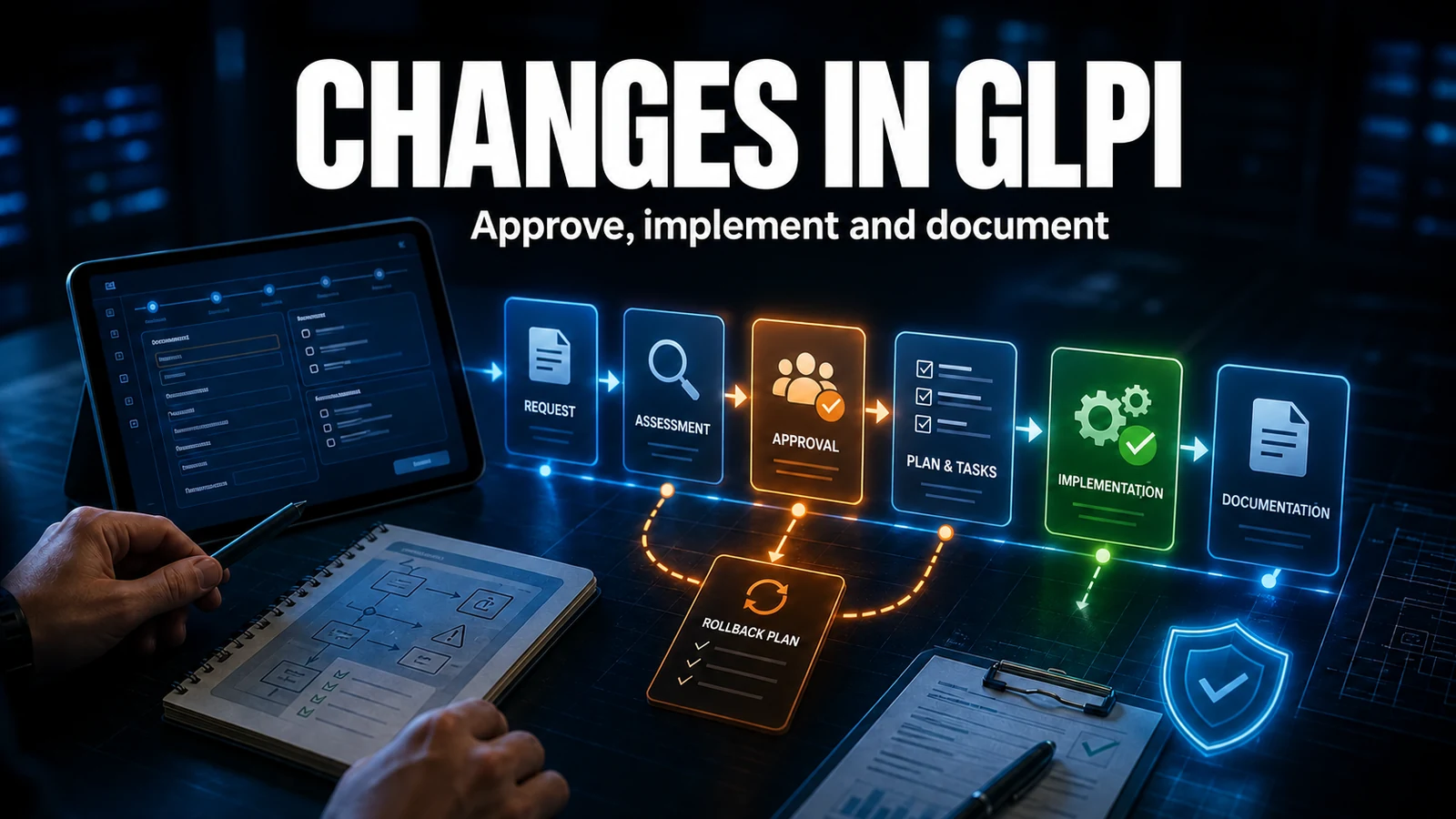
Rolling out GLPI without planning is creating technical debt from day 1. In our experience keeping client environments running, almost no GLPI project fails because of the software. It fails because of scope decisions made too late, data imported before the hierarchy is defined, and one infrastructure detail that only hurts after go-live. This checklist covers the 12 steps, but the value is in the decisions you need to make before each one.
Before the checklist: scope is a business decision, not an IT one
The biggest predictor of success we see is not technical: it is having a process owner on the client side, someone with the authority to say "that workflow stays out of phase 1". Without that owner, every department asks for an exception, scope balloons and go-live slips three months. The first decision of a rollout is not which server to use, it is what does not go live on day 1. A GLPI that handles tickets and inventory well and ships on time drives more adoption than a perfect CMDB that never goes live.
Honest sizing: three layers that scale together
A GLPI environment is three layers that must be sized together: application (PHP/PHP-FPM), database (MariaDB/MySQL) and document storage. Without inventing benchmarks, for a few hundred users and a few thousand assets, environments run comfortably in the 2 to 4 vCPU and 4 to 8 GB RAM range. The two things that cause the most support are not CPU:
- MariaDB - tune
innodb_buffer_pool_sizeto fit the hot dataset. A database squeezed into a tiny buffer makes GLPI search feel slow even with idle CPU. - PHP - a low
memory_limitkills large reports and imports with a generic error; GLPI recommends at least 128 MB, and inventory imports need more headroom. - Disk - what grows the most is the attached-documents folder and the inventory. Plan for growth, not just the initial size.
Phasing: the matrix that decides when to go live
The operational question is not "what does GLPI do", it is "what belongs in which phase". This is the matrix we use to separate go-live (MVP) from later evolution. The rule: move to the next phase only after the previous one is in real use, with data flowing in.
| Capability | Phase 1 - Go-live (MVP) | Phase 2 - 30 to 60 days | Phase 3 - Maturity |
|---|---|---|---|
| Tickets + categories | Mandatory (minimal scope) | Refine with real data | Triage automation |
| Groups + assignment | Mandatory | Assignment rules | Load balancing |
| SLA / OLA | Basic (1 to 2 SLAs) | SLAs per category | Escalation |
| Inventory (GLPI Agent) | Asset pilot | Full rollout | CMDB and relations |
| LDAP / AD authentication | Mandatory | Profile rules | Fine provisioning |
| Service catalog | Out | Introduce | Forms and approvals |
| Knowledge base | Initial seeds | Expand | Public / self-service KB |
| Integrations (monitoring, etc.) | Out | The priority ones | The rest |
The setting that breaks at go-live: cron in CLI mode
This is the trap we most often see undermine the perception of a successful go-live. GLPI's automated tasks (sending notifications, computing SLA, mailgate e-mail collection, synchronization) can run in two modes: GLPI (triggered by web access) or CLI (external execution via crontab). In GLPI mode, tasks only advance when someone opens a page. The classic result: the queue piles up all night and the first user in the morning "pays the bill", processing hundreds of stuck e-mails, and everyone thinks "GLPI is slow". The fix is trivial and almost nobody sets it up before it hurts: an external cron every minute.
# /etc/cron.d/glpi -- queue, notifications, SLA and e-mail collection (mailgate)
# Run as the PHP user (Debian/Ubuntu: www-data).
# Valid for GLPI 10 and 11: both run front/cron.php via CLI.
* * * * * www-data /usr/bin/php /var/www/glpi/front/cron.php >/dev/null 2>&1
After installing the crontab, switch the automated tasks to CLI mode in the configuration interface. GLPI then detects the external execution and drains the queue continuously, without depending on web access.
Pre-go-live validation: the diagnostic we run before opening access
Before opening access, we run a quick database diagnostic to catch the four most common errors: an automated task still in internal mode, notifications turned off, a user with no profile (cannot log in to any entity), and an entity tree that differs from the approved design.
-- 1) Automated actions still in internal mode (mode=1). At go-live they must move to CLI (mode=2)
SELECT name, state, mode FROM glpi_crontasks WHERE mode = 1;

-- 2) Is the notification system on? (0 = off, e-mails never leave)
SELECT value FROM glpi_configs WHERE context = 'core' AND name = 'use_notifications';

-- 3) Active users with no profile assigned (cannot log in to any entity)
SELECT u.id, u.name
FROM glpi_users u
LEFT JOIN glpi_profiles_users pu ON pu.users_id = u.id
WHERE pu.id IS NULL AND u.is_active = 1 AND u.is_deleted = 0;

-- 4) Entity tree: check it matches the approved design
SELECT id, name, completename FROM glpi_entities ORDER BY completename;
A field bonus: test a real notification end to end (open a test ticket and confirm the e-mail reaches the requester's inbox). A notification that "is configured" but never leaves is the number-one silent adoption killer.
The 12-step checklist
- Define objectives that are concrete and measurable (lost tickets, missing inventory, uncontrolled SLA).
- Gather requirements by interviewing support, managers and users; map flows and pain points.
- Size the infrastructure (server, OS, database, RAM, disk). See the Docker or Linux guides.
- Install and configure GLPI, SSL, SMTP, cron (CLI) and basic security.
- Structure entities and locations before registering any data. See the organizational hierarchy guide.
- Configure minimal categories and SLAs. See the SLA and OLA guide.
- Configure profiles and permissions defining who can do what.
- Import initial data (users via LDAP/AD, active assets, current contracts) - the minimum to operate.
- Configure priority integrations (e-mail, LDAP/AD, monitoring, GLPI Agent).
- Train the team by role: technicians, managers and end users of the portal.
- Pilot (MVP) with a small group, collecting feedback before the general go-live.
- Go-live and monitoring tracking KPIs and adjusting in the first weeks.
Field traps that cost dearly
- Importing users before closing the entity hierarchy. Moving items between entities later touches linked tickets, contracts and permissions. We define the entity tree and the LDAP sync key field before the first import, because a reimport without a stable key field duplicates users.
- Migrating five years of history on day 1. That is the recipe for a delayed go-live. Load the operational minimum and leave history for a later load, once the structure is stable.
- Leaving cron in GLPI mode. Detailed above: notifications and SLA stuck in the queue become perceived "slowness".
- Not testing SMTP with a real e-mail. A saved configuration is not a delivered notification. Test end to end before opening access.
Need a go-live with no surprises? NexTool plans and executes GLPI rollouts for B2B clients, from scope phasing to a validated production environment. Discover our Projects and Rollout service.
Reviewed by the NexTool Solutions team.