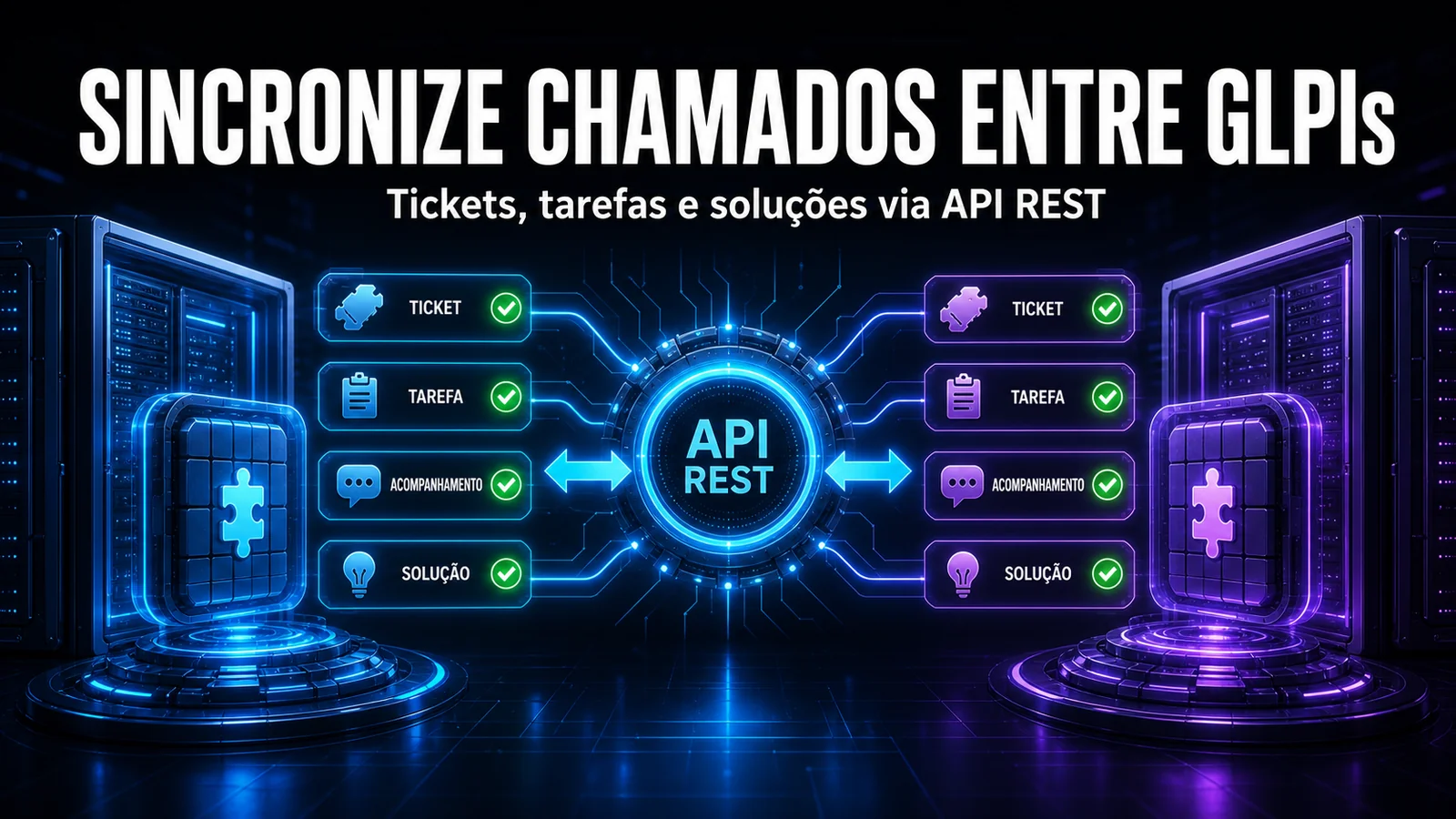
Two-way integration between systems, with no custom script and no external middleware. The NexTool Automations module turns GLPI into a hub that can receive events from any system and react to them autonomously - the webhook arrives, the data is mapped and an action fires, all inside your own environment.
The problem
Teams running several tools - monitoring, ITSM, e-commerce, ERP, observability platforms - live with the gap between systems. When an alert fires in Zabbix or an order lands in the e-commerce, someone has to open the ticket in GLPI, fill in fields and assign an owner. Every manual step is a point of failure and a source of delay.
Generic solutions like Zapier or Make solve simple cases, but they require an external account, charge per operation and live outside the team's control. For operations that need traceability, security and deep GLPI integration, the answer has to live inside the environment itself - and that is what the Automations module delivers.
How Automations works
The module works in three chained pillars:
- Trigger (input) - a stateless webhook endpoint receives POST requests from any system. Each flow has a unique token and HMAC SHA-256 authentication, so only authorised sources can fire actions.
- PayloadMapper (processing) - the incoming JSON payload is mapped with JSONPath. Transformations such as map_priority, resolve_user_by_email and resolve_category_by_name convert external data into native GLPI fields with no code.
- ActionRunner (output) - two action types: create a GLPI ticket (with session impersonation to assign the correct requester) or fire an HTTP request to an external system through a registered connector.
A Visual Flow Wizard lets you build and edit flows in an interface with three connected cards: Trigger, Mapping and Action. There is no need to edit JSON by hand. Flows can be enabled, disabled and monitored in the panel. The module also manages Connectors - dozens of providers mapped by category, with several authentication types (API Key, Bearer, Basic, OAuth2, HMAC) and credentials stored with AES-256-GCM encryption. So a flow action can make authenticated calls to external APIs such as Microsoft 365, Jira, Slack or any REST service.
A real flow, from payload to action
The most common flow we build turns a monitoring alert into a ticket. The external system makes a POST signed with HMAC SHA-256 to the flow endpoint:
# Zabbix (or any system) fires a signed POST to the flow endpoint
curl -X POST 'https://glpi.yourcompany.com/plugins/nextool/automations/webhook/...token...' \
  -H 'Content-Type: application/json' \
  -d '{
    "event": {
      "host": "srv-db-01",
      "severity": "High",
      "trigger": "Disk space < 10%",
      "requester": "[email protected]"
    }
  }'
In the mapping card, each JSONPath becomes a native ticket field. The transformations translate values - "High" becomes urgency 4, the e-mail becomes the requester user:
$.event.trigger    -> name                    (ticket title)
$.event.host       -> content                 (description)
$.event.severity   -> urgency  (map_priority: High=4, Disaster=5)
$.event.requester  -> _users_id_requester (resolve_user_by_email)
The detail only integration operators know
In maintenance, the classic mistake is the external system sending the requester's e-mail while that e-mail does not exist as a GLPI user. Without a resolve_user_by_email with a plan B, the ticket is created orphaned or the action fails silently - and no one notices until the history is missing. We standardise a technical fallback requester (something like "automatic-integration") so the event is never lost, keeping the original e-mail in the ticket body for tracing. The second detail is the HMAC signature: both sides must compute the hash over exactly the same raw body. A proxy that reserialises the JSON on the way changes one space, breaks the signature and the webhook is rejected with 401 - that is why validation runs over the raw body, not over the reparsed JSON. Whoever does not know this loses hours thinking the key is wrong.
Native input vs. what the module adds
| Feature | Native GLPI 11 webhook | NexTool Automations module |
|---|---|---|
| Direction | Outbound only | Inbound and outbound |
| Inbound authentication | Not applicable | Unique token per flow + HMAC SHA-256 |
| Payload mapping | Not applicable | JSONPath + ready-made transformations |
| Create ticket as the right requester | Not applicable | Session impersonation |
| Execution auditing | Limited | Input, output, duration and status per run |
How to enable it
- Install the NexTool plugin on GLPI.
- Go to Setup > NexTool > Modules.
- Find the Automations card and click Install, then Enable.
- Create a flow with the Visual Flow Wizard and copy the generated webhook URL.
- Configure the external system to send events to that URL using the token and the HMAC signature.
Who it is for (and when it is not)
It is for anyone running environments with several integrated tools: monitoring (Zabbix, Grafana, Nagios), e-commerce, ERP, HR or any service that can fire webhooks. It is especially valuable when the operation demands traceability and auditing - every run is logged with input, output, duration and status. It is not for automating what is not designed: if your ticket-opening process still has no defined category, urgency and owner, automation will only speed up the mess. Define the manual flow first, then automate.
Compatibility
- GLPI: 11.0+
- Plan: On-demand
- Plugin: NexTool 6.9.1 or later
Next step
The Automations module is part of NexTool. Ready to remove the manual steps between your systems? Talk to the team and we will design the first flow with you.
Reviewed by the NexTool Solutions team.