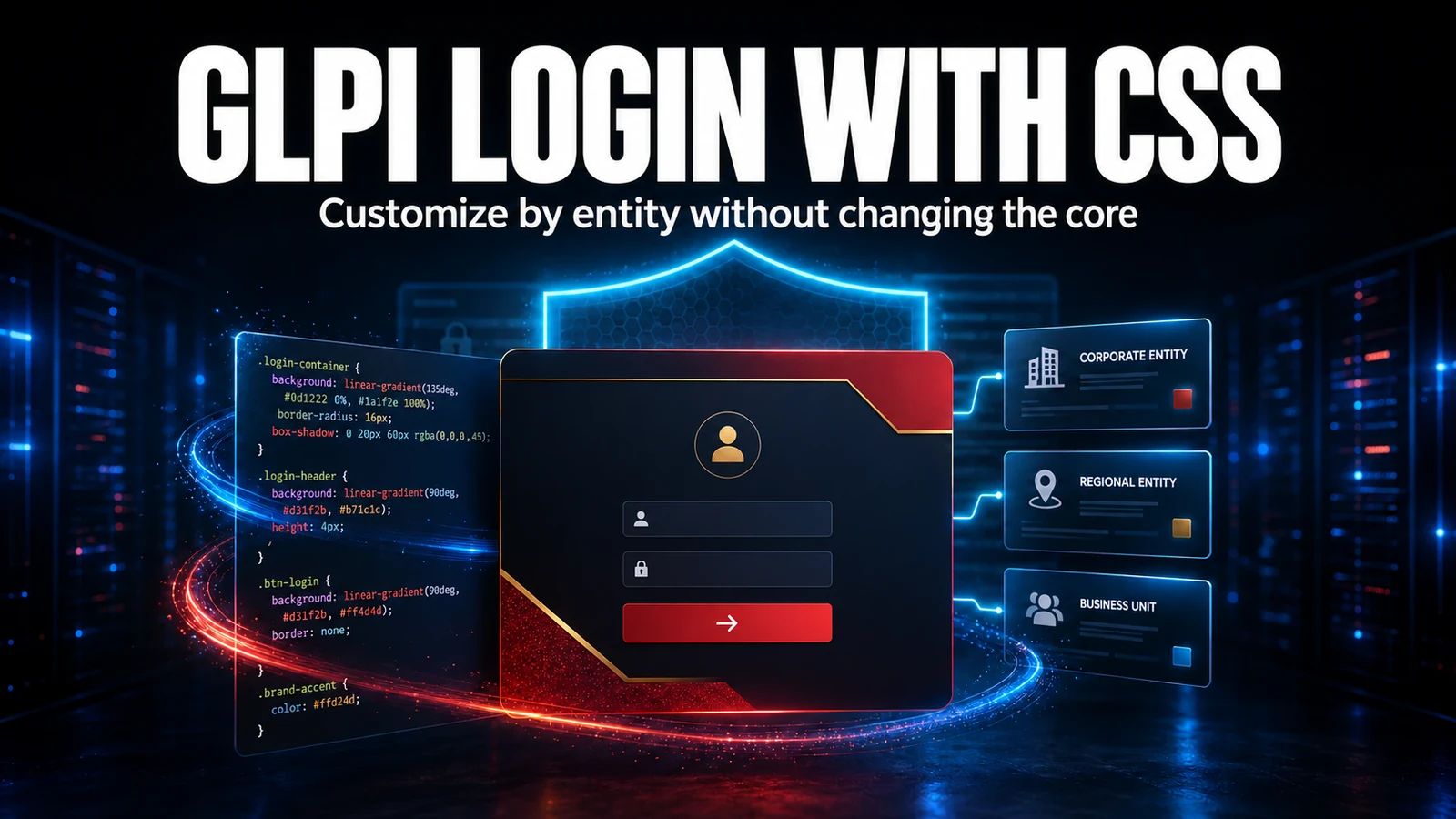
Branding does not end at the login screen. When a client wants their visual identity inside GLPI - in the menu and in daily navigation - the sustainable path is per-entity CSS, not yet another theme plugin to maintain. The trick is not writing pretty CSS: it is choosing what NOT to customize so you do not break operations. This guide shows how to apply an internal theme (we use an Iron Man inspired palette, red and gold) while keeping forms, status colors and indicators in GLPI native style.
Why per-entity CSS instead of a theme plugin
Every visual plugin becomes maintenance debt: with each GLPI update you hope the theme stays compatible. Per-entity CSS has no such cost. It is native, stored in the database (not in a file the update overwrites) and therefore survives core upgrades. And because it is per entity, each branch, department or client can have its own identity, with recursive inheritance from parent entities to children.
When you sustain client fleets, that is the difference that matters: zero extra dependency to revalidate on every version. You deliver visual identity without adding one more piece to the inventory of things that can break at the next upgrade.
Where GLPI stores the CSS
In GLPI, the entity custom CSS field lives under Setup > Entities > [your entity] > UI customization (the exact label varies by version). Paste the CSS, save and refresh the internal screens. Because the content is stored in the database, it is not affected when an update replaces system files, and rollback is trivial: just restore the previous text.
Recursive inheritance is the detail that saves work: define the base identity in the root entity and only override in the children when you need a variation. To isolate a specific entity, apply the CSS directly to it.
The scope that sustains: menu yes, operation no
The rule we learned the hard way is simple: heavy visual customization only in non-operational areas. The side menu and the topbar carry identity and no data meaning; status colors, SLA badges and form fields carry information the technician decodes in milliseconds. Touching those colors sabotages screen reading.
| UI element | Customize? | Why |
|---|---|---|
| Side menu (navigation) | Yes | Identity area; carries no data semantics |
| Topbar / header | With care | Background color ok; preserve state and search icons |
| Form cards | No | Typing focus and legibility over aesthetics |
| Status colors (new, assigned, solved) | Never | The technician reads status by color before the text |
| SLA badges and indicators | Never | A breached-SLA red must stay red |
| Primary action button | With care | May be themed while keeping AA contrast |
The theme CSS (interior only)
This is the core of the theme applied to the menu and navigation. Note the closing comment: what we leave out matters as much as what we style.
/* GLPI interior theme - Iron Man palette (red and gold)
   Apply at: Setup > Entities > [your entity] > UI customization
   Golden rule: menu and navigation only. No forms, no status. */

:root {
  --ns-iron-red-900: #250108;
  --ns-iron-red-500: #bc1023;
  --ns-iron-gold-500: #d4a017;
  --ns-iron-text:    #fff6da;

  /* Logo served FROM WITHIN GLPI - never hotlink an external site */
  --glpi-logo-light: url("/pics/client-brand.png");
  --glpi-logo-dark:  url("/pics/client-brand.png");
}

/* Side menu - safe area to theme */
#navbar-menu, .sidebar, aside[role="navigation"] {
  background: linear-gradient(180deg, #220307 0%, #170206 48%, #110104 100%) !important;
  border-right: 1px solid rgb(212 160 23 / 18%) !important;
}
.sidebar #navbar-menu .nav-link { color: var(--ns-iron-text) !important; }

/* Active item in gold - still inside navigation */
.sidebar #navbar-menu .nav-item .nav-link.active {
  color: #fff8e3 !important;
  background: linear-gradient(90deg, rgb(212 160 23 / 22%), rgb(212 160 23 / 6%));
  border-left: 3px solid var(--ns-iron-gold-500);
}

/* We deliberately do NOT touch: status colors, SLA badges,
   forms and operational cards. They stay in GLPI native style. */
The field pitfall: external images and too much !important
The most common mistake we fix in client themes is external image hotlinking. Someone pastes a background or a logo pointing to a random site on the internet, and it works on test day. Then it breaks for three reasons, always at the worst time: the content security policy (CSP) blocks the external img-src, the third-party host goes down or starts rate limiting, or GLPI runs over HTTPS while the image is HTTP and becomes mixed content the browser drops.
In production support we saw a theme fetching a logo from a public image CDN; on a Friday night the client hardened the CSP and the header showed up with no logo in production. The cause was not GLPI, it was the hotlink. Since then the rule is strict: every visual asset served from within GLPI itself (the system image folder or shipped by a plugin) or embedded as a data URI for small logos. The second mistake is spreading !important over .form-control and status colors, which blows up dark mode and legibility. Keep !important restricted to the menu.
Checklist before publishing
- Copy the entity current CSS to a rollback file before overwriting.
- Apply first to a test entity, never straight to the production root.
- Walk through dashboard, ticket list, ticket form, users and reports.
- Test dark mode and the mobile view of the theme.
- Confirm every asset is internal (no external hotlink).
- Validate text contrast against the background (aim for WCAG AA).
With that scope, the theme delivers identity and stays invisible to operations: the menu becomes the client's, and the rest of GLPI remains the GLPI the technician already knows how to read.
Next step
Interface customization is part of the sustaining work we do alongside NexTool. If you want to standardize the GLPI identity without compromising operations, talk to the team.
Reviewed by the NexTool Solutions team.