GLPI is the most widely used open source ITSM and asset management platform in the world, with more than 500,000 organizations in production. This guide goes beyond the definition: it shows what GLPI does in practice, how to validate an environment before trusting real data to it, and the pitfalls we most often see while supporting client environments.
What is GLPI?
GLPI (Gestionnaire Libre de Parc Informatique) is a web application for IT service management (ITSM), asset management and service desk. In a single platform it consolidates tickets, hardware and software inventory, contracts, suppliers, a knowledge base and projects. Created in 2003 by the French community and now maintained by Teclib, it reached GLPI 11 in 2025, with the presentation layer rewritten on Symfony and Twig and native forms that reduce plugin dependency.
What it does in practice
- Service desk and help desk - opening, tracking and resolving incidents and requests, with SLA/OLA, automatic assignment rules, approvals and satisfaction surveys.
- Asset management (CMDB) - inventory of computers, printers, network assets and software, fed automatically by the GLPI Agent.
- Contracts and suppliers - warranties, licenses and expiry alerts linked directly to the covered assets.
- Knowledge base - solutions and procedures that cut rework and the volume of repeat tickets.
- Projects - tasks, deadlines and costs with traceability back to the ticket that started the demand.
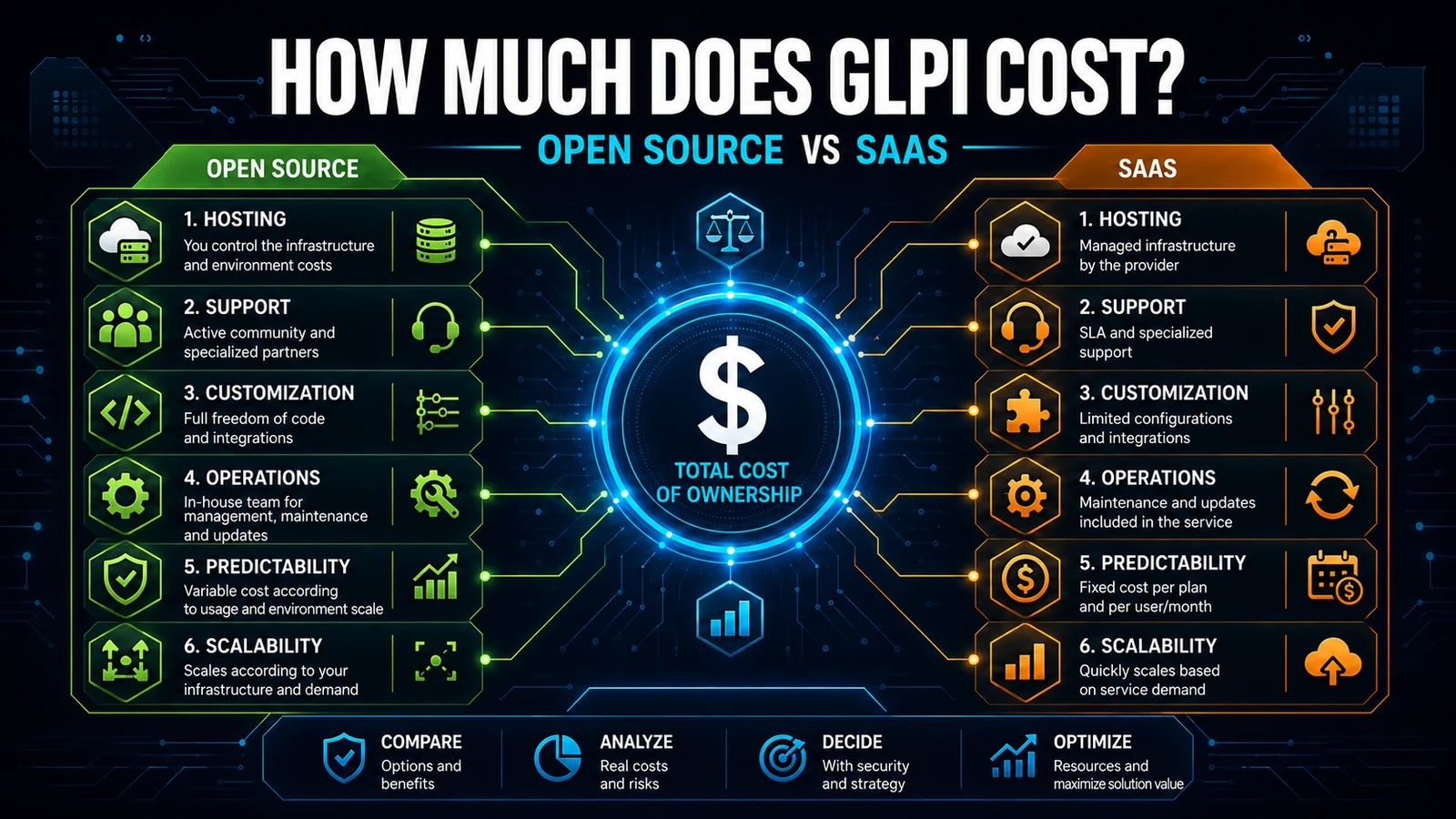
How much does GLPI cost?
Open source GLPI is free, with no limit on users, tickets or assets. What you pay for is operation: a Linux server with Apache/Nginx, PHP 8.1+ and MariaDB, plus the labor of installation and support. A VPS costing US$ 10 to US$ 20 per month covers most small and medium operations. Teclib also offers GLPI Cloud (SaaS) for teams that would rather not run their own infrastructure.
| Platform | Model | License | Entry cost | Self-hosted |
|---|---|---|---|---|
| GLPI (self-hosted) | Open source ITSM | GPL-3.0 | Free (infra ~US$ 10-20/mo) | Yes |
| GLPI Cloud | SaaS (Teclib) | Subscription | ~€19/agent/mo | No |
| ServiceNow | Enterprise SaaS | Proprietary | ~US$ 100/agent/mo | No |
| Jira Service Management | SaaS | Proprietary | ~US$ 20/agent/mo | Data Center (optional) |
The competitor price ranges are public entry-level references and vary by volume and modules. The point that matters: GLPI removes the per-agent license cost, which is exactly what scales badly in operations that grow.
How to validate an environment before trusting it
Installing is easy; what separates a pilot from a stable operation is post-install verification. Before migrating real data, we confirm the health of the status endpoint, schema integrity and cache clearing:
# Instance health (should answer GLPI_OK)
curl -s https://glpi.yourcompany.com/status.php

# Apply pending schema migrations (idempotent)
php bin/console db:update --no-interaction

# Clear cache after any configuration change
php bin/console cache:clear
Then a quick backlog diagnostic straight from the database reveals whether the operation is healthy or backed up:
-- Ticket distribution by status
-- status: 1=New 2=Assigned 4=Pending 5=Solved 6=Closed
SELECT status, COUNT(*) AS total
FROM glpi_tickets
WHERE is_deleted = 0
GROUP BY status
ORDER BY total DESC;
What we learned in production support
Supporting dozens of GLPI environments, we learned that the bottleneck is almost never the software - it is configuration. The most recurring case is the notification queue and automatic tasks failing to run because cron was left in internal mode (triggered only on user access), making SLA and closure emails lag for hours. Another classic issue we inherit from clients: categories and trees created directly in the database via SQL. GLPI uses a nested tree, and the internal method that resolves the hierarchy does not recognize a node inserted "by hand" - the category simply becomes invisible in the forms. Our rule is strict: no hierarchical structure by direct INSERT, always through the interface or the API.
The most common pitfall
If you remember only one thing from this guide, remember cron. GLPI ships with internal mode (GLPI mode) by default, which runs automatic tasks during user requests - convenient for testing, terrible for production, because it depends on someone accessing the system and it slows page loading. In production, configure external cron on the operating system:
# /etc/cron.d/glpi - runs GLPI cron every minute
* * * * * www-data /usr/bin/php /var/www/glpi/front/cron.php >/dev/null 2>&1
Then, under Setup > Automatic actions, switch the mode of each critical task (queuednotification, notifications, automatic closure) from GLPI to CLI. It is the difference between timely notifications and a service desk that "loses" emails.
GLPI 10 vs GLPI 11
- Interface - version 11 rewrote the presentation layer on Symfony/Twig, with responsive design.
- Native forms - the 11 core absorbed customizable forms, reducing FormCreator dependency.
- Custom objects - custom types without a plugin, a role once exclusive to GenericObject.
- Native webhooks - basic support for integrations with external systems.
If you are starting today, start with GLPI 11. If you already run 10 in production with many plugins, plan the migration carefully - some plugins have no version for 11.
Next step
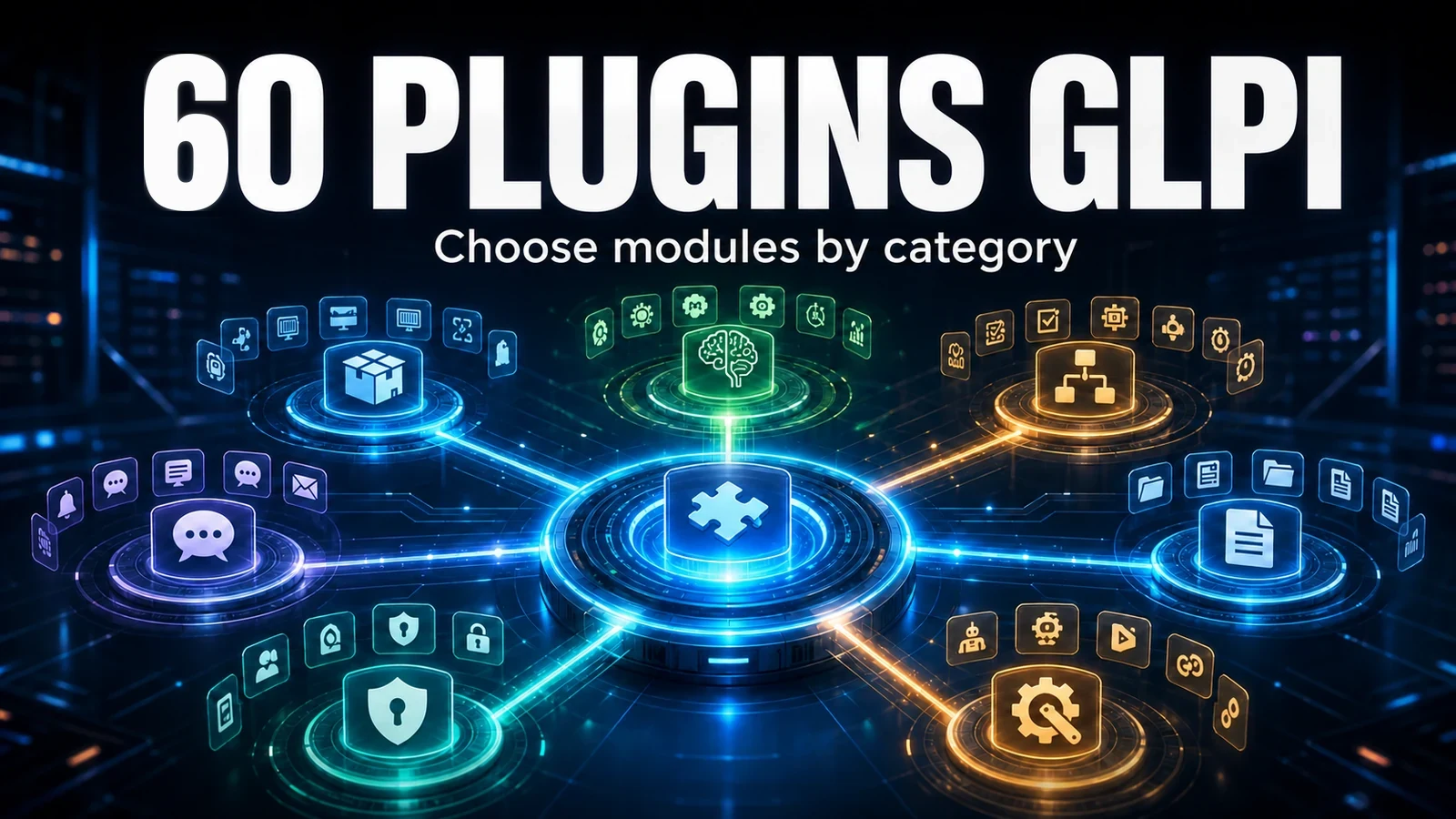
Spin up a test environment, validate it with the commands above and configure external cron before anything else. To expand the core without piling up conflicting plugins, NexTool concentrates dozens of modules into a single plugin. Need help with deployment or ongoing support? Talk to the team.
Reviewed by the NexTool Solutions team.