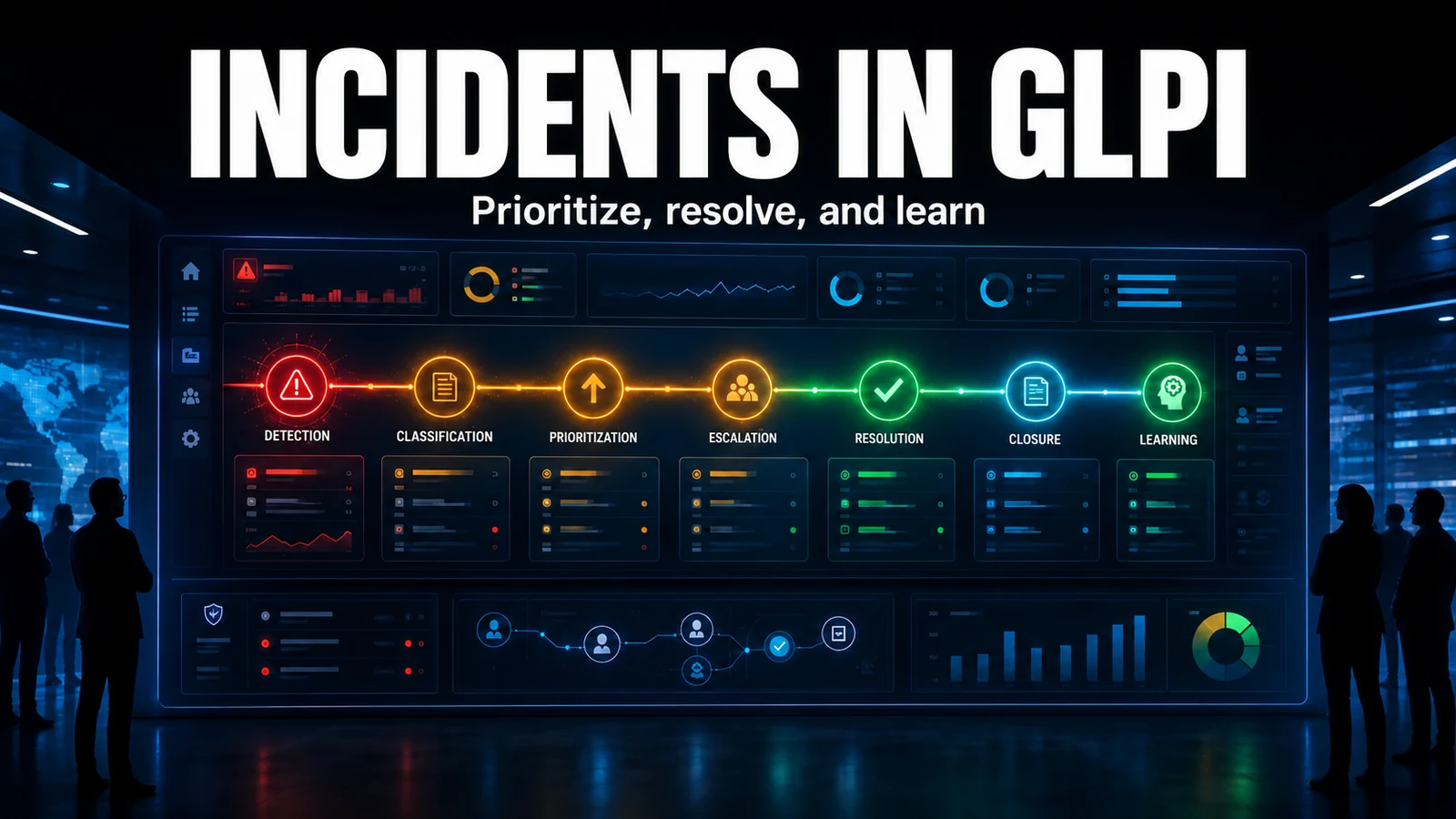
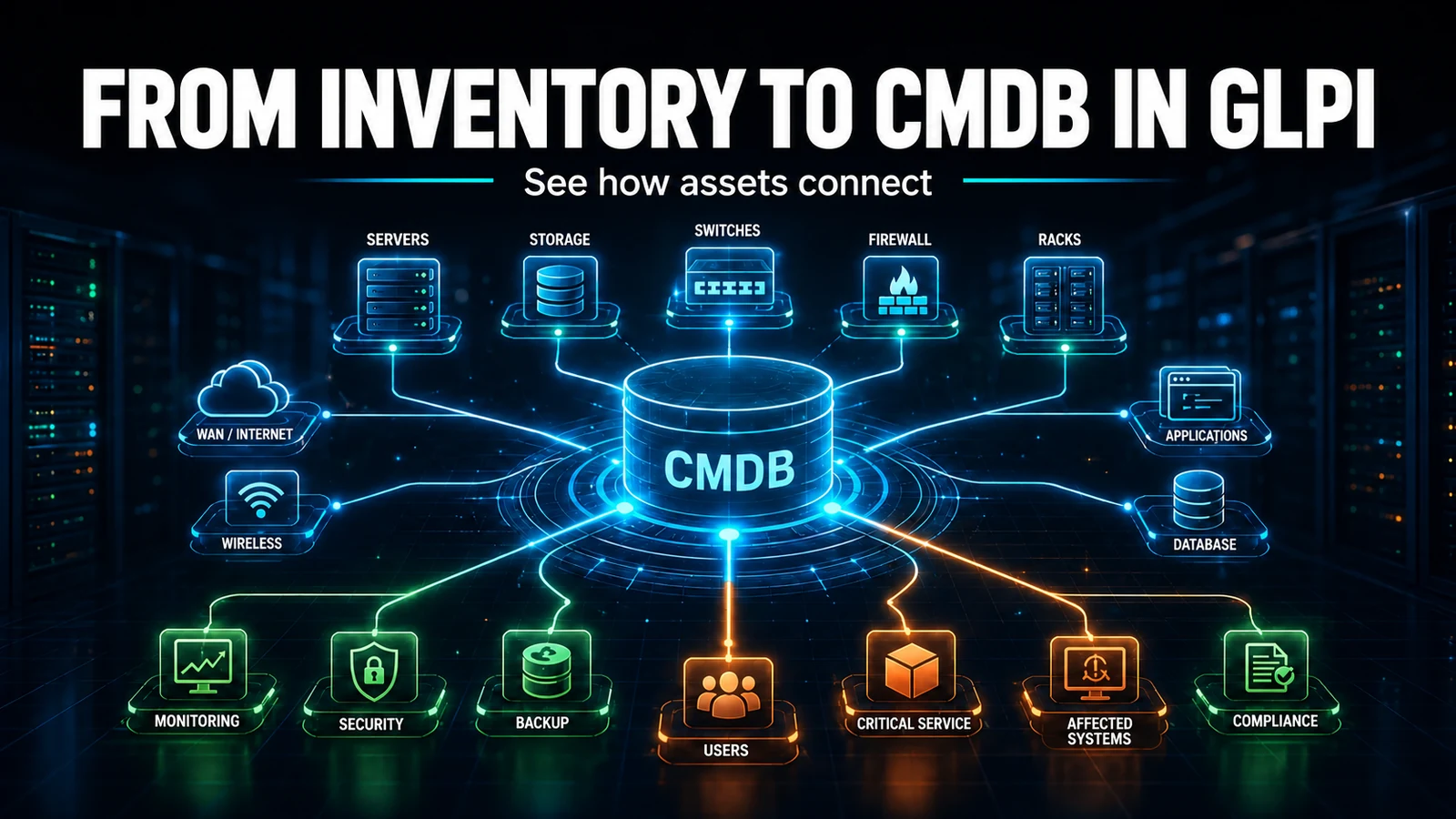
Problem management is what separates an operation that fights the same fire every week from one that puts it out for good. Supporting client GLPI environments, the pattern we see most is not a missing process, it is the problem opened, worked around and marked Solved on the same day - closing the cycle before the root cause is ever documented. This guide shows where each piece of a problem lives in GLPI, how to classify without inventing a field that does not exist, and the pitfalls that let an investigation get lost.
Incident vs problem: the difference is in the data, not just the wording
The classic ITSM confusion is thinking that "an incident becomes a problem". In GLPI they do not even share a table: the incident lives in glpi_tickets, the problem in glpi_problems, each with its own state machine. They are distinct objects with opposite goals:
- Incident: restore the service as fast as possible. It is curative and has a resolution SLA.
- Problem: find and eliminate the root cause so the incident does not come back. It is preventive and runs at a different pace.
A field example: the mail server goes down every Monday. Each outage is an incident fixed by restarting the service. The investigation that finds the weekly backup exhausting memory and dragging the service down is the problem. Closing the incidents without opening the problem guarantees the next Monday brings the same ticket.
The Analysis section: where the root cause actually lives
What sets the problem form apart from an ordinary ticket is the Analysis section, which writes to three dedicated text columns in glpi_problems (exposed as search options 60, 61 and 62):
impactcontent- Impacts: what the problem affects while it is unresolved.causecontent- Causes: this is where the root cause lives. It is the single most important field in the whole process.symptomcontent- Symptoms: how the problem shows up to whoever opens an incident.
The most common field pitfall we find: the Analysis section is collapsed by default in the form. The technician fills in the title and description, logs the workaround in the timeline and never opens the section - so causecontent stays empty. The result: six months later, nobody knows why that problem was opened or what was discovered. A root cause that never reaches causecontent does not become knowledge, it becomes hearsay.
Incident, problem or change: a decision matrix
Before opening any record, the team needs to know what it is opening. This is the matrix we use at triage:
| Observed situation | Treat as | Goal | Where in GLPI |
|---|---|---|---|
| Service down now, one user affected | Incident | Restore fast | Assistance > Tickets |
| Same symptom across 3+ incidents or a recurring critical incident | Problem | Eliminate the root cause | Assistance > Problems |
| Root cause known, fix requires changing infrastructure | Change (from the problem) | Implement the fix with rollback | Assistance > Changes |
| Solution already exists and is repeatable | Knowledge base | Standardize the workaround | Tools > Knowledge base |
Note that problem and change do not compete: the mature flow is problem (finds the cause) - change (implements the fix) - knowledge base (documents it), all chained together.
Linking the incidents: the Tickets tab and the link type
What gives a problem substance is the incidents tied to it. On the problem form, the Tickets tab associates the related tickets, writing to the glpi_problems_tickets table. The detail almost everyone ignores: the link has a type. Linking as "Linked to" is different from linking as "Duplicate", and that changes how recurrence reports read. Standardize the link type across the team, otherwise the incident count per problem becomes meaningless - it was one of the first fixes we made in environments we inherited without governance.
The lifecycle and the pitfall of closing "Solved" too early
The problem has its own state machine in the status column of glpi_problems, and it is not the same as the change one. The states a problem actually uses are:
- New (1) - logged, not yet investigated.
- Accepted (7) - triaged and taken by the team.
- Processing / assigned (2) and planned (3) - investigation under way.
- Pending (4) - waiting on a third party, vendor or window.
- Under observation (8) - workaround applied, monitoring whether the cause was truly eliminated.
- Solved (5) and Closed (6) - cause eliminated and cycle closed.
Here is the common mistake that costs the most: applying the workaround and marking the problem Solved the same day. Solved means "the root cause is gone", but a workaround eliminates no cause - it only hides the symptom. In support work we started using the Under observation (8) status precisely for this: the workaround is in place, the problem stays alive on the board, and we only move it to Solved after the permanent fix lands and a period passes with no recurrence. Closing too early is like declaring victory with the fire still smouldering behind the wall.
Workaround, permanent solution and the bridge to a change
A problem carries two outcomes that must not be confused:
- Workaround: restores the service without touching the cause. Document it in the timeline or as a problem task (
glpi_problemtasks) for the front line to use immediately. - Permanent solution: eliminates the root cause. It is recorded on the Solution tab, writing to
glpi_itilsolutions(withitemtype = 'Problem'), and often needs a change to be implemented.
When the fix touches infrastructure, open the change straight from the problem: the link writes to glpi_changes_problems and keeps the root cause - corrective action traceability. That is the line that later lets you prove the problem was actually solved, not just closed.
Problem closure notification template
Under Setup > Notifications, the problem event template uses GLPI tags. A closure body that forces the root cause to be recorded cuts down on problems closed with no lesson learned:
Subject: [Problem ##problem.id##] Closed - ##problem.title##

Hello,

The problem below has been closed.

Title:       ##problem.title##
Category:    ##problem.category##
Status:      ##problem.status##
Incidents:   ##problem.numberoftickets##

Symptoms:
##problem.symptoms##

Root cause:
##problem.causes##

Details: ##problem.url##
The ##problem.causes## and ##problem.symptoms## tags pull straight from causecontent and symptomcontent. If the closure notification arrives with those blocks empty, it is a clear sign the problem was closed with no root cause documented - and the email itself becomes the auditor of the process.
Diagnostics: problems with too many incidents and too little cause
In support work we periodically run a SELECT that crosses what matters most: still-open problems with many linked incidents but no root cause filled in. It is the queue of imminent rework:
SELECT p.id,
       p.name AS problem,
       p.status,
       COUNT(pt.tickets_id) AS incidents,
       IF(p.causecontent = '' OR p.causecontent IS NULL,
          'NO ROOT CAUSE', 'ok') AS cause
FROM glpi_problems p
LEFT JOIN glpi_problems_tickets pt ON pt.problems_id = p.id
WHERE p.is_deleted = 0
  AND p.status NOT IN (5, 6)          -- exclude Solved and Closed
GROUP BY p.id
HAVING cause = 'NO ROOT CAUSE'
    OR incidents >= 3
ORDER BY incidents DESC;
Every row with NO ROOT CAUSE and several incidents is a problem burning workaround effort without moving toward a solution. Turning this query into a weekly board changes the conversation in the ops meeting: instead of "how many tickets did we close", it becomes "which causes did we eliminate".
Support best practices
- Do not wait for dozens of incidents: 3 occurrences with the same symptom already justify a problem.
- Fill in
causecontentbefore closing, even if the cause seems obvious; it is what becomes knowledge. - Use Under observation while the workaround runs; only mark Solved once the cause is eliminated.
- Standardize the incident link type so the recurrence count means something.
- Link the problem to the change (
glpi_changes_problems) whenever the fix touches infrastructure. - Review open problems weekly; a forgotten problem is a guaranteed incident down the road.
If the operation needs recurring problems to be detected on their own - instead of relying on someone spotting the pattern - the Problem Flow module identifies repeated incidents by category and frequency and opens the problem with the tickets already linked. NexTool support configures this flow on the GLPI you already run, from the detection trigger to the eliminated-causes board.
Reviewed by the NexTool Solutions team.