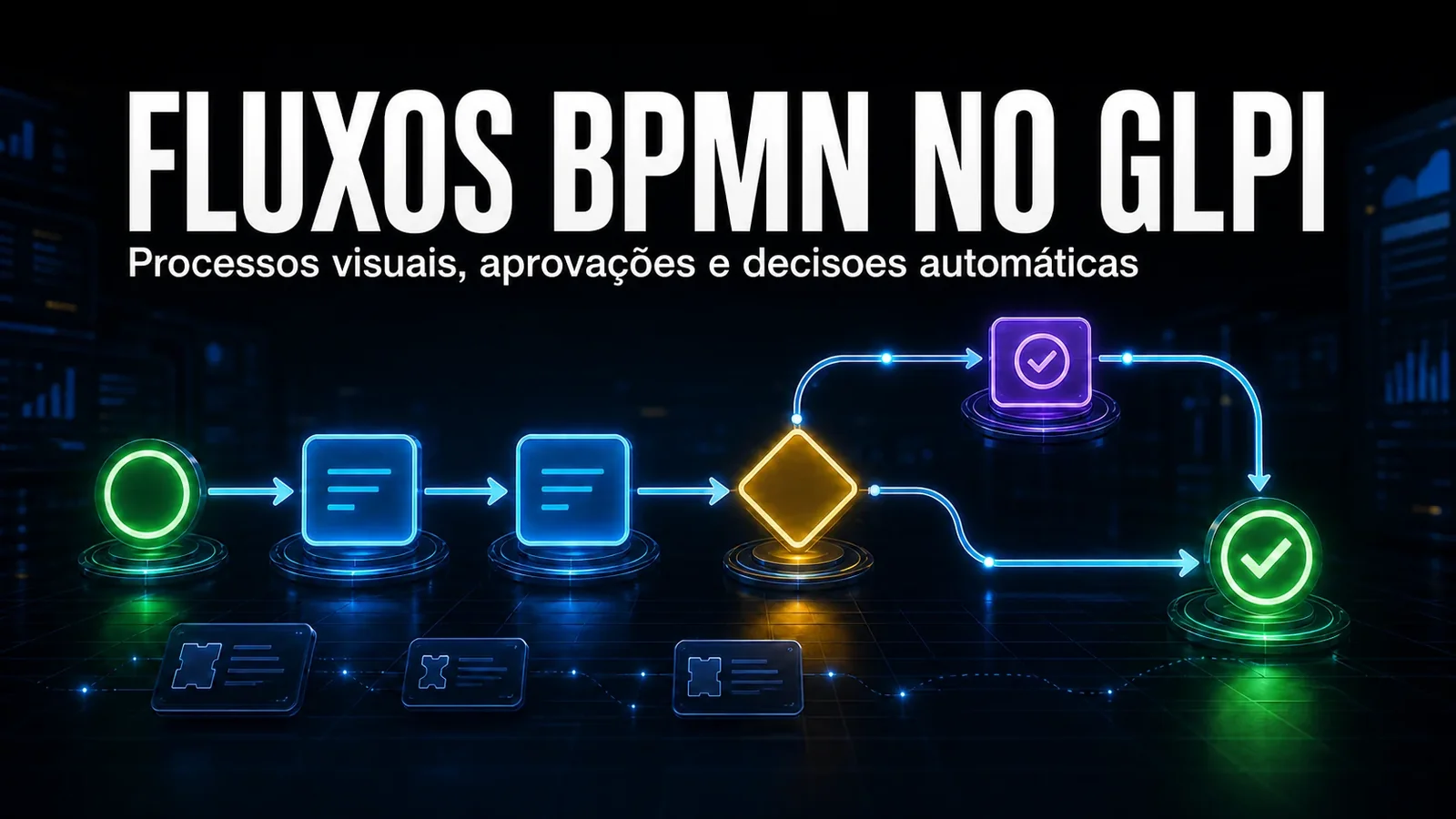
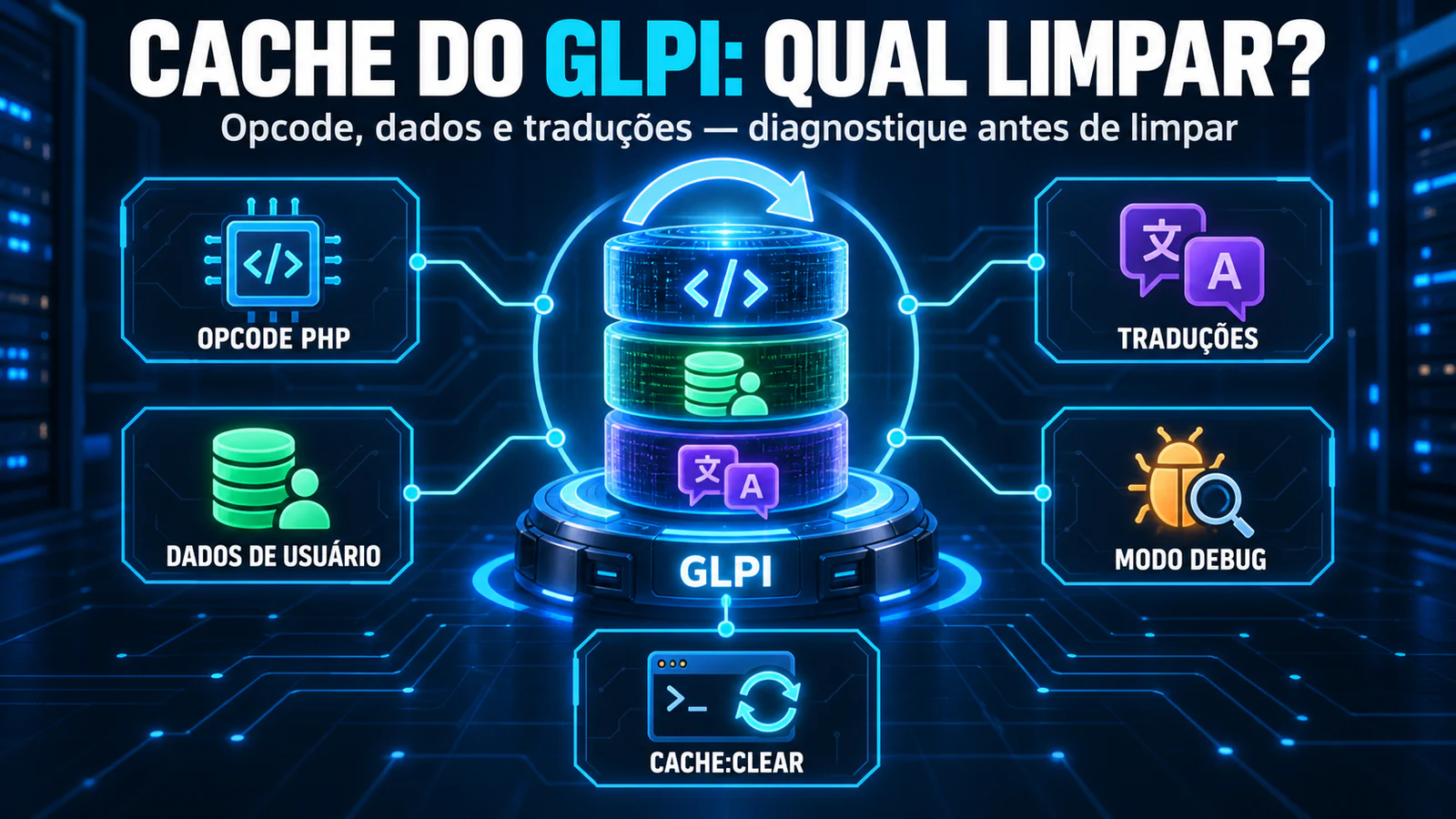
Standardisation is not requested, it is configured. Every service desk tries to standardise through training and goodwill — and every service desk finds out that, at volume, it does not hold.
The problem
Standardising tickets in GLPI usually costs on two fronts. At the intake, priority, SLA, group and technician depend on whoever opened the ticket choosing correctly — and everyone chooses differently. At the exit, tickets close with a three-word solution, no location filled in and no clear owner.
The usual alternative is to build a web of business rules inside GLPI. It works at first and becomes technical debt later: dozens of rules with interdependent execution orders that nobody dares to touch.
How Ticket Rules works
The module tackles both ends with declarative configuration instead of chained rules.
- Automatic categorisation by ITIL category — each category carries priority, SLA, group, technicians and watchers. Picking the right category fills in the rest.
- Mandatory fields on solve or close — validated on the server, not just in the form: it cannot be bypassed through the API or a hidden field.
- Minimum character count — on followups, tasks and solutions — no more "ok" as a recorded solution.
- One technician or group per ticket — prevents stacked assignment, where half the team is formally responsible and nobody actually is.
- À la carte rules — each requirement is an independent toggle: enable only what fits your operation.
How to enable it
- Install NexTool on your GLPI 11.
- Go to NexTool > Modules and enable Ticket Rules.
- Under Parameters per category, set priority, SLA, group and technicians for each ITIL category.
- Under Service rules, switch on the requirements you want and the minimum character count.
Who it is for
Operations that need trustworthy metrics — and found out that a metric is only as good as the data going in. Also for teams under audit or contract that require a minimum record per ticket and today depend on manual review to guarantee it.
One honest caveat: mandatory fields create friction with the team. Start with the two or three that solve your real pain, not with all of them at once.
Compatibility
- GLPI: 11.0+
- Plan: Licensed
- Plugin: NexTool 6.x+
Next step
Ticket Rules is part of NexTool, an ecosystem of modules that extends GLPI without code customisation. Visit the module page or book a call to see it running in your environment.
Reviewed by the NexTool Solutions team.