Email is not real-time notification. For a technician to know the moment a ticket changes, the alert has to appear inside GLPI. Two solutions solve this in opposite ways: the Unread plugin highlights, in the lists, what has not been seen yet, while the Smart Notify module (NexTool) adds a global bell to the navbar, with sound and per-user preferences. And one factor decides everything before any feature: which GLPI version you run.
Context: why email alone is not enough
In stock GLPI, every notification goes out by email. In practice, the technician who keeps the system open all day ends up having to:
- Constantly switch between the GLPI queue and the inbox;
- Dig GLPI emails out from among dozens of others;
- Click the email link just to return to a ticket that was already on screen.
The result is familiar: delayed replies, follow-ups nobody saw, validations stuck waiting for a click. Internal notification cuts that back-and-forth - but "internal" has two very different meanings, and that is exactly where the two plugins diverge.
Two different philosophies
Unread is a community plugin with a lean scope: to visually flag, in the lists, the items (tickets, follow-ups) you have not opened yet. It is passive - the highlight shows up when you are already looking at the list. No sound, no bell, no per-user preference. Its big advantage is a near-zero operating cost: nothing runs in the background.
Smart Notify (a NexTool module, GLPI 11) is active. It aggregates 11 event sources that already exist in GLPI - follow-ups, tasks, validations and solutions for tickets, problems and changes, plus attached documents and manual admin broadcasts - and presents them all in a navbar bell, visible on any screen. It brings an unread counter, priority-based sound, cross-tab synchronization and a preferences panel where each technician turns on or off what they want to receive. One key point: it does not create new events, it only gathers and flags what GLPI has already recorded.
Head-to-head comparison
| Criterion | Smart Notify (NexTool) | Unread |
|---|---|---|
| Nature | NexTool module for GLPI 11 | Community plugin |
| Where the alert appears | Global bell in the navbar, on any screen | Highlight in the item list |
| Update model | Background polling (15 to 120s) | When the list loads |
| Event sources | 11 (follow-up, task, validation, solution, document and manual alerts for ticket/problem/change) | Read / unread state of items |
| Priority-based sound | Yes (4 tones: subtle, default, alert, alarm) | No |
| Per-user preferences | Yes (11 types + sound, per technician) | No |
| Cross-tab synchronization | Yes (BroadcastChannel + localStorage fallback) | No |
| "New messages" separator in the timeline | Yes | No |
| Indicator in the lists | Red dots per unread item | Row/item highlight |
| Manual admin broadcast | Yes (targeting: everyone, user, group, entity) | No |
| Automatic cleanup | Yes (daily cron, configurable retention) | Not applicable |
| Database cost per active user | 1 query per polling cycle | Near zero in the background |
| Supported GLPI | 11 (glpi_major 11 in the manifest) | Depends on the installed plugin version |
| Price | Free | Free |
The trade-off that matters in operations
Maintaining GLPI for clients, the point that always comes up is not the feature list - it is the cost of polling. Smart Notify refreshes the bell by polling (a configurable interval from 15 to 120 seconds), not by WebSocket. Each technician with the screen open fires one database query per cycle. In an operation with dozens of concurrent technicians, leaving the interval at 15s multiplies those queries with no real gain in perception. That is why, in production, we tune it between 30 and 45 seconds: imperceptible to the user and easy on the database. The module helps in two ways - it pauses polling when the tab goes inactive (the visibilitychange event) and calls session_write_close() at the start of the read request, so the poll is not stuck behind the user's own session lock.
The most common mistake we see in support is the technician complaining that they "do not get a notification for their own follow-up". That is by design: Smart Notify excludes the user's own actions - you are not alerted about what you wrote yourself. Another tweak we always make is to turn off document notifications by default (they are noisy on instances that attach many files) and keep only the events that require action. And the factor that decides the project up front: Smart Notify is GLPI 11. If the client is still on GLPI 10, the conversation changes - the realistic option there is Unread (or an equivalent list highlight), because the bell does not run on 10.
Configuration we use in production
# Smart Notify - base configuration (GLPI 11)
# NexTool panel > Modules > Smart Notify > Settings tab
refresh_interval   = 30      # seconds (range 15-120); 30-45 is the sweet spot
max_notifications  = 50
retention_days     = 90      # automatic cleanup via the smartnotify_cleanup cron
notify_document    = 0       # off: attachments generate too much noise
notify_new_problem = 0       # off: infrequent event
sound_urgent       = alarm   # tones by priority: subtle | default | alert | alarm

# 1) Check the effective config directly in the database
SELECT config FROM glpi_plugin_nextool_main_modules WHERE module_key = 'smartnotify';

# 2) Reset the FPM OPcache after enabling/updating (validate_timestamps=Off)
docker exec glpi_app_prod kill -USR2 $(docker exec glpi_app_prod pgrep -o php-fpm)

# 3) Confirm the automatic cleanup in GLPI:
#    Setup > Automatic actions > smartnotify_cleanup
Verdict by scenario
Choose Smart Notify when: the operation runs on GLPI 11, technicians keep the interface open all day, there are multiple entities and profiles, and you need an active alert (bell + sound) with per-person preferences and admin broadcast. This is the high-volume service desk scenario, where a missed follow-up costs SLA.
Choose Unread when: you are on GLPI 10, or you just want to highlight what has not been seen in the lists with nothing running in the background, or the team is small and email already covers the alert - Unread only solves "what I have not opened yet". It is the minimal-footprint option.
The two are not direct competitors: Unread covers one slice (list unread state) that Smart Notify also delivers, with red dots in the lists and a "New messages" separator in the timeline. Running both together on GLPI 11 is redundancy - pick one.
Cost and effort
Both are free. What differs is the effort: Unread installs and that is it, with no configuration and no maintenance. Smart Notify needs an initial setup (polling interval, event types, authorized profiles) and has a cron task (smartnotify_cleanup) that clears read notifications and logs according to retention - runs daily, no intervention. Once tuned it is also "install and forget", but tuning the polling and the event types is what separates a clean rollout from a noisy one.
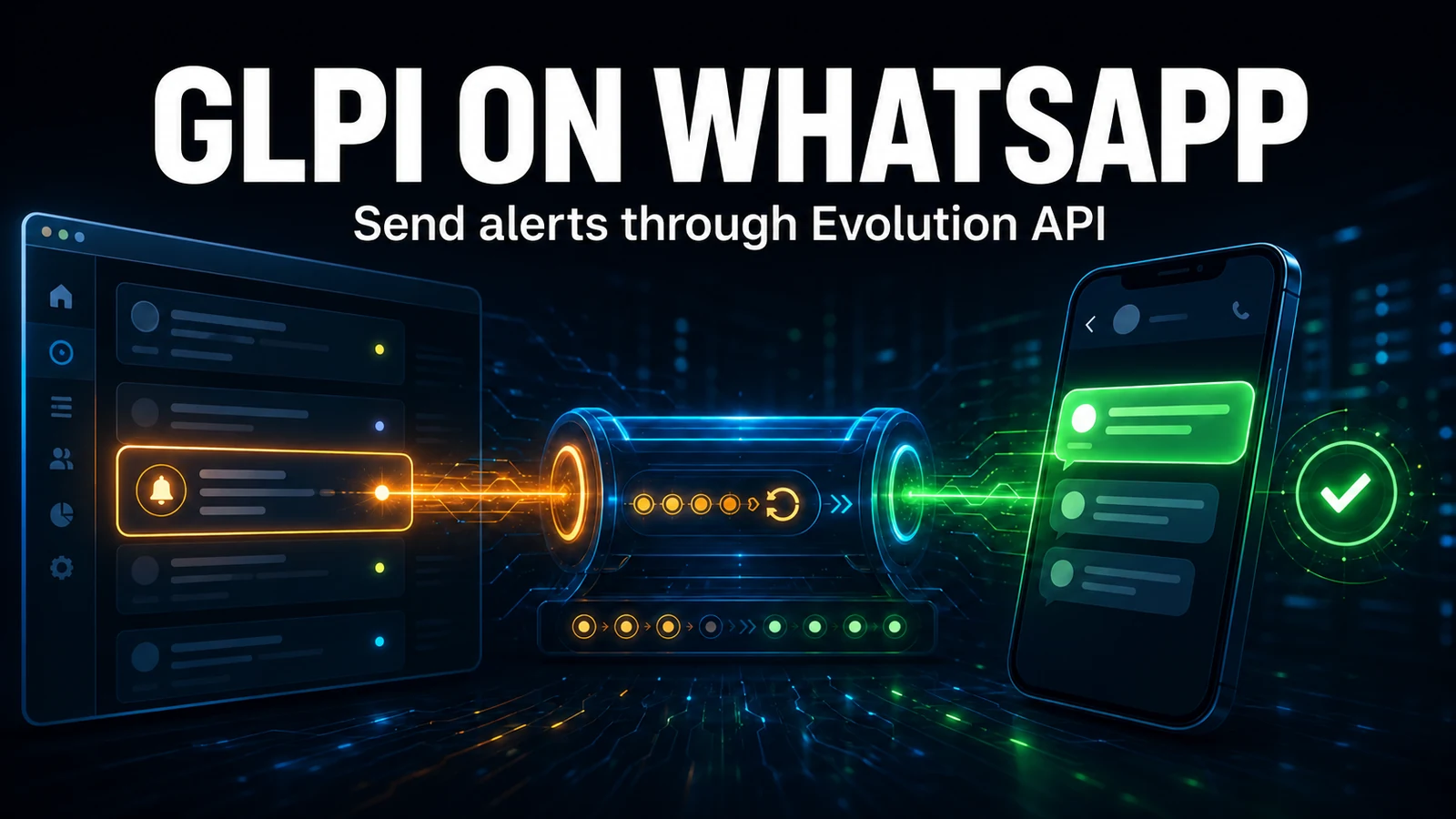
Need notifications outside GLPI too - WhatsApp, Telegram, Teams? The bell reaches whoever is inside the system; to reach those outside it, combine it with the external notification modules from NexTool. If you like, we can help design the alerting flow while maintaining your GLPI.
Reviewed by the NexTool Solutions team.