Migrating from FusionInventory to GLPI Agent is not just uninstalling one and installing the other. In the GLPI fleets NexTool maintains for B2B clients, what actually decides the migration is protecting the asset link: making sure every machine that switched agents keeps landing on the same GLPI record instead of becoming a duplicate. This post shows how we plan and run that fleet-wide swap, from the ingestion point to the verification that closes each wave.
What really changes: the ingestion point
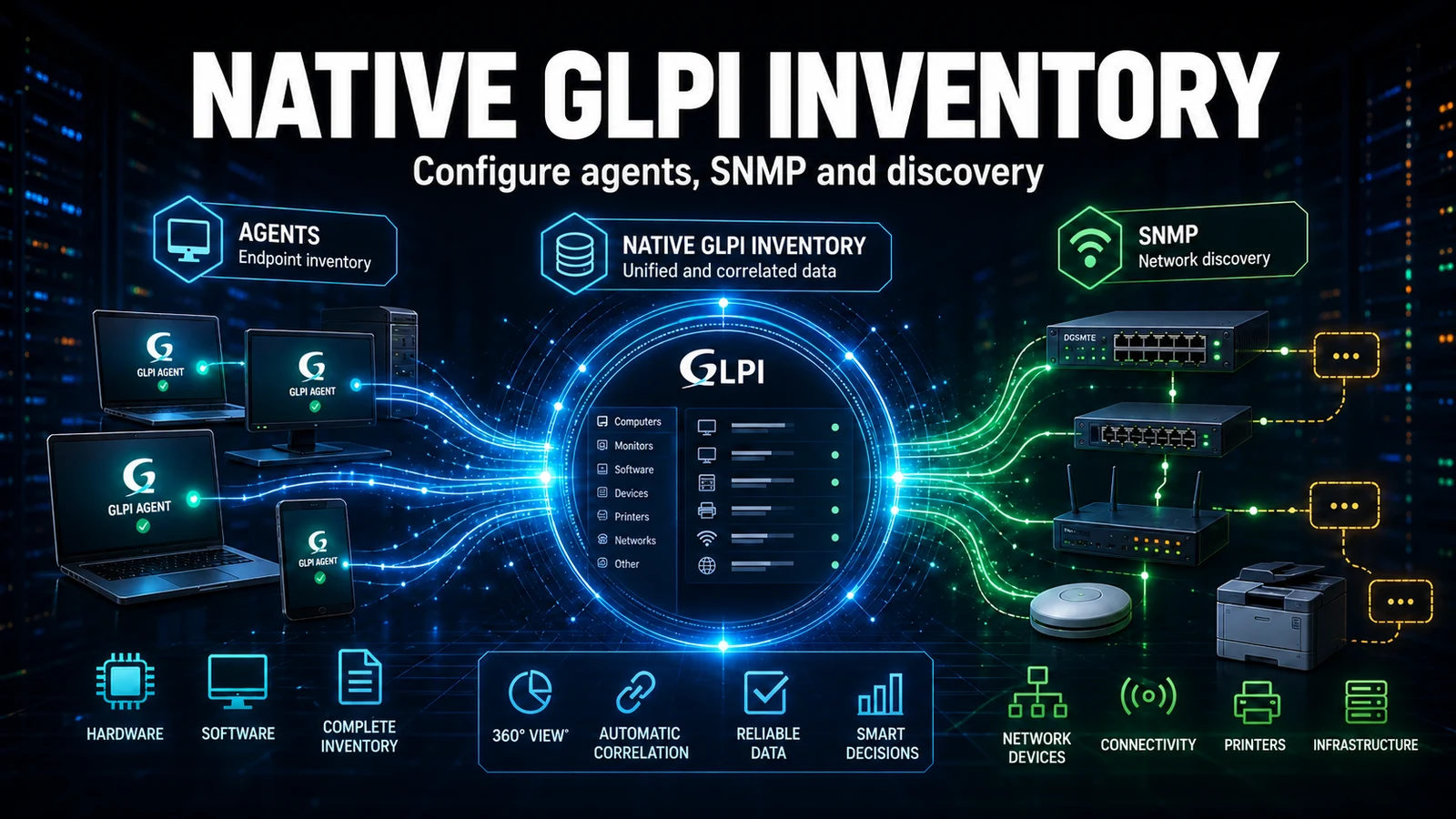
The FusionInventory Agent fed GLPI through the FusionInventory plugin, with its own endpoint. GLPI Agent feeds the core's native inventory, which receives at /front/inventory.php. Those are two different ingestion paths coexisting on the same server during the transition. The agent is only half the story: the other half is the server no longer depending on the plugin. That is why order matters - you migrate the fleet first and only then disable and uninstall the FusionInventory plugin, never the other way around. Removing the plugin before the fleet is migrated cuts the data path for the agents that have not switched yet.
Good news for anyone afraid of losing features: GLPI Agent keeps the same FusionInventory tasks (Inventory, NetDiscovery, NetInventory, Deploy, ESX, Collect and RemoteInventory). No network discovery or deploy is lost in the swap; what changes is the binary and the delivery point, not the feature set.
The real risk: duplicate assets (and why it happens)
Here is the detail that only shows up when you run this in production. Every agent carries a deviceid (something like hostname-2026-07-02-10-30-00). Installing GLPI Agent from scratch generates a new deviceid. That creates a new Agent record in GLPI - but it should not create a new Computer, because asset matching is done by the import rules using serial number and UUID, not the deviceid.
In real-world support, duplicates almost never come from physical desktops: they have a factory serial and match perfectly. Duplicates come from VMs. A virtual machine with an empty serial, or a UUID cloned from a template, escapes the serial/UUID match and becomes a new asset on every deviceid change. That is why, before the first wave, we audit the import rules and guarantee a fallback criterion that works for VMs (name + domain) on top of serial. Skipping that audit is the most expensive mistake of the migration: you find out about the problem when the inventory has doubled in size.
Real GLPI Agent config
The heart of the migration is the configuration file. On Linux it lives at /etc/glpi-agent/agent.cfg (with conf.d/ for overrides). The server points straight at the native inventory, and the tag is what we use to route the asset to the client's correct entity via a rule:
# /etc/glpi-agent/agent.cfg  (replaces the old FusionInventory agent.cfg)
server       = https://glpi.client.com/front/inventory.php
tag          = hq-sp                 # routes the asset to the right entity via a rule
delaytime    = 3600                  # random window before the 1st send (avoids a spike)
httpd-trust  = 127.0.0.1, 10.20.0.0/24   # IPs allowed to force a remote run
httpd-port   = 62354
no-ssl-check = 0                     # 1 only if the GLPI certificate is internal/self-signed
logger       = File
logfile      = /var/log/glpi-agent.log
On Windows, mass deployment goes through GPO or a management tool, with the silent MSI. The same tag and server from the Linux file become installer properties:
:: 1) Uninstall the FusionInventory Agent (GUID in the registry Uninstall key)
msiexec /x "{GUID-OF-THE-FUSIONINVENTORY-AGENT}" /quiet /norestart

:: 2) Install GLPI Agent pointing at the NATIVE GLPI inventory
msiexec /i GLPI-Agent-1.11-x64.msi /quiet /norestart ^
  SERVER="https://glpi.client.com/front/inventory.php" ^
  TAG="hq-sp" RUNNOW=1 ADD_FIREWALL_EXCEPTION=1
The RUNNOW=1 property forces a send right after install, which shortens the wave's validation cycle: you do not wait for the next schedule to see the asset arrive. And ADD_FIREWALL_EXCEPTION=1 opens local port 62354, which is how we later force a remote run (handy when a batch has not reported).
Wave migration, not big bang
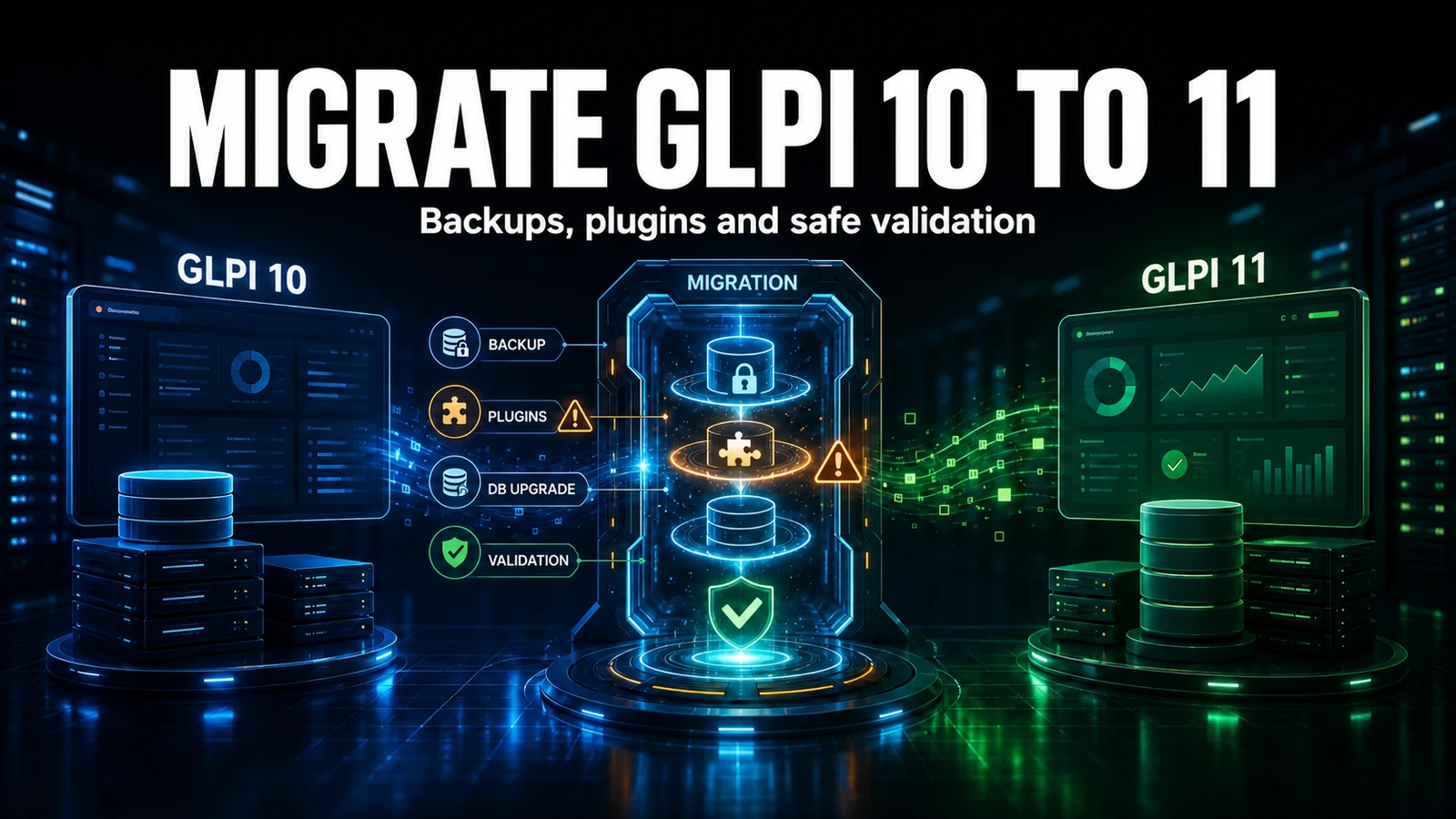
Swapping the whole fleet at once is how you deploy losing your weekend. The flow we use:
- Audit the import rules - match by serial/UUID with a name+domain fallback for VMs. This is the step that prevents duplicates.
- Confirm the native inventory is live - the server must be receiving at
/front/inventory.phpbefore any new agent points there. - Pilot wave - 5% to 10% of the fleet, segmented by site
tag. Confirm zero duplicates before continuing. - Rollout by batch - GPO/Ansible removes FusionInventory and installs GLPI Agent. Each batch is verified before the next.
- Only at the end - with 100% migrated, disable and uninstall the FusionInventory plugin on the server.
FusionInventory Agent vs GLPI Agent
| Aspect | FusionInventory Agent | GLPI Agent |
|---|---|---|
| Maintenance | Community, no new releases | Official Teclib, active releases |
| Ingestion into GLPI | FusionInventory plugin (own endpoint) | Native inventory (/front/inventory.php) |
| GLPI 11 | Not supported | Supported |
| Tasks (discovery, deploy, ESX) | Yes | Yes (same set) |
| Local interface | Port 62354 | Port 62354 |
| Config | agent.cfg | agent.cfg + conf.d/ |
Verification: what we check before closing a wave
No wave closes just because the agent installed. The first test is forcing a send and reading the result, straight on the host:
# Force a send and follow it in debug mode (Linux)
glpi-agent --force --debug

# Local agent status (default port 62354)
curl -s http://localhost:62354/status
On the server side, the safety net is a query that scans the whole fleet looking for the classic symptom of a botched migration - two assets with the same serial number:
-- Assets with the same serial: post-migration duplicate candidates
SELECT serial, COUNT(*) AS total, GROUP_CONCAT(id) AS ids
FROM   glpi_computers
WHERE  is_deleted = 0 AND serial <> ''
GROUP  BY serial
HAVING total > 1
ORDER  BY total DESC;
If that query comes back empty after the pilot wave, the import rules are right and the rollout can speed up. If it comes back with rows, we stop: it is time to fix the rule, not to install more agents. We also check, in the GLPI Agents list, whether "last contact" is updating - an agent that installed but does not report within 24h is usually internal SSL without no-ssl-check, or a firewall blocking the outbound path.
An inventory fleet migration is a project: it has rule auditing, a pilot, a controlled rollout and objective proof that nobody duplicated. If you run GLPI with FusionInventory and need to reach GLPI Agent without surprises, that is exactly the work NexTool delivers. Talk to us about implementation projects for your GLPI environment.
Reviewed by the NexTool Solutions team.