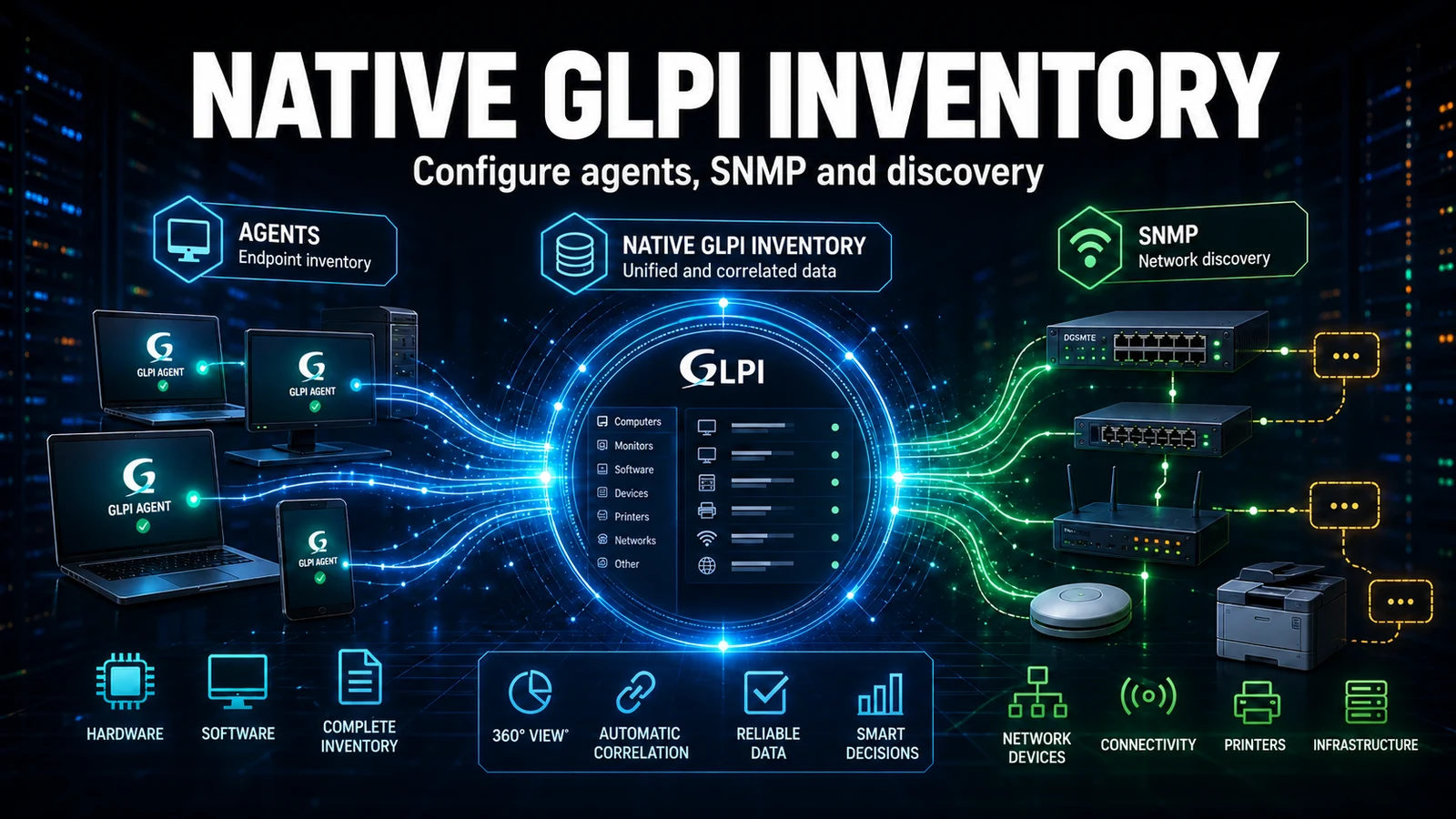
On segmented networks the problem is rarely the GLPI Agent itself - it is the route. Branch offices without a VPN, DMZs, OT/ICS networks and labs usually have only outbound HTTP and never a direct path to the inventory server. When we maintain GLPI estates for clients, this is where the GLPI Agent proxy mode stops being a documentation curiosity and becomes production architecture: one agent per network collects its neighbours' inventory and forwards it to GLPI over a single controlled channel.
Where proxy mode actually helps (and where it does not)
Proxy mode does not exist to "save on agents". It exists to collapse N firewall rules into one. Without a proxy, every workstation in a branch would need to reach the GLPI server - which means opening the whole estate to the data center, or relying on a VPN that rarely covers the printer network, the factory controllers or the guest segment. With a proxy, only the concentrator talks to GLPI. Where we adopt it:
- Branch offices without a direct VPN to the data center, with only web browsing allowed.
- Isolated networks: DMZ, OT/ICS (factory floor), lab, guest segment.
- Restrictive firewalls where only outbound HTTP/HTTPS passes through a corporate proxy.
- Remote sites with unstable links, where collecting and resending locally reduces WAN retransmission.
Where it is not worth it: a flat network that already sees GLPI, or a small estate behind a stable VPN. There the proxy only adds a failure point. The rule we use in consulting is simple: proxy when the barrier is routing/firewall, not when it is scale.
Architecture: one concentrator per network domain
[Branch A hosts] --HTTP--> [GLPI Agent Proxy A :62354] --+
[Branch B hosts] --HTTP--> [GLPI Agent Proxy B :62354] --+--HTTPS 443--> [GLPI Server]
[OT/ICS network] --HTTP--> [GLPI Agent Proxy C :62354] --+        (glpi.yourcompany.com)
Each network has one agent with the local HTTP server enabled (the proxy role). Workstation agents do not know GLPI: they post their inventory to the proxy on their own network. The proxy forwards it to the GLPI server over a single TLS connection. Operationally, the client's firewall map stops having dozens of sources and becomes one line per network.
Real configuration we put into production
On GLPI Agent 1.x the configuration lives in .cfg files and the service exposes HTTP tasks on port 62354. The concentrator needs two things: the local server task enabled and a trust list (httpd-trust) restricted to the network range - never open.
1. Concentrator agent (network proxy)
# /etc/glpi-agent/conf.d/proxy.cfg  (concentrator agent)
# Where the collected inventories are forwarded:
server = https://glpi.yourcompany.com/front/inventory.php

# Enables the embedded HTTP server and the relay task:
tasks = inventory, remoteinventory

# Trust: ONLY the local network range may post to the proxy
httpd-trust = 192.168.10.0/24

# Local listener port (GLPI Agent default):
httpd-port = 62354

# Do not double-inventory the concentrator itself:
no-task = collect
2. Workstation agents (point to the proxy, not to GLPI)
# /etc/glpi-agent/conf.d/local.cfg  (branch workstations)
# The "server" here is the network proxy, not GLPI:
server = http://proxy-branch-a.local:62354

# Resend interval (seconds). 86400 = once a day:
delaytime = 86400

# Avoid everyone firing at the same instant (random window):
lazy = 1
3. Quick validation on the concentrator
# Did the listener respond?
curl -sS http://localhost:62354/ | head -n 5

# Force a run and watch the forward to GLPI:
glpi-agent --debug --force

# On the server: did the inventory arrive through the proxy?
tail -f /var/log/glpi-agent/glpi-agent.log | grep -i "success"
What NexTool learned the hard way
One detail that only shows up in day-to-day maintenance: when httpd-trust is too broad (or points at a corporate proxy doing SNAT), every workstation reaches the concentrator with the same source IP - the corporate proxy's. If you trusted the corporate proxy IP instead of the real workstation range, in practice any host crossing that proxy can post inventory. We always fix this by restricting httpd-trust to the physical range of the workstation network, never to the outbound gateway IP. The second lesson is about timing: without lazy = 1, estates with hundreds of machines powered on by the same GPO fire inventory in the same minute of the morning login and queue up at the concentrator - the branch link chokes at 8am every day. The random window from lazy solves this without touching infrastructure.
Proxy mode vs direct agent: when to choose each
| Criterion | Direct agent | Proxy mode |
|---|---|---|
| Firewall rules | One per source (does not scale) | One per network |
| Network with no route to GLPI | Does not work | Solves it |
| Single point of failure | None extra | The concentrator (mitigate with 2 proxies) |
| WAN traffic | N connections | 1 consolidated connection |
| Operational complexity | Low | Medium (1 host to maintain per network) |
| Best for | Flat network / stable VPN | DMZ, OT, branch without VPN |
Integration with GLPI and the NexTool ecosystem
Collecting is half the job; the value is in what GLPI does after the inventory lands. In the estates we maintain, we tie proxy-based inventory into the rest of the asset lifecycle:
- GLPI business rules classify the asset by entity/location from the data the proxy brought in - the right branch, the right category, with no manual typing.
- NexTool audit module records when an asset enters, changes owner or disappears from inventory - essential on OT networks where equipment cannot simply "vanish".
- Notifications fire when a proxy stops reporting: a silent concentrator means a whole network gone blind, and that becomes an alert, not a month-end surprise.
This is what separates "installing the GLPI Agent" from "maintaining reliable inventory": the proxy is the entry point, but data only becomes asset management when the GLPI beside it is configured to receive, classify and audit.
If your network has branches, a DMZ or a factory floor that stays out of inventory today, the NexTool GLPI maintenance team designs the proxy topology, hardens httpd-trust and wires inventory into your GLPI rules and auditing. Talk to us about GLPI maintenance.
Reviewed by the NexTool Solutions team.