Running IT without financial control is sailing without a compass. GLPI ships native modules for contracts, budgets, suppliers and depreciation, all tied to assets and tickets. In practice, though, the hard part is not the data entry: it is making the alerts fire and the numbers add up.
Contracts: what to record (and what usually gets missed)
Under Management > Contracts, each contract should carry:
- Identification: number, type (support, maintenance, lease, license) and linked supplier.
- Term: start date and duration in months. GLPI does not store an end date; it is computed from the start plus the duration.
- Notice period: in months. It sets how far ahead the renewal alert should arrive.
- Renewal: never, tacit or express.
- Costs: on the costs tab, with periodicity (monthly, yearly) so consumption matches the budget.
- Covered assets: link computers, servers and other items so you know what loses coverage at expiry.
The classic trap: recording the contract with duration 0 (open-ended). With no duration there is no computable end date, and the expiry alert simply never fires.
Making the alerts actually fire
Three layers must be on at the same time, or no email goes out:
- Global notifications enabled under Setup > Notifications, with a real recipient configured.
- Alert enabled on the contract itself (end of contract and/or notice). The default comes from the
default_contract_alertkey. - Automatic action running. The
contracttask only sends if the GLPI cron is actually being called.
In client environments, failure number one is a stalled cron. Make sure GLPI is triggered by the operating system, not only when someone opens the interface:
# /etc/cron.d/glpi - triggers GLPI automatic actions every minute
* * * * * www-data /usr/bin/php /var/www/html/glpi/front/cron.php >/dev/null 2>&1
Then, under Setup > Automatic actions, open the contract task and check: mode CLI/external, frequency (daily by default) and the last run date. If the mode is "GLPI" (internal), the task depends on someone browsing the system at the right time, which is fragile.
The configured alert that never resends
This is the detail that only shows up in day-to-day operations: GLPI writes every sent notification into glpi_alerts so it never duplicates. If the email failed (wrong SMTP, full mailbox) but the row was written, GLPI treats it as "already warned" and will not resend, even after you fix SMTP. To force a resend for a specific contract, clear the alert marker:
-- Find the contract id by name
SELECT id, name FROM glpi_contracts WHERE name LIKE '%Datacenter Support%';

-- Remove the already-sent alert marker (e.g. contract 42)
DELETE FROM glpi_alerts
WHERE itemtype = 'Contract' AND items_id = 42;
On the next cron run, the contract task re-evaluates the expiry and resends. The same applies to warranties, swapping in itemtype = 'Infocom'.
Quick diagnosis: contracts about to expire
Before trusting the dashboard, a direct SELECT confirms what is truly expiring in the next 90 days, with supplier and days left:
SELECT c.id,
       c.name                                            AS contract,
       s.name                                            AS supplier,
       c.begin_date,
       DATE_ADD(c.begin_date, INTERVAL c.duration MONTH) AS end_date,
       DATEDIFF(DATE_ADD(c.begin_date, INTERVAL c.duration MONTH),
                CURDATE())                               AS days_left
FROM glpi_contracts c
LEFT JOIN glpi_contracts_suppliers cs ON cs.contracts_id = c.id
LEFT JOIN glpi_suppliers s            ON s.id = cs.suppliers_id
WHERE c.is_deleted  = 0
  AND c.is_template = 0
  AND c.duration    > 0
  AND DATE_ADD(c.begin_date, INTERVAL c.duration MONTH)
      BETWEEN CURDATE() AND DATE_ADD(CURDATE(), INTERVAL 90 DAY)
ORDER BY end_date ASC;
Run it as a read-only query. It is the same math the interface performs, handy for auditing before a bulk renewal.
Budgets tied to contracts and purchases
Under Management > Budgets, set the value, period (yearly, half-yearly or per project) and type. The point many people miss: a GLPI budget is a tracking reference, not a hard cap. It does not block entries above the ceiling; it shows planned versus consumed once you link contract costs and asset financial information (Infocom) to that budget. Without that link, consumption stays at zero and the report misleads.
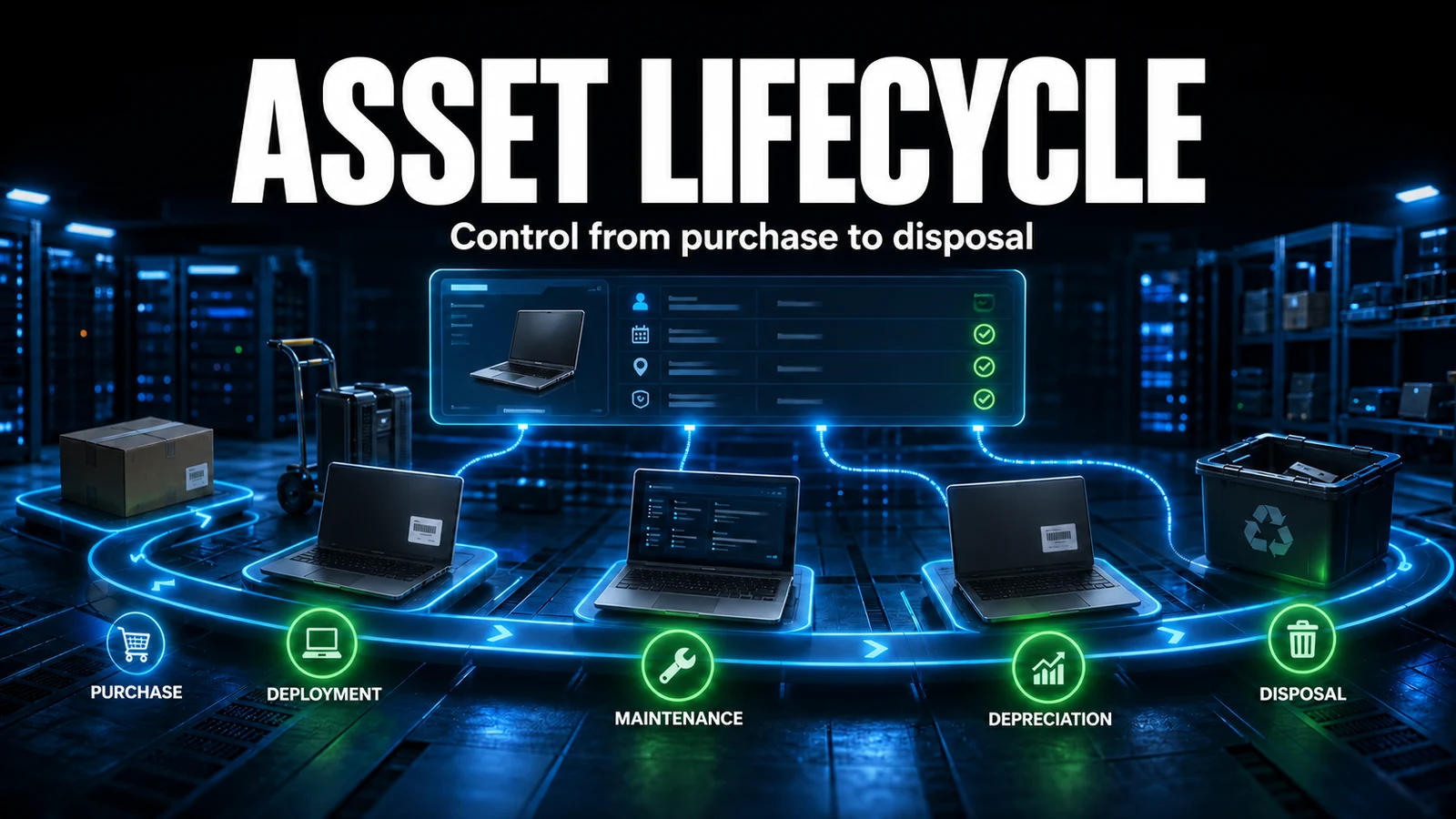
Asset depreciation
Every asset has a Management tab (Infocom) with purchase value, acquisition date, warranty and depreciation. GLPI computes the book value automatically from the type and the term. Picking the right method avoids TCO distortion:
| Scenario | Type (sink_type) | Typical term (years) | Note |
|---|---|---|---|
| Laptops and desktops | Linear | 4 to 5 | Constant loss; simple to audit. |
| Servers and storage | Linear | 5 to 7 | Track extended warranty alongside. |
| Gear with front-loaded loss | Declining | 3 to 5 | Requires a coherent coefficient (sink_coeff). |
| License or asset with no relevant residual value | Linear | 1 to 3 | Align the term to the contract period. |
Set the defaults under Setup > General > Assets tab so you do not fill them item by item. The common mistake here is leaving the start of use date blank: without it GLPI has no starting point to depreciate from, and the book value stays equal to the purchase value forever.
Reports and cost per ticket
- Assets by value: how much is invested per location or entity.
- Contracts about to expire: the same list as the SELECT above, now on the dashboard.
- Depreciation: the book value of the estate over time.
- Cost per ticket: contract value divided by the number of tickets handled by that supplier, great for grounding a renegotiation.
NexTool operations checklist
When we take over client environments, before trusting GLPI financial management we always validate the same sequence: cron calling front/cron.php from the operating system (not the browser); the contract task in external mode with a recent last run; global notifications on and a real recipient on the alert; contracts without an improper duration = 0; and a sweep through glpi_alerts whenever the client says it "stopped sending email". Nine out of ten "GLPI does not warn about expiry" cases land on one of these five points, not on a product bug.
Need to get GLPI contracts, budgets and alerts working end to end? NexTool deploys and sustains these flows in B2B client environments: explore NexTool sustaining support.
Reviewed by the NexTool Solutions team.