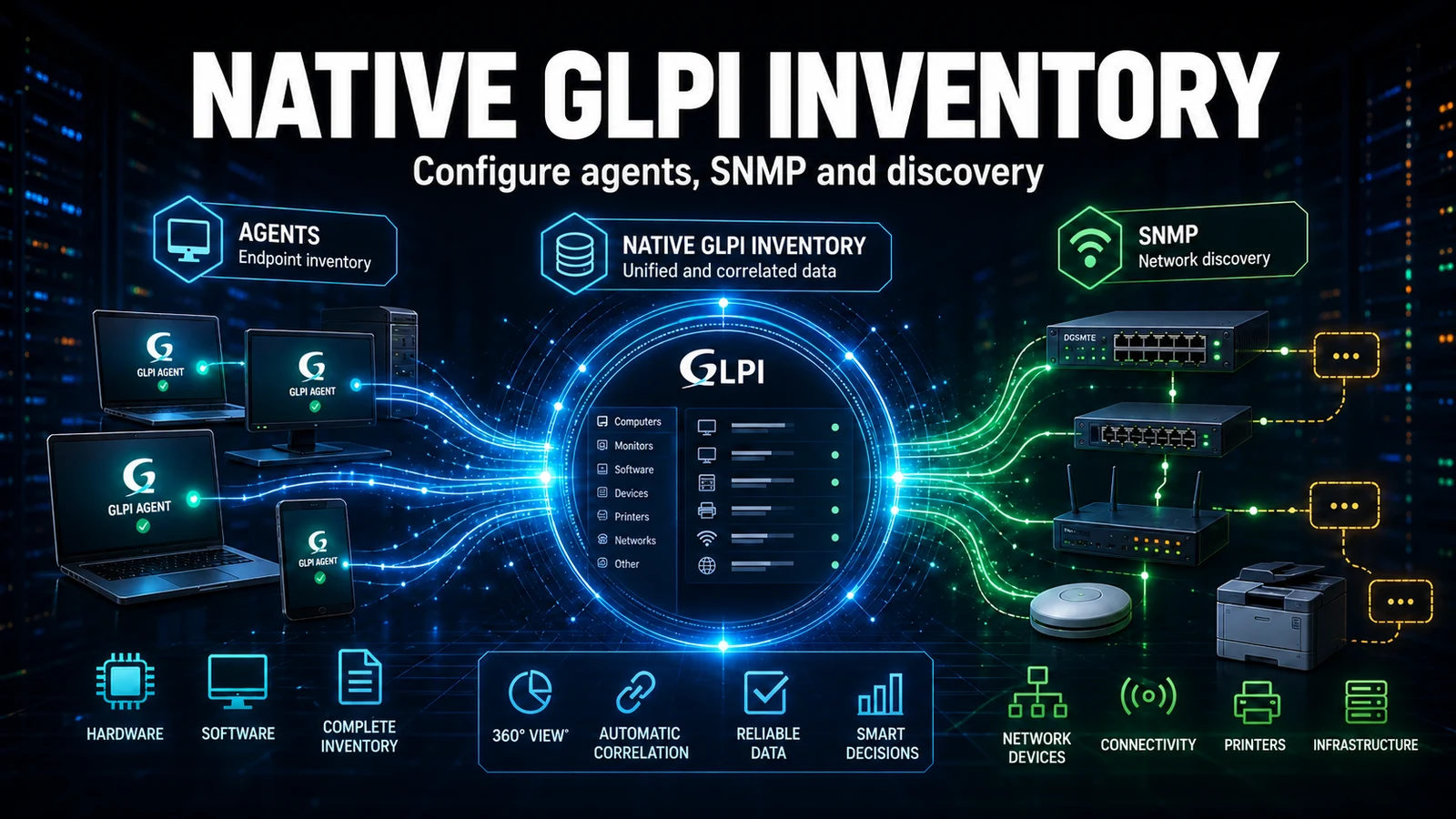
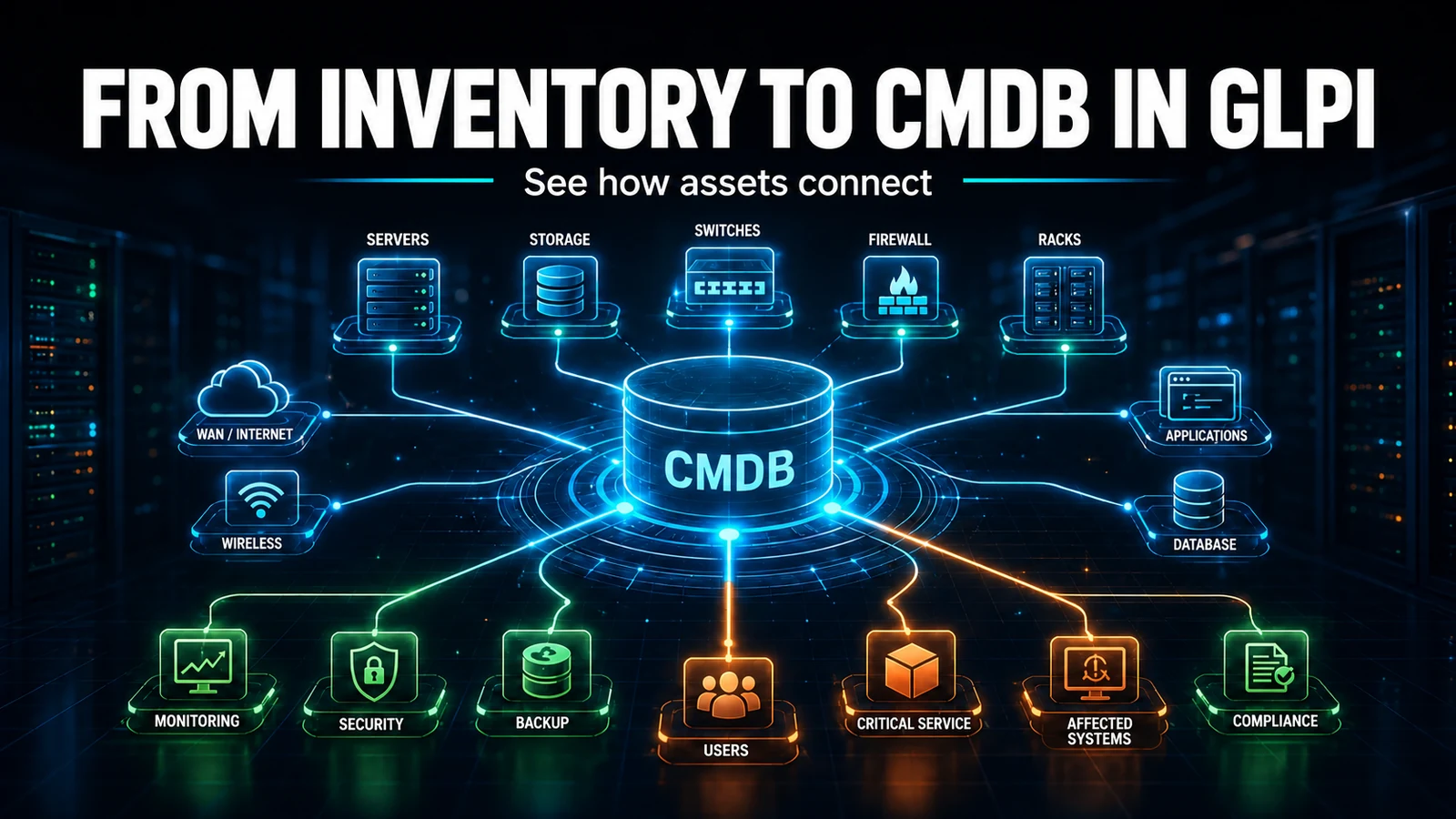
Automated inventory without dictionaries is a CMDB nobody trusts. Every agent reports "Dell Inc.", "DELL" and "Dell Technologies" as different manufacturers, and the manager opens the asset report to find three rows for the same thing. GLPI dictionaries fix this at data entry - but they only really work when you map the mess first, understand that rejecting is destructive, and run the replay without knocking the server over. This guide is the path we use maintaining client GLPI fleets.
Why inventory arrives dirty
When the GLPI Agent collects data from hundreds of machines, the same real object shows up with several spellings, because each vendor writes the string its own way in the BIOS, the Windows registry or the package. The classic cases:
- Manufacturers: "Dell Inc.", "Dell", "DELL", "Dell Technologies" become four records.
- Models: "Latitude 5520", "LATITUDE 5520" and "Dell Latitude 5520" never group together.
- Software: hundreds of KBs and "Update for Windows" entries drown the software you actually need to manage.
- Operating system: "Windows 10 Pro", "Microsoft Windows 10 Professional" and "Win10Pro" fragment any license count.
The practical effect: dashboards with inflated totals, a useless software compliance report and purchasing decisions based on the wrong number. Standardizing is not cosmetic - it is what makes the CMDB trustworthy.
Map the mess before writing your first rule
The beginner mistake is to start creating rules in the dark. Measure first. A read-only SQL query straight against the database shows the size of the problem and prioritizes the effort. Run it on a replica or off peak hours:
-- Manufacturers with divergent spellings from the same group
SELECT id, name
FROM glpi_manufacturers
WHERE name LIKE 'Dell%' OR name LIKE '%DELL%'
ORDER BY name;

-- Amount of "pollution" in the software catalog (KBs and updates)
SELECT COUNT(*) AS junk_software
FROM glpi_softwares
WHERE name LIKE 'KB%'
   OR name LIKE 'Update for%'
   OR name LIKE 'Security Update for%';

-- Top 20 most repeated software names (rule candidates)
SELECT name, COUNT(*) AS occurrences
FROM glpi_softwares
GROUP BY name
ORDER BY occurrences DESC
LIMIT 20;
With those numbers you know where a rule pays off the most. In most fleets, manufacturer and software account for the bulk of the mess.
The dictionary types and when to use each action
Under Administration > Dictionaries you will find dictionaries for software, manufacturer, models (computer, monitor, printer, phone, network), types and operating system. What changes between them is the action you choose. This matrix sums up the decision:
| Inventory situation | Dictionary | Recommended action | Reversible? | Pitfall |
|---|---|---|---|---|
| Manufacturer with several spellings | Manufacturer | Assign a fixed name | Yes | The merge may leave an orphan entry in the dropdown |
| Model carrying the manufacturer prefix | Models | Regex + assign the captured group | Yes | Requires the "regular expression" criterion, not "contains" |
| KBs and updates polluting the catalog | Software | Ignore import | Partial | Replay DELETES the software already imported |
| Fragmented OS versions | Operating system | Assign OS / edition | Yes | OS name and edition are separate fields |
| Several software entries that are the same product | Software | Assign name + manufacturer | Yes | Groups versions; check before merging |
Normalizing manufacturers and models (step by step)
- In the Manufacturer dictionary, create the rule: criterion Name - contains -
Dell; action Assign Name =Dell. That collapses every spelling into one record. - For models that carry the manufacturer prefix, "contains" is not enough - use regex. Set the criterion to regular expression and capture only the useful part.
# Computer models dictionary
# Criterion -> Name | regular expression matches:
/^(?:Dell\s+)?(Latitude\s+\d+)/i

# Action -> Name | Assign the value from the regular expression:
#1

# Result:
#   "Dell Latitude 5520" -> "Latitude 5520"
#   "LATITUDE 5520"       -> "Latitude 5520"
#   "Latitude 5520"       -> "Latitude 5520"
#1 is the first captured group; #0 would be the whole string. This detail trips up a lot of people: the "assign the value from the regular expression" action only works if the criterion is set as a regular expression. With "contains", #1 becomes literal text.
Rejecting KBs without blowing up the inventory
To pull updates out of the catalog, create a rule in the Software dictionary with the Ignore import action:
- Criterion: Name - starts with -
KB- action Ignore import. - Criterion: Name - contains -
Update for Windows- action Ignore import.
From then on, new imports skip those items. The detail almost nobody anticipates: when you run the replay of that rule, GLPI deletes the software already imported that matches the criterion. It is the right action to clean up, but it is destructive - which is why it always goes to a staging environment first.
Replay: applying the rules to existing data
A dictionary rule only acts on entry. For data already in the database, use the Replay the dictionary rules button inside each dictionary. Two operational precautions we learned the hard way:
- Chunk it by manufacturer. In the software dictionary replay, GLPI lets you pick the manufacturer. Running it all at once on a large catalog blows past PHP's
max_execution_timeand returns a 500 error. Run it in batches. - Low-traffic window. The replay reprocesses thousands of rows; schedule it outside business hours.
After the replay, confirm the consolidation worked with a simple count:
-- Should leave 1 "Dell" record (not 4)
SELECT id, name FROM glpi_manufacturers
WHERE name LIKE '%Dell%';

-- KB software should trend to zero after replay with "Ignore import"
SELECT COUNT(*) AS kb_remaining
FROM glpi_softwares
WHERE name LIKE 'KB%';
The common mistake in client maintenance
On a client fleet of around 3,000 assets, the software dictionary rejecting KBs and updates dropped the catalog from tens of thousands of "software" entries to a few thousand real items - the compliance report finally became readable. But we ran the replay with "ignore import" straight in production and the client lost track of which machines had each KB, because rejection deletes the record, it does not just hide it. The decision that became the rule for every environment: dictionary replay is born in staging, rejection is treated as a destructive operation, and a manufacturer merge is always followed by cleaning up the orphan values in the dropdown, which GLPI does not remove on its own. This is the kind of detail that only shows up after you run it on a real fleet.
Best practices that avoid rework
- Start with manufacturer and software - they hold most of the mess and pay off fast.
- Rule order matters: put the more specific rules before the generic ones.
- Always test in staging and validate the replay with a count SQL before and after.
- Review the dictionaries after every large inventory wave (a new batch of machines, an acquisition, a vendor change).
- Document each rule: a dictionary with no record of "why" becomes a black box in the next maintenance cycle.
Standardizing inventory is the foundation for reliable metrics and for the asset lifecycle. If your fleet has grown and the CMDB turned into a tangle of duplicates, NexTool handles that cleanup as part of maintenance: mapping the mess, dictionary rules tested in staging and a controlled replay, without knocking your GLPI over.
Reviewed by the NexTool Solutions team.