


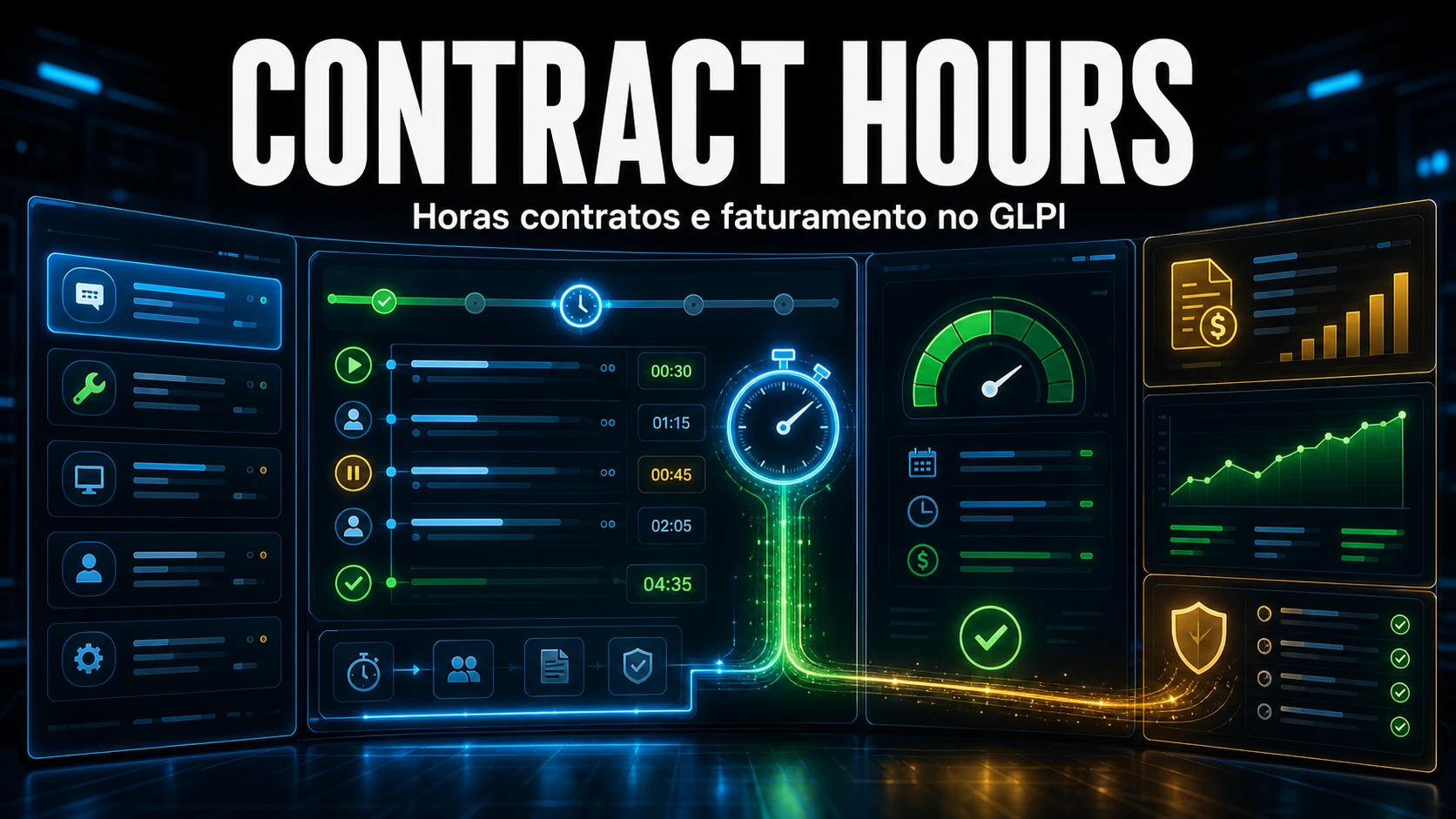
Selling hour packages without a reliable balance means operating in the dark: the client questions the invoice, the technician has no idea how much is left, and month-end closing turns into spreadsheet archaeology. The NexTool Contract Hours module solves this inside GLPI itself, timing work on the ticket timeline and debiting the correct contract. This guide shows how to configure it, which fields cause the most confusion, and the operational mistake that stalls billing entirely.
What native GLPI does not deliver
The task Duration field (stored in seconds in the actiontime column) records time, but it knows nothing about contracts, quotas or balances. You type the minutes by hand, with no stopwatch, no billable rounding, and no answer to the one question the client asks every month: "how much have I used and how much is left?". Contract Hours adds that layer on top of the native field without replacing it.
How time is captured
The technician controls a stopwatch right on the ticket timeline:
- Start begins counting; a floating badge stays visible across every GLPI page while a measurement is active.
- Pause / Resume discount breaks (meetings, lunch) without losing the accumulated time.
- Stop rounds the time, creates a private TicketTask and debits the linked contract.
When the ticket is resolved or closed, a hook stops the timer automatically (auto-stop). That is the detail that prevents a forgotten timer from running all night and inflating consumption.
Step by step: configuring a contract
- Install and enable the module under NexTool -> Modules -> Contract Hours. Installation creates the tables, the summary VIEW and registers three CronTasks (billing, cleanup, reconcile).
- Set the minimum billable time in Settings (default 15 min). Rounding happens in two steps: first to the multiple of the minimum, then to a multiple of 5 (for compatibility with GLPI's
actiontime). - Create the contract on the Hour Contracts tab: name, entity (1:1 relationship), Total hours, billing day, periodicity and alert threshold.
- Configure the criteria on the Conditions tab: the groups and/or ITIL categories that make a ticket "fall into" this contract.
- Adjust visibility on the Visibility tab: users, profiles and groups that can see the contract on the client dashboard. An empty list means visible to everyone with read permission.
The common mistake here: the "Total hours" field is stored in MINUTES. Typing "40" thinking of 40 hours actually creates a 40-minute contract, and the balance blows up on the very first ticket. For 40 hours, enter 2400.
The resolution rule is AND, not OR
Deciding when a ticket belongs to a contract is where we see the most misconfiguration. The logic combines the entity (always mandatory, 1:1) with optional group and category criteria:
| Criteria on the contract | Rule applied | The ticket joins the contract when |
|---|---|---|
| None | Entity only | Always (just belonging to the contract entity) |
| Groups only | Membership within the type | An assigned group is in the contract list |
| Categories only | Membership within the type | The ITIL category is in the contract rules |
| Groups AND categories | AND between the types | Group in the list AND category in the rules (both) |
In other words: with both group and category set, the ticket only joins the contract if both match. Configuring both while expecting "OR" behaviour is what pushes half the tickets into the "No Contract" card.
actiontime is the source of truth
From version 3.4.2 on, the module treats the TicketTask actiontime as the primary source. The timer's billable_time is kept in sync by three layers: the onTicketTaskUpdated hook (real time, when you edit the task via native GLPI), the reconcile cron (every 4h) and the "Recalculate Contracts" button. In practice, editing the task duration directly in GLPI reflects on the contract balance - as long as the cron is running.
The cron must run in external mode
Here is the operational mistake that stalls everything. Contract Hours depends on three CronTasks: billing (closes the cycle and resets consumption), cleanup (closes orphan timers) and reconcile (syncs and re-resolves). They only run if GLPI's automatic actions are in external mode (CLI). In GLPI mode (triggered by web access), a low-traffic environment can go days without closing the billing cycle, while forgotten timers keep adding phantom hours.
Make sure the system cron points to GLPI's automatic-actions runner:
# /etc/cron.d/glpi - fires GLPI automatic actions every minute (external mode)
# Adjust the path to your install (in GLPI 11 the document root is public/)
* * * * * www-data /usr/bin/php /var/www/glpi/front/cron.php >/dev/null 2>&1
Then confirm the module's tasks are scheduled, in external mode and with a recent run:
-- State of the 3 Contract Hours CronTasks
SELECT name, frequency, mode, state, lastrun
FROM glpi_crontasks
WHERE itemtype = 'PluginNextoolContracthoursCron';
-- mode=2 (external/CLI), state=1 (scheduled) and a recent lastrun = healthy.
Diagnosing a mismatched balance
Across the client environments we maintain, the pattern repeats: the contract is created correctly, the first tickets debit fine, and three weeks later the balance "freezes". In almost every case the cause is the same - automatic actions were in web mode, not external CLI. Without the external cron, billing never closes the cycle, reconcile never syncs the edits made on the task, and cleanup never kills the orphan timers left by whoever forgot to hit Stop on Friday. That is why the first query we run in a Contract Hours diagnosis is against glpi_crontasks, not the balance: if lastrun for the three tasks is not recent, the problem is not the module, it is the GLPI infrastructure.
Once the cron is confirmed, the second suspect is billable_time drifting from actiontime after a retroactive edit. Measure the drift before recalculating blindly:
-- Timers whose billed time drifted from the task actiontime (source of truth)
SELECT t.id, t.tickets_id,
       t.billable_time/60 AS billed_min,
       tt.actiontime/60   AS task_min,
       (t.billable_time - tt.actiontime) AS diff_seconds
FROM glpi_plugin_nextool_contracthours_timers t
JOIN glpi_tickettasks tt ON tt.id = t.tickettasks_id
WHERE t.status = 'stopped'
  AND t.billable_time != tt.actiontime
LIMIT 20;
If there are mismatches, the "Recalculate Contracts" button (Data tab) runs the sync and recalculates consumption. To check balances, remembering the fields are in minutes:
-- Balance per active contract (values in minutes, converted to hours)
SELECT name, entities_id,
       total_hours/60 AS quota_h,
       used_hours/60  AS used_h,
       (total_hours - used_hours)/60 AS balance_h
FROM glpi_plugin_nextool_contracthours_contracts
WHERE is_active = 1
ORDER BY balance_h;
Auditing, alerts and courtesy hours
Every retroactive time edit is recorded - who edited it, when, and what the previous value was - on the Logs tab. That is the traceability you are grateful for when a client disputes a logged hour. Alerts fire by consumption percentage (default threshold 80%) and by two contract conditions: expired (end date in the past) and hours exceeded. Each condition can be set to "do nothing", "alert" (a dismissible yellow popup) or "block". A fine-print rule applies: the red block only acts on ticket creation by the help desk (Service Catalog); an already-open ticket is never blocked, it only gets the alert. Since version 3.6 there is also a "non-billable" toggle (courtesy): the time is counted but does not debit the balance - handy for work you want to record without charging against the client's quota.
Turning ticket hours into defensible billing - with a balance, a statement and a dashboard the client understands - is exactly what the Contract Hours module of the NexTool plugin solves. If you maintain GLPI and still close the month in a spreadsheet, talk to us.
Reviewed by the NexTool Solutions team.



