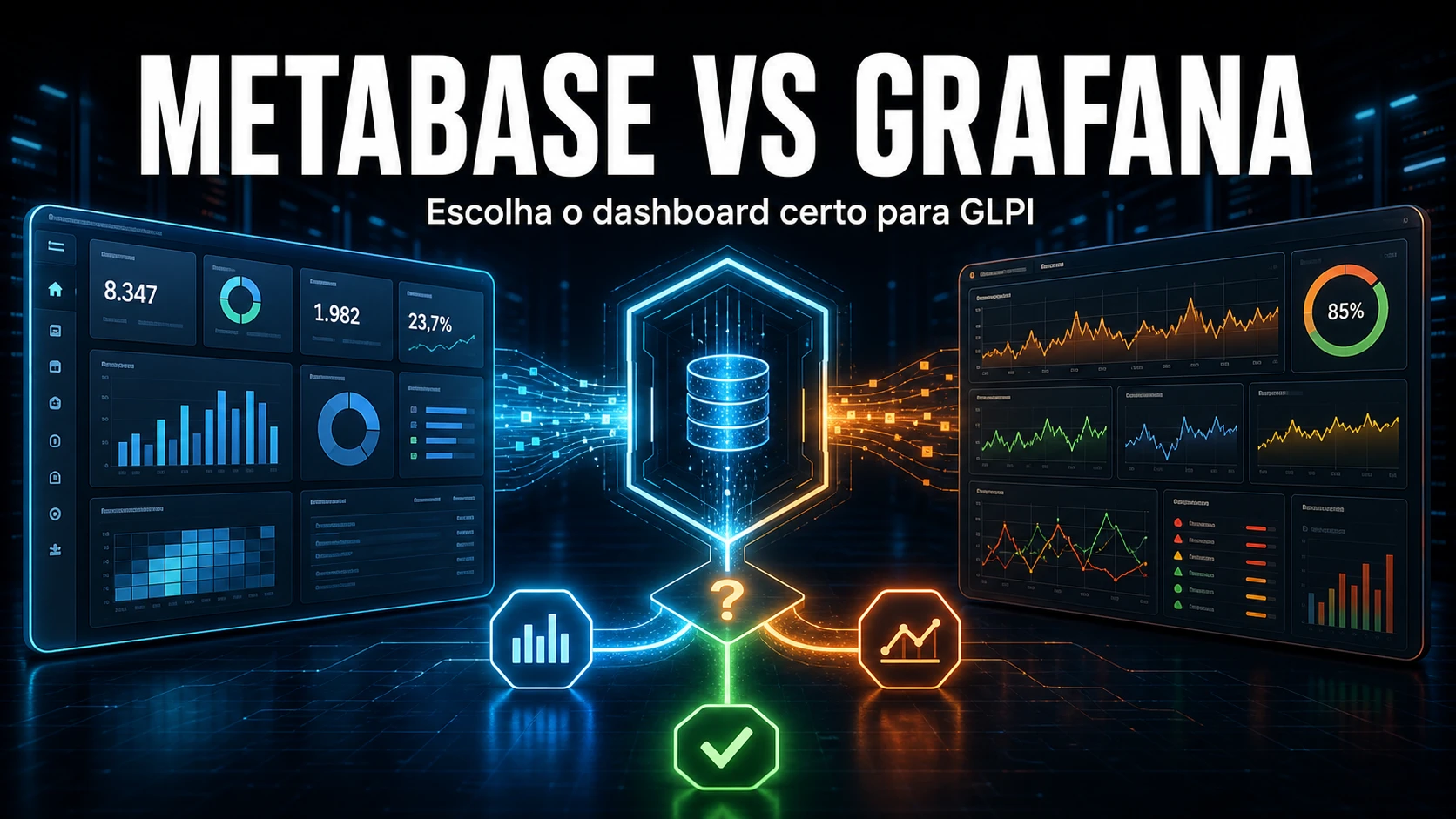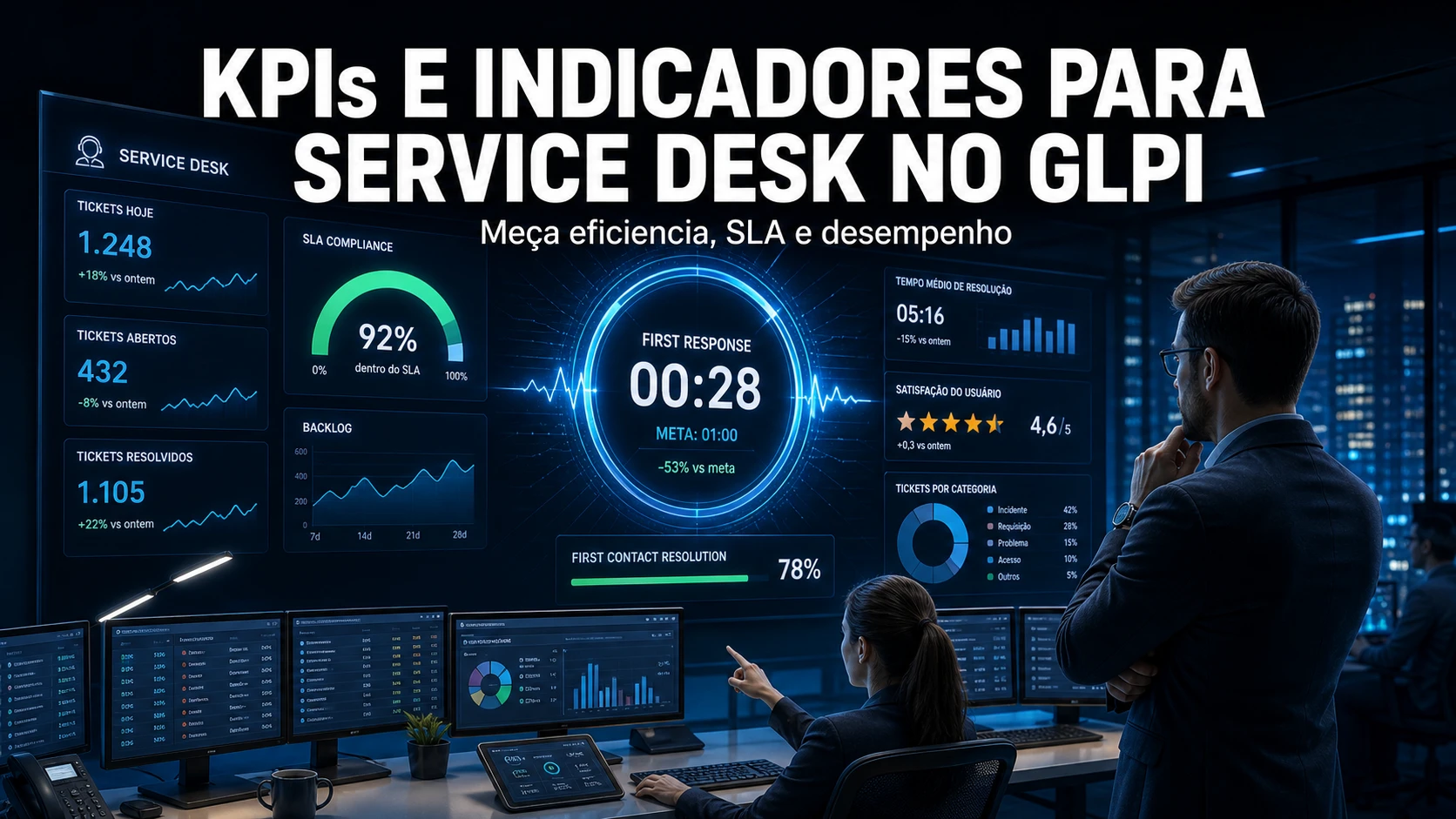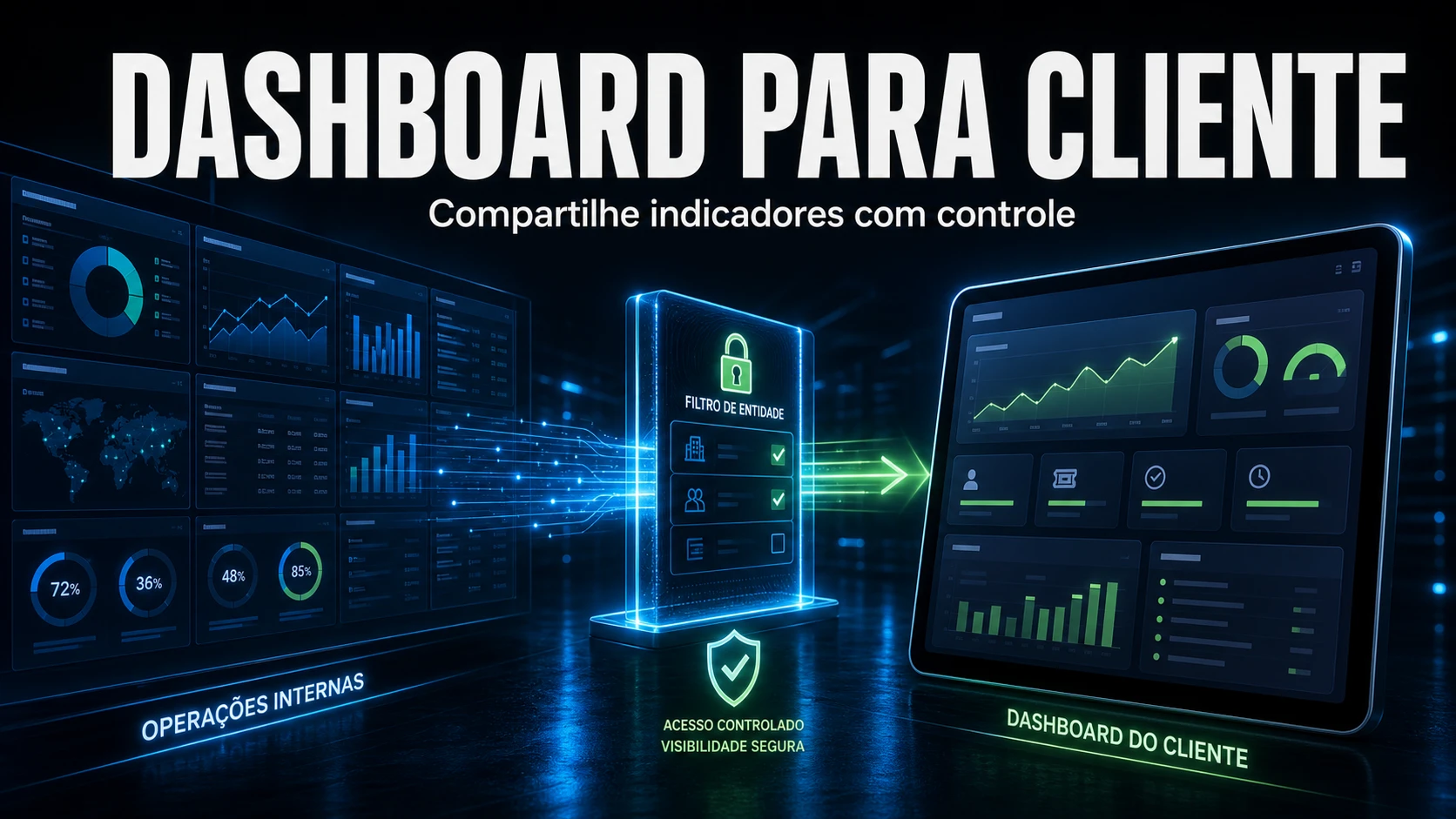
Grafana only delivers value when the panels answer questions from the people who operate and the people who decide. In the GLPI and infrastructure support we run for B2B clients, it is the visualization layer we place next to the service desk: it reads SLA and ticket metrics straight from the GLPI database, cross-references availability series coming from Zabbix or Prometheus, and shows everything on a single screen that the NOC and leadership can read without exporting a spreadsheet.
How we position Grafana next to GLPI
The architecture we use is deliberately lean: one Grafana container on the same host that already runs GLPI, behind the same TLS reverse proxy, consuming three distinct data sources. The first is the GLPI MariaDB/MySQL itself, through a read-only user, for service desk indicators (open tickets, breached SLA, mean time to respond). The second is Zabbix or Prometheus, for infrastructure availability and capacity. The third, when the client has the NexTool plugin, are the synchronization and integration metrics that the ecosystem exposes.
The common mistake we see in people who set this up on their own is pointing Grafana at the GLPI administrative user. We never do that. A panel only needs to read, and a compromised datasource must not become a write door into the production database. We create a dedicated user with SELECT restricted to the tables of interest, and Grafana never gets more permission than it needs to draw a chart.
Artifact: read-only user and datasource
This is the pair we provision in every deployment. First the read-only user on the GLPI database, with minimum privilege:
-- read-only user for Grafana to read GLPI
CREATE USER 'grafana_ro'@'%' IDENTIFIED BY '${STRONG_PASSWORD}';
GRANT SELECT ON glpi.glpi_tickets           TO 'grafana_ro'@'%';
GRANT SELECT ON glpi.glpi_slas              TO 'grafana_ro'@'%';
GRANT SELECT ON glpi.glpi_tickets_users     TO 'grafana_ro'@'%';
GRANT SELECT ON glpi.glpi_itilcategories    TO 'grafana_ro'@'%';
FLUSH PRIVILEGES;
-- no GRANT ALL: the panel only draws, it never writes
And the datasource provisioning via file, so the panel comes up versioned alongside the container instead of relying on a manual click in the interface:
# /etc/grafana/provisioning/datasources/glpi.yaml
apiVersion: 1
datasources:
  - name: GLPI (read-only)
    type: mysql
    access: proxy
    url: glpidb:3306
    database: glpi
    user: grafana_ro
    secureJsonData:
      password: ${STRONG_PASSWORD}   # injected via environment variable
    jsonData:
      maxOpenConns: 5                # does not choke the production database
      timeInterval: "1m"
Real query: breached SLA by category
An executive panel we always deliver is the one for tickets with an overdue resolution SLA, grouped by category. It is the view leadership opens on Monday morning. The query runs straight against GLPI, respecting the time-series format Grafana expects:
SELECT
  c.completename                             AS category,
  COUNT(*)                                   AS breached_tickets
FROM glpi_tickets t
JOIN glpi_itilcategories c ON c.id = t.itilcategories_id
WHERE t.status NOT IN (5, 6)                 -- excludes solved and closed
  AND t.time_to_resolve IS NOT NULL
  AND t.time_to_resolve < NOW()             -- resolution deadline already passed
  AND t.is_deleted = 0
GROUP BY c.completename
ORDER BY breached_tickets DESC;
A detail only those who operate GLPI know: statuses 5 and 6 are solved and closed in the default schema, and is_deleted = 0 is mandatory because GLPI uses soft deletes - ignoring that column inflates the number with tickets already in the trash. In support work we have seen a third-party panel report double the breached SLA just by forgetting is_deleted. It is the kind of bug that erodes management's trust in the whole dashboard.
Dashboard by audience: what we separate
We do not mix NOC and executives on the same screen. Operations need granularity to act now; management needs trend to decide. The separation we standardize:
| Dimension | Operational panel (NOC) | Executive panel (management) |
|---|---|---|
| Granularity | Per service, host and ticket | Per entity, contract and period |
| Typical window | Last few hours / real time | Week, month, quarter |
| Core metric | Latency, errors, ticket queue | SLA compliance, trend, capacity |
| Expected action | Act on the incident | Prioritize, hire, renegotiate |
| Refresh frequency | 30s to 1min | 15min to 1h |
Alerts: where to fire without duplicating
The rule we apply is simple and avoids the worst observability problem: the same event alerting through two paths. Infrastructure availability and capacity alert at the source (Zabbix or Prometheus), which already holds the history and the host context. Grafana alerts only on business indicators that exist solely in the cross-referencing of sources - for example, the SLA of a specific contract about to breach. Every panel we deliver carries, in its description, the metric definition and the expected action when there is a deviation. A panel without that documentation becomes decoration, and no one looks at decoration.
Another support point: we cap maxOpenConns on the datasource precisely because an executive dashboard with aggressive refresh and several heavy queries can open too many connections and compete with production GLPI. We have already fixed ticket slowness the team blamed on GLPI when it was, in fact, a badly configured Grafana draining the database connection pool.
When the client uses the NexTool plugin, we also surface on the same dashboard the module synchronization metrics - integration status, webhook queues and job health - so that service desk operations and ecosystem health sit in the same reading, without switching tools.
If your GLPI operation still depends on exporting a spreadsheet to know how the SLA is doing, NexTool deploys and supports this observability layer next to your service desk, with panels already integrated with GLPI and your infrastructure. Talk to us about GLPI support with integrated observability.
Reviewed by the NexTool Solutions team.