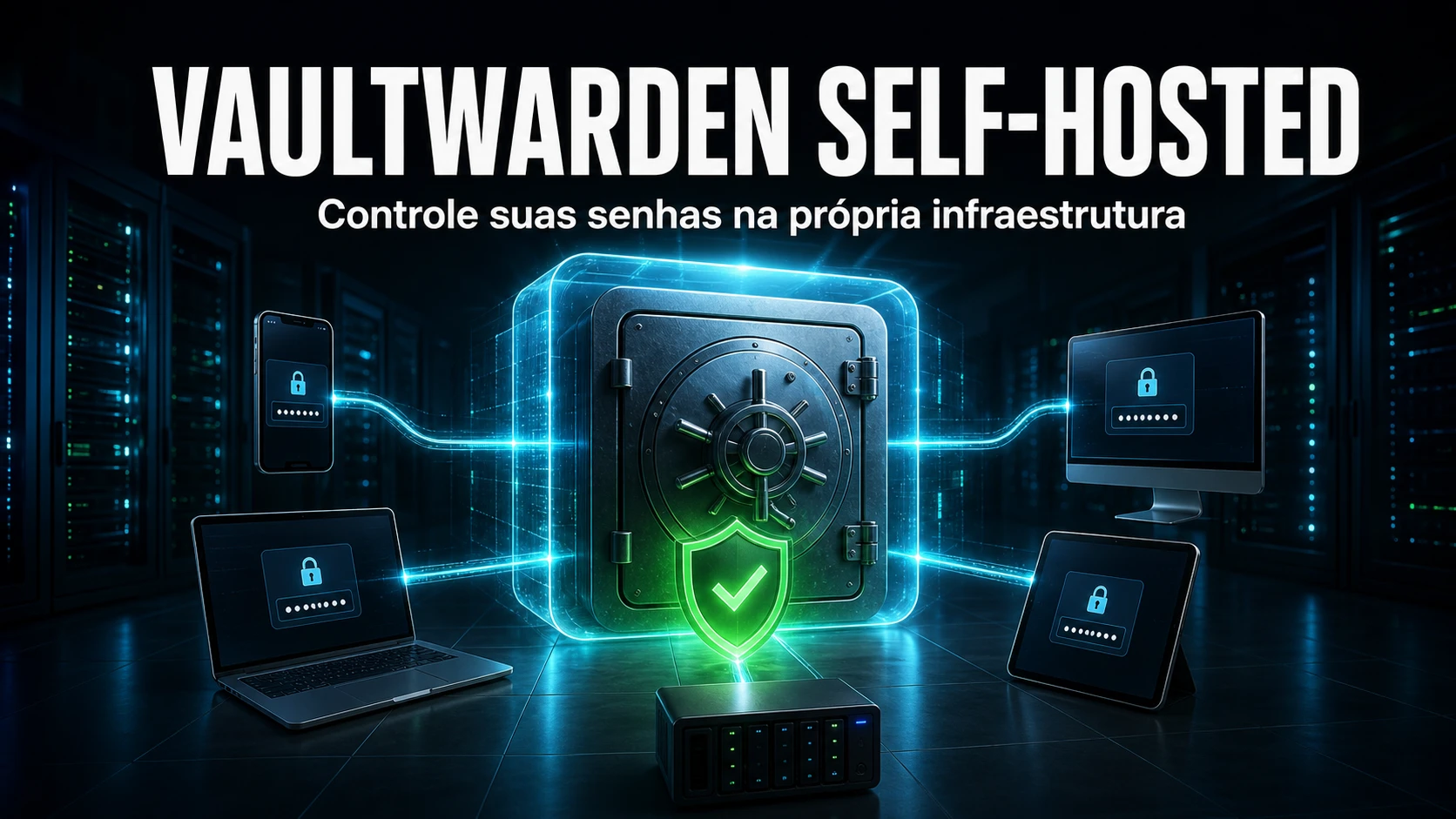
Vaultwarden is a lightweight, open source reimplementation of the Bitwarden server, written in Rust. It speaks the same protocol as the official Bitwarden clients (browser extension, mobile, desktop and CLI apps), but runs entirely on your own infrastructure - with no dependency on a third-party cloud. At NexTool it is the piece we use to store operational secrets for service desk teams: server passwords, API tokens, client-environment credentials and team-shared vaults, always alongside the GLPI instance we already maintain.
Why self-hosted for operational secrets
Support and infrastructure teams accumulate a silent problem: dozens of critical credentials scattered across spreadsheets, each technician's personal Bitwarden, ticket notes or - worse - in plain text inside the ticket itself. Vaultwarden fixes this with a central vault, with organizations, collections and per-group sharing, keeping the data inside your perimeter. For a B2B client that demands data sovereignty (GDPR, contracts with a residency clause), self-hosting is not an aesthetic preference: it is a requirement.
Resource usage is modest. Being Rust and SQLite by default, the container usually runs in ~128-256 MB of RAM for small and medium teams, which lets you place it on the same host that already runs GLPI, behind the same reverse proxy, without provisioning a new machine.
Artifact: a lean docker-compose with hardening
This is the skeleton we use as a starting point. Note that signups are disabled (invite-only via SMTP), the port is published only on 127.0.0.1 (the reverse proxy handles TLS exposure) and ADMIN_TOKEN is an argon2 hash, never the raw password:
version: "3.8"
services:
  vaultwarden:              # Rust reimplementation of Bitwarden
    image: vaultwarden/server:latest
    container_name: vaultwarden
    restart: unless-stopped
    environment:            # hardening variables
      DOMAIN: "https://vault.suaempresa.com"
      SIGNUPS_ALLOWED: "false"
      INVITATIONS_ALLOWED: "true"
      ADMIN_TOKEN: "$argon2id$v=19$m=65540,t=3,p=4$...hash..."
      SMTP_HOST: "smtp.suaempresa.com"
      SMTP_FROM: "[email protected]"
      SMTP_PORT: "587"
      SMTP_SECURITY: "starttls"
      SMTP_USERNAME: "[email protected]"
      SMTP_PASSWORD: "${SMTP_PASSWORD}"
    volumes:
      - ./vw-data:/data     # persistent volume (SQLite + attachments)
    ports:
      - "127.0.0.1:8080:80"
The admin panel hash is generated with the binary itself, and the plain-text value never touches the file:
# generate the argon2 hash for ADMIN_TOKEN
docker run --rm -it vaultwarden/server /vaultwarden hash
# Cole o hash resultante em ADMIN_TOKEN (nunca a senha em texto plano)
Vaultwarden self-hosted vs Bitwarden Cloud
The choice is not ideological. It depends on who carries the operational burden and how sensitive the data is:
| Criterion | Vaultwarden self-hosted | Bitwarden Cloud (paid plans) |
|---|---|---|
| Direct cost | Infrastructure only (shares the host with GLPI) | Per-user monthly license |
| Data sovereignty | Full - data in your perimeter | Vendor cloud (defined regions) |
| Premium features (2FA, reports, org) | Included, no paywall | Depend on the contracted plan |
| Operational effort | Yours (patch, backup, TLS, monitoring) | Vendor's (managed SLA) |
| Legal responsibility | Yours (controller and processor) | Shared with the vendor |
For those who do not want to carry patching, backup and TLS, Bitwarden Cloud is honestly the right answer. For those who already have a maintenance team (NexTool, for instance, when we take over a client environment), self-hosting pays off.
Secure deployment step by step
The routine we follow when standing up a production Vaultwarden:
- Reverse proxy with HTTPS. We publish the service only on
127.0.0.1and put a reverse proxy (the same one that serves GLPI) with a valid certificate in front. Vaultwarden requires HTTPS for the clients to work. - Disable signups.
SIGNUPS_ALLOWED=falsecloses open registration; nobody creates an account on their own. Access is always by invitation. - ADMIN_TOKEN as an argon2 hash. We generate the hash with the binary and keep only that. The
/adminpanel then requires this token, and the plain-text password never sits in the file. - SMTP for invites and alerts. We configure
SMTP_*so organization invites and resets are sent from an authenticated domain address. - Tested backup. Copying the hot SQLite file is not enough. We use
sqlite3 .backup(consistent with the live database) plus the attachments and the RSA key, and we restore in a separate environment periodically. - Updates. The
latestimage moves fast; we pin the version in production and upgrade within a window and with a fresh backup first.
# consistent database backup (never cp the hot file)
sqlite3 /srv/vaultwarden/vw-data/db.sqlite3 \
  ".backup '/backup/vaultwarden-$(date +%F).sqlite3'"

# attachments + RSA key (without them the vault will not open)
tar czf /backup/vw-attachments-$(date +%F).tgz \
  -C /srv/vaultwarden/vw-data attachments rsa_key config.json
How we operate it maintaining GLPI clients
While maintaining GLPI client environments, we use Vaultwarden as the operational vault: each client becomes an organization, with collections split by nature (server access, API credentials, portal accounts), and the team gets access by group, not by loose passwords. The common mistake we have seen - including before standardizing this - was leaving ADMIN_TOKEN in plain text in the compose file and committing it by accident; that is why it is always an argon2 hash today and the .env stays out of version control. The other decision we made was to put Vaultwarden behind the same reverse proxy as GLPI, on the same host, reusing TLS, monitoring and the backup routine. And we learned to back it up properly: a cp of the hot db.sqlite3 can capture the database mid-write and produce a corrupt restore - sqlite3 .backup solves that, and without the rsa_key the vault simply will not open afterwards. These are details that only surface when you operate, not when you read the README.
Frequently asked questions
If you maintain a GLPI environment and want to centralize operational secrets with help from a team that already does it, see our infrastructure and cloud services or talk to the team.
Reviewed by the NexTool Solutions team.